 GasPass
 Guides › Settings
31. Your devices
Use GasPass on your phone, tablet and computer. They sync between your own devices over Wi-Fi: no account, and nothing goes through us.
-
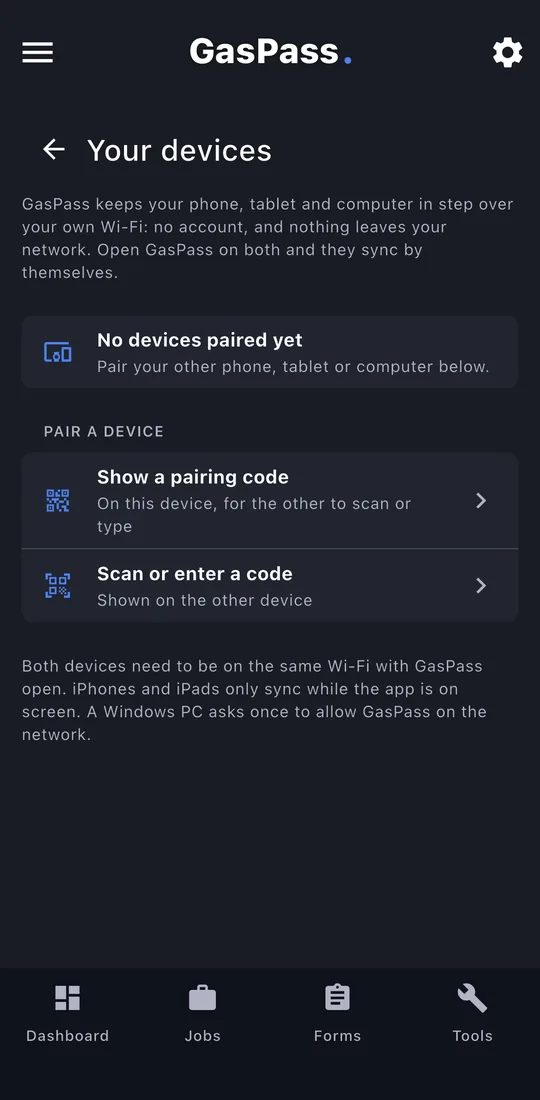
1Your devices
Settings › Your devices. Each paired device shows when it last synced, with Sync now.
-
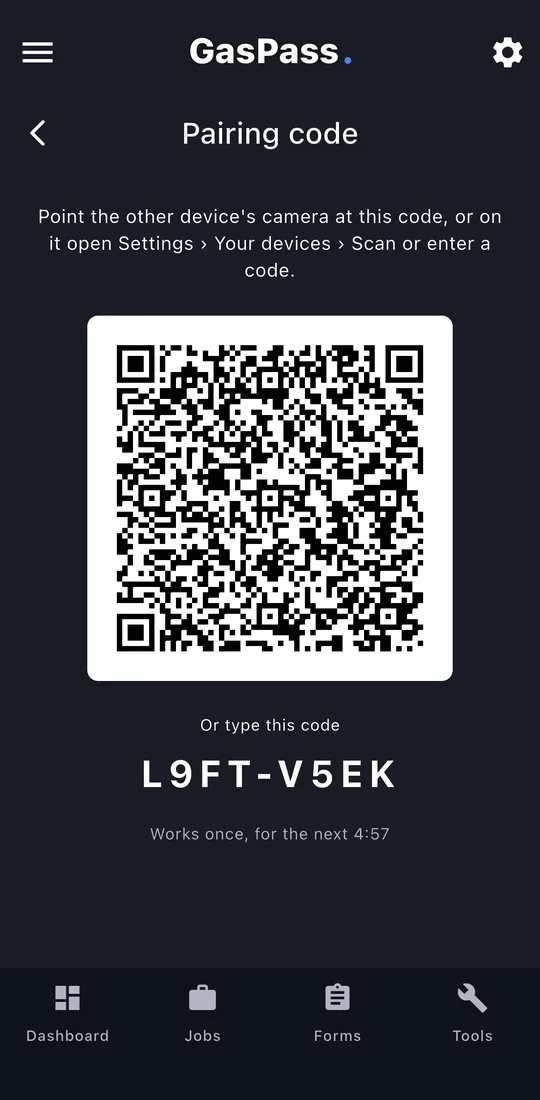
2Show a pairing code
On one device tap Show a pairing code: a QR code and an 8-character code, for 5 minutes.
-
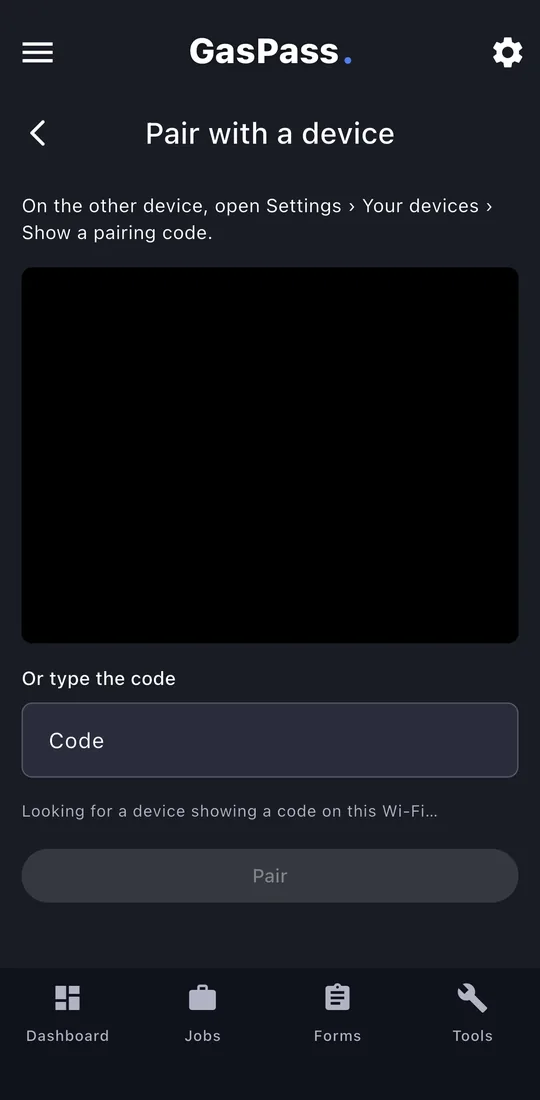
3Scan or enter it
On the other, scan the QR code with the phone's camera (it opens GasPass), or tap Scan or enter a code and type it. Once paired, they sync whenever both are open on the same Wi-Fi.