 GasPass
 Guides › Settings
30. Backups
Your records live on your own devices, so keep a backup somewhere else. GasPass also makes one itself every week.
-
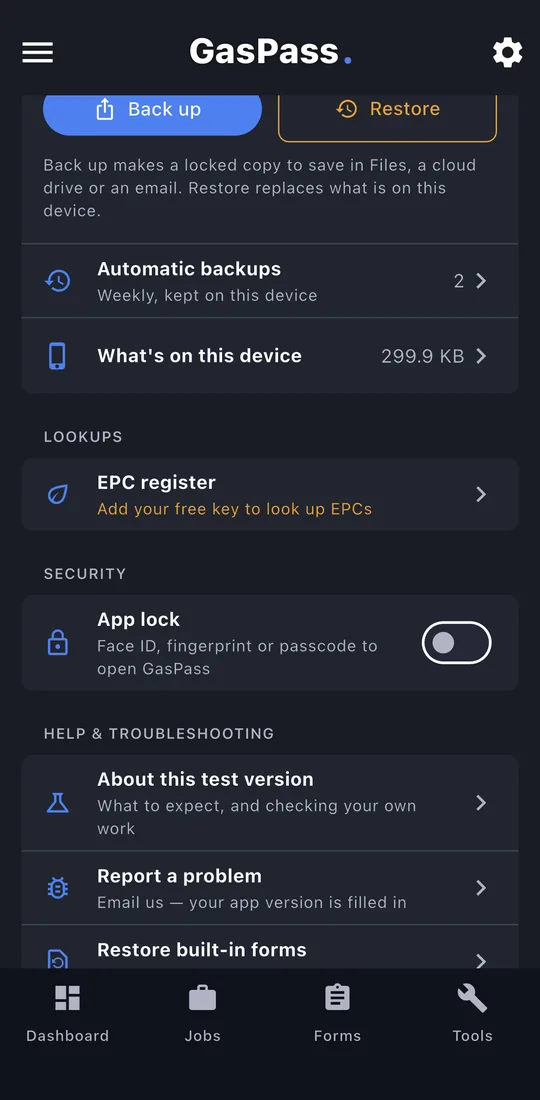
1Data and backup
In Settings, Data & backup shows when you last backed up.
-
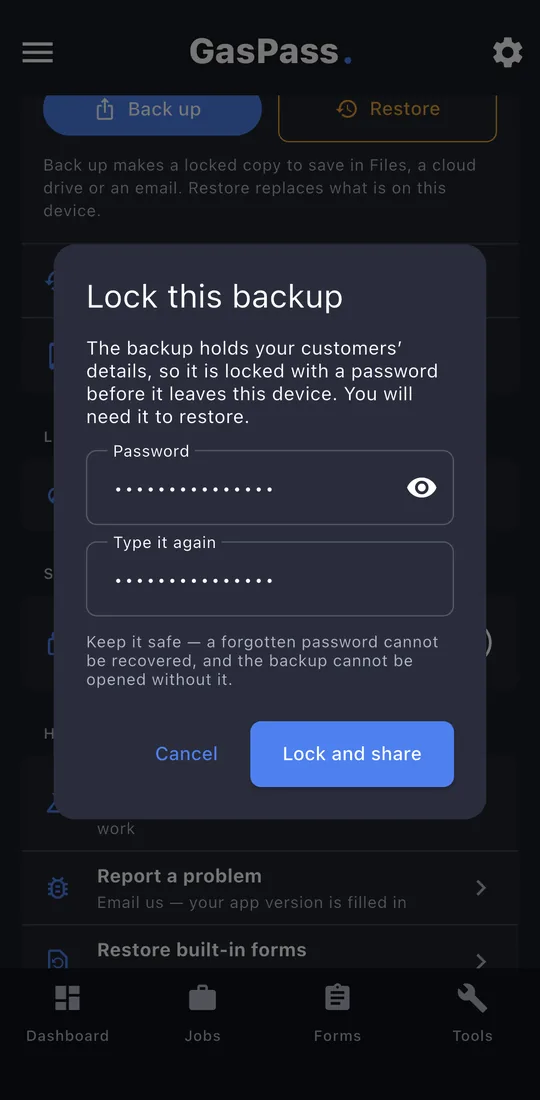
2Back up
Tap Back up and choose a password, at least 8 characters. It can't be recovered, so keep it safe. Then save the file somewhere off the phone: Files, a drive, or email it to yourself.
-
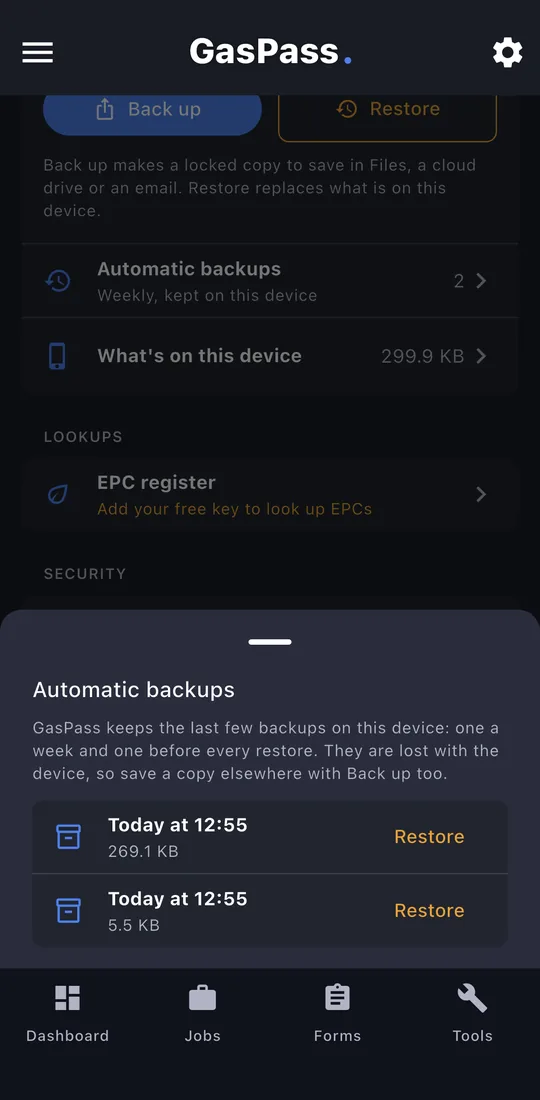
3Automatic backups
Once a week GasPass keeps a backup on the phone, the last three. Restore from here if you need to.
-
4Restore
Restore opens a backup file, asks for its password, shows what's in it, and replaces what's on this device. A copy of what was here is kept first.
-
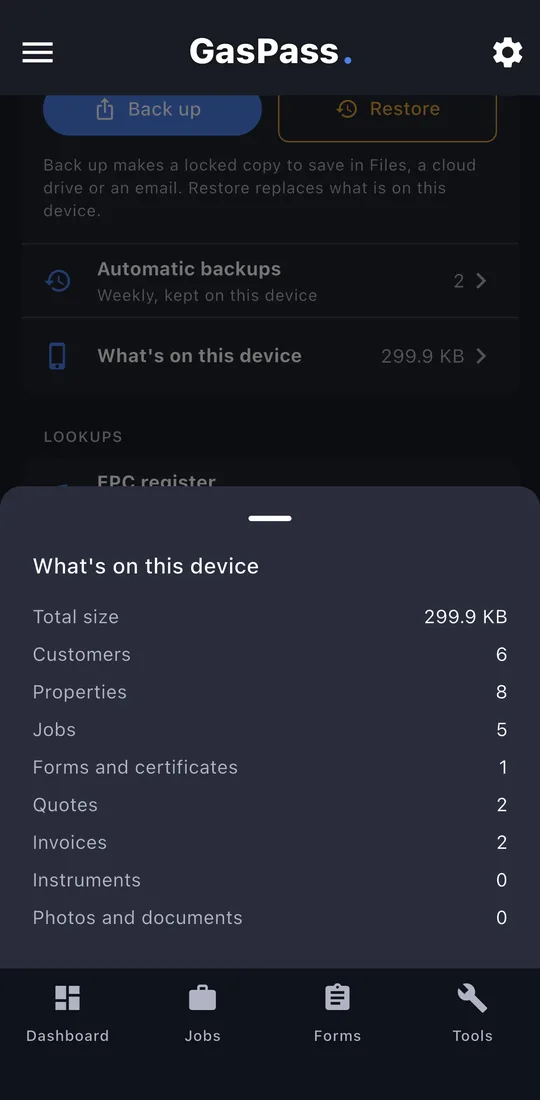
5What's on this device
How much is stored: customers, properties, jobs, forms, quotes, invoices and photos.