 GasPass
 Guides › Settings
29. Quotes, invoices and email
Set up once what every quote and invoice starts with: VAT, bank details, CIS, terms, notes and your email sign-off.
-
1Settings
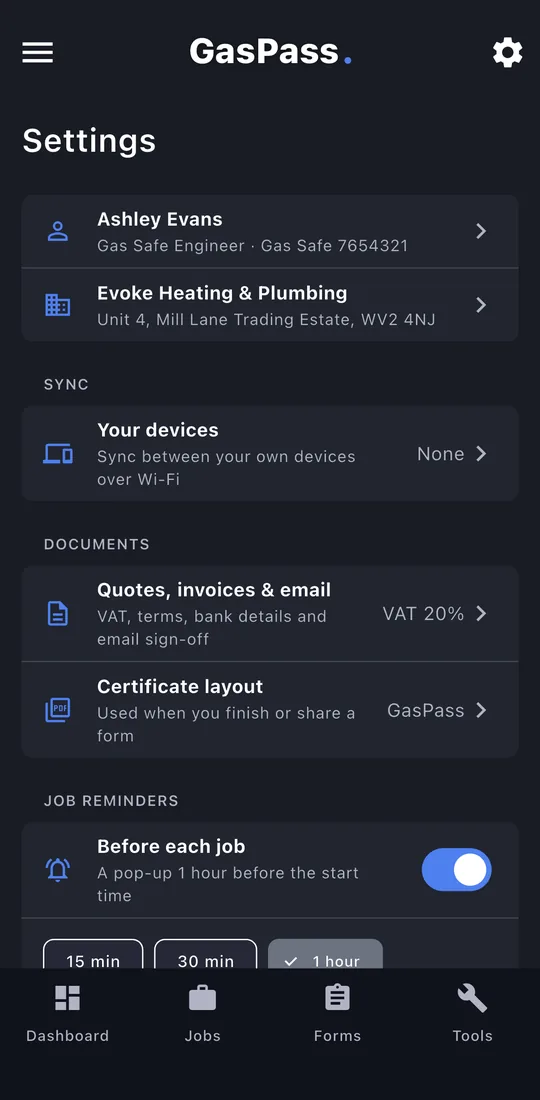
Tap ⚙ at the top right. Your details and business are at the top; tap them to change anything from setup.
-
2Quotes, invoices and email
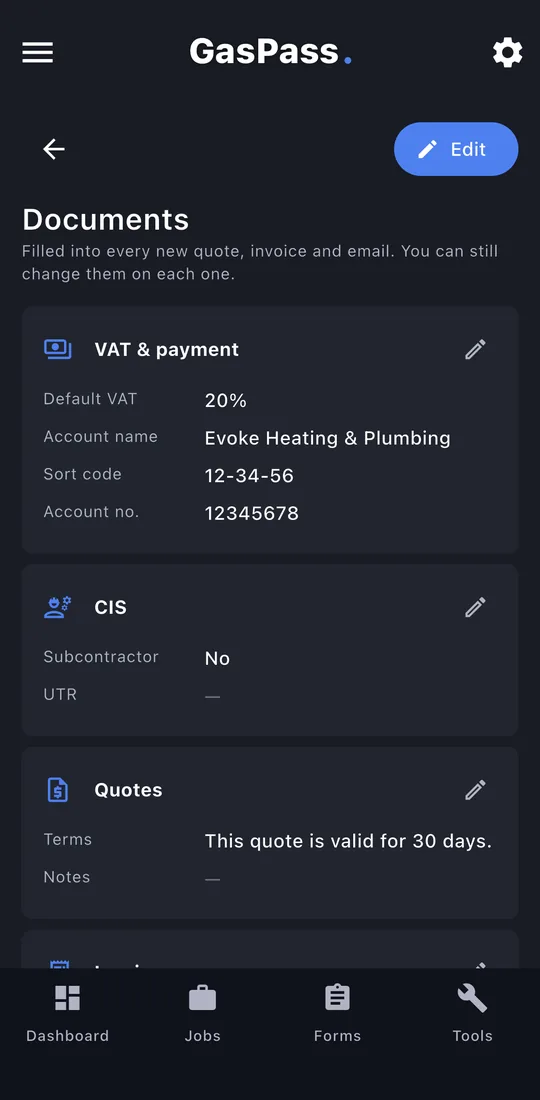
An overview of everything new quotes and invoices start with. Tap ✎ on a card to change it.
-
3VAT and payment
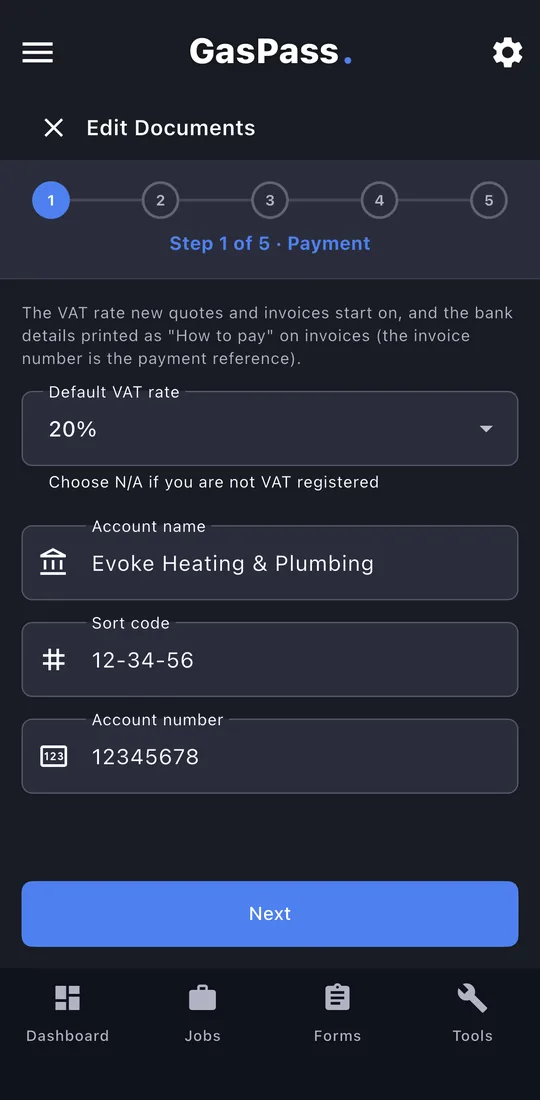
Your VAT rate and bank details. Bank details print on invoices under "How to pay".
-
4CIS, quotes, invoices, email
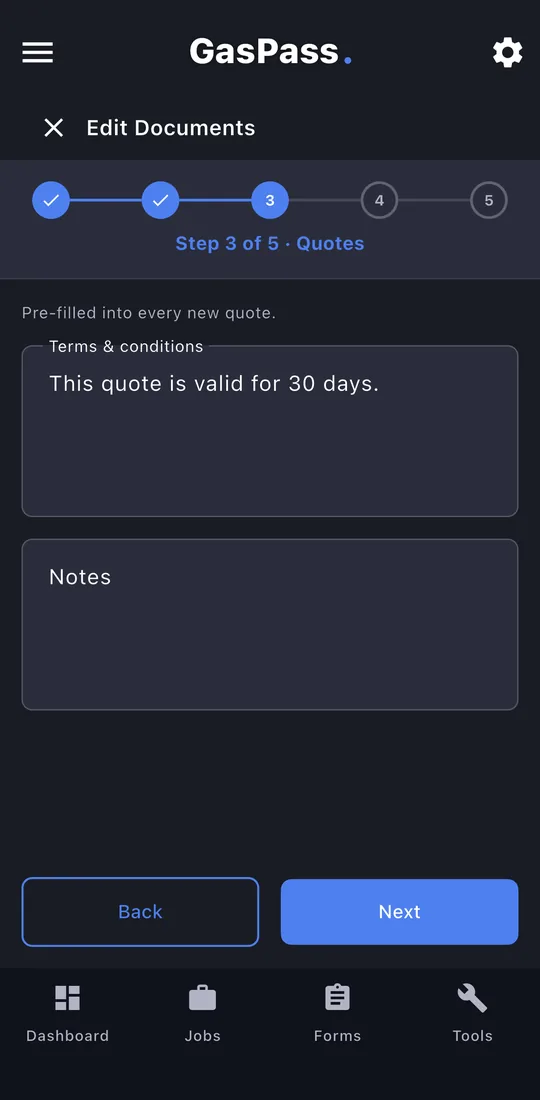
Your CIS rate, the terms and notes for quotes and invoices, and the sign-off on your emails. Next steps through them; Save at the end.
-
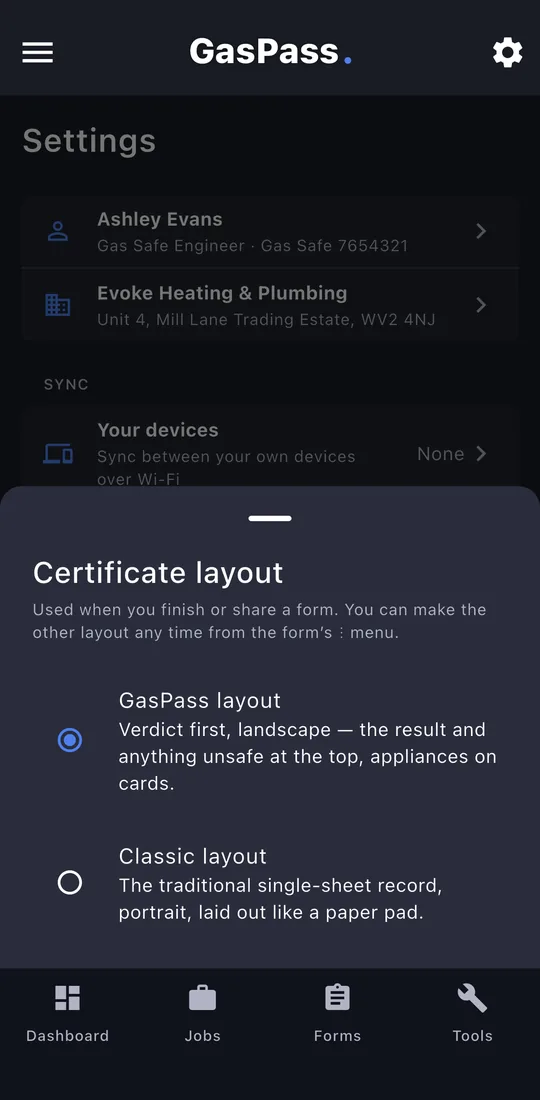
5Certificate layout
Your certificates in the GasPass layout or the Classic one. You can still pick either when you view a PDF.