 GasPass
 Guides › Tools
18. Gas rate
Time the meter or type the readings in, and see the gas rate, heat input and how it compares with the data badge.
-
1Tools
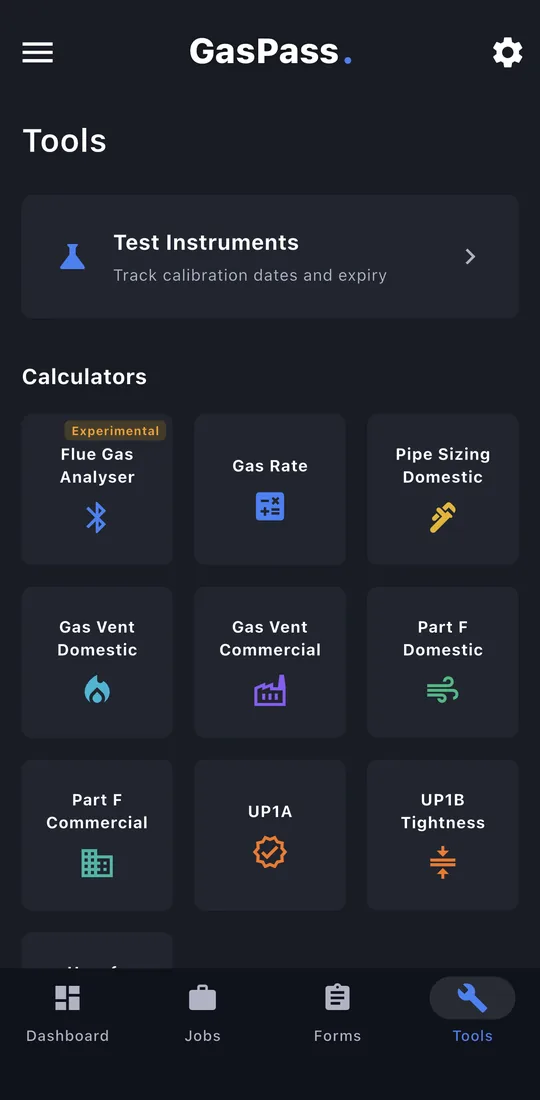
Tap Tools at the bottom. Your test instruments are at the top, then every calculator, and your last few results underneath.
-
2Time the meter
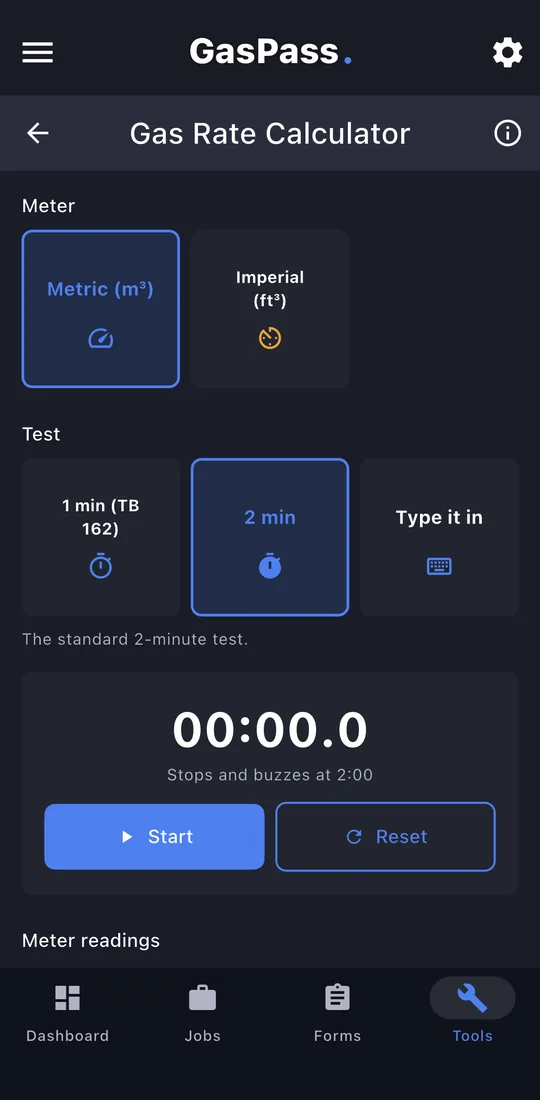
Pick the meter type and tap start: the timer clicks and sounds when it's done. Or tap Type it in.
-
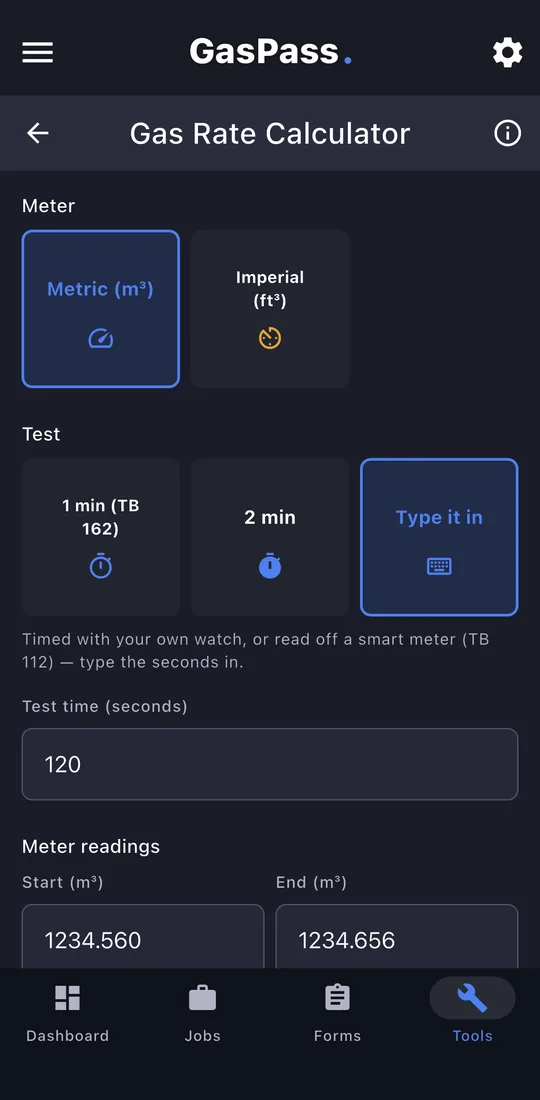
3Type it in
The test time and the start and end readings.
-
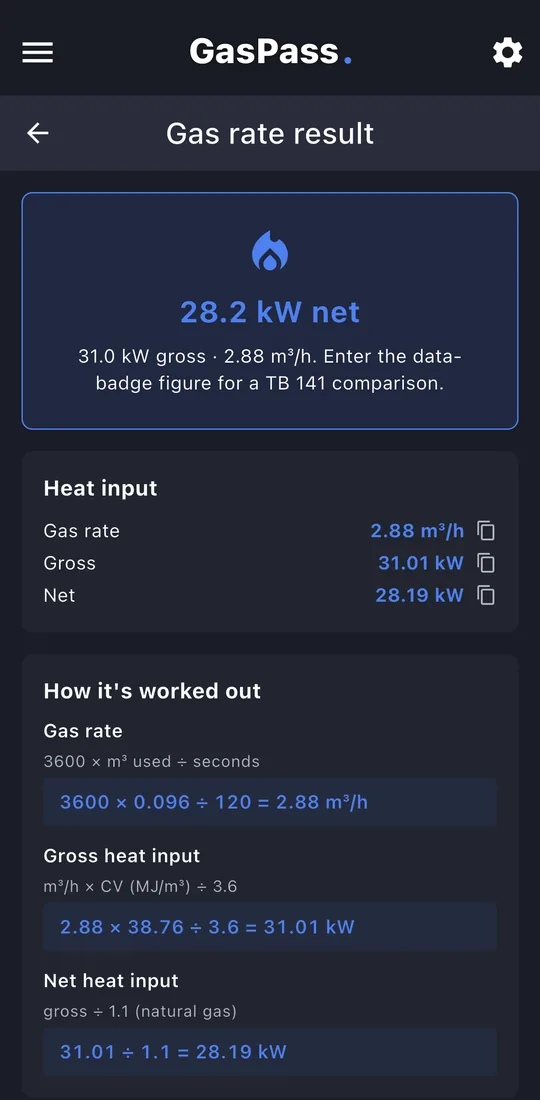
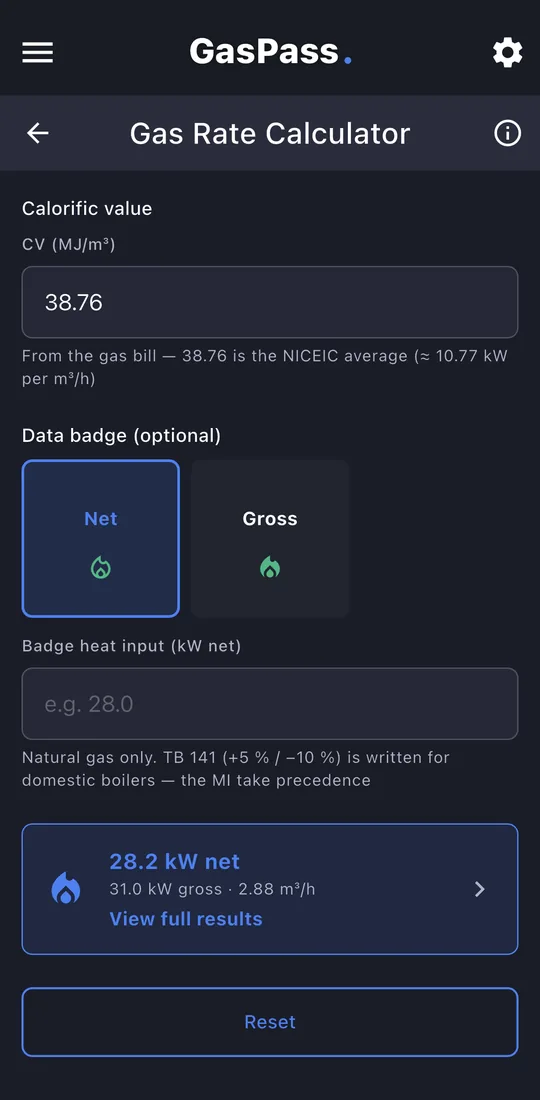
4The result
Gas rate and heat input, gross and net, as you go.
-
5Full results
Tap View full results for the working. Copy or share it, or send it to a Gas Service Record: choose the customer and property, and the form opens with the figures filled in.
GasPass shows the standard each answer comes from. Always check results against the current standard and the manufacturer's instructions.