 GasPass
 Guides › Forms
17. Heating survey
Survey a home for a new boiler or heating work: the existing system, gas, water and electrics, every radiator, and what you propose.
-
1Start the form
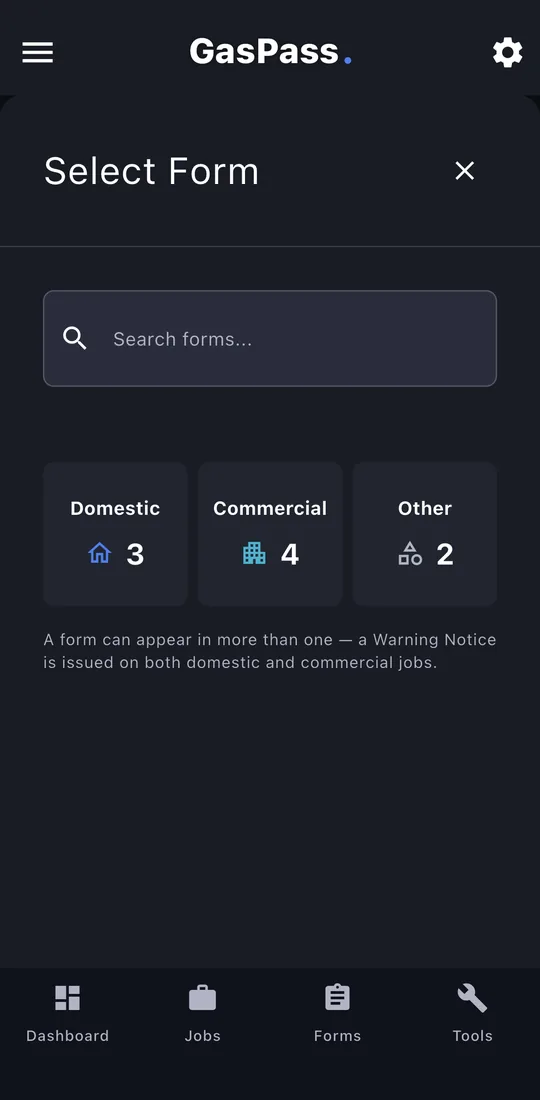
Open the customer, then the property, and tap Start Form. Pick the form, or search for it. On a job, use the job's Start a form instead and it's filed with the job.
-
2The job
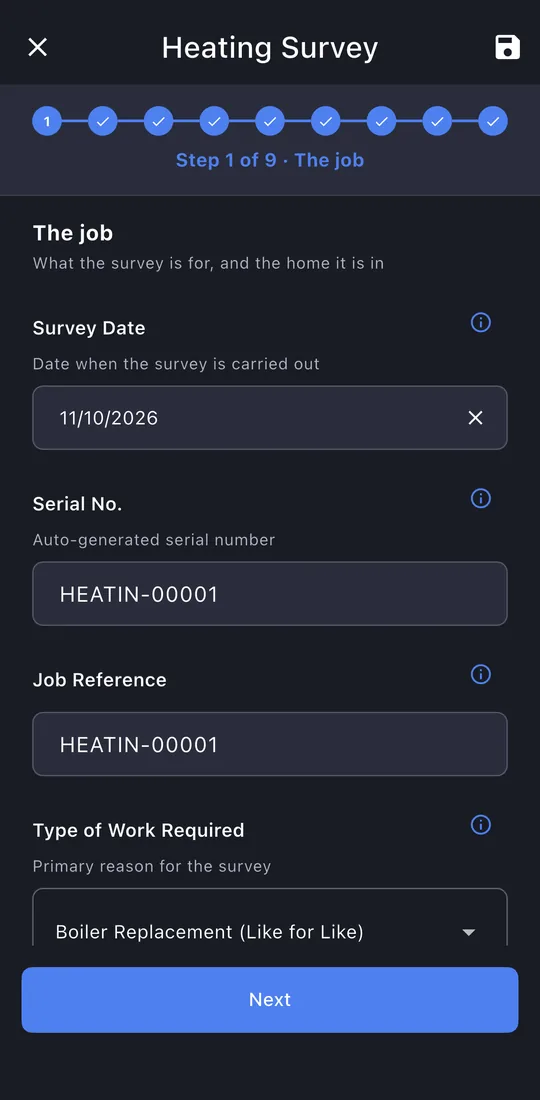
The work needed and the home: type, bedrooms, bathrooms, people living there, and how many showers or baths run at once.
-
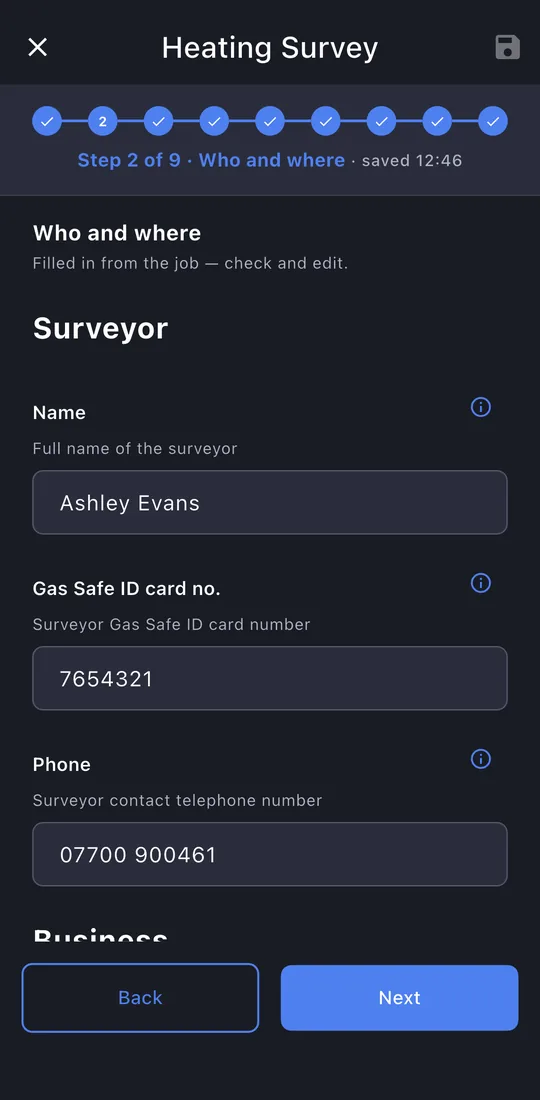
3Who and where
You, your business, the customer and the property, filled in for you.
-
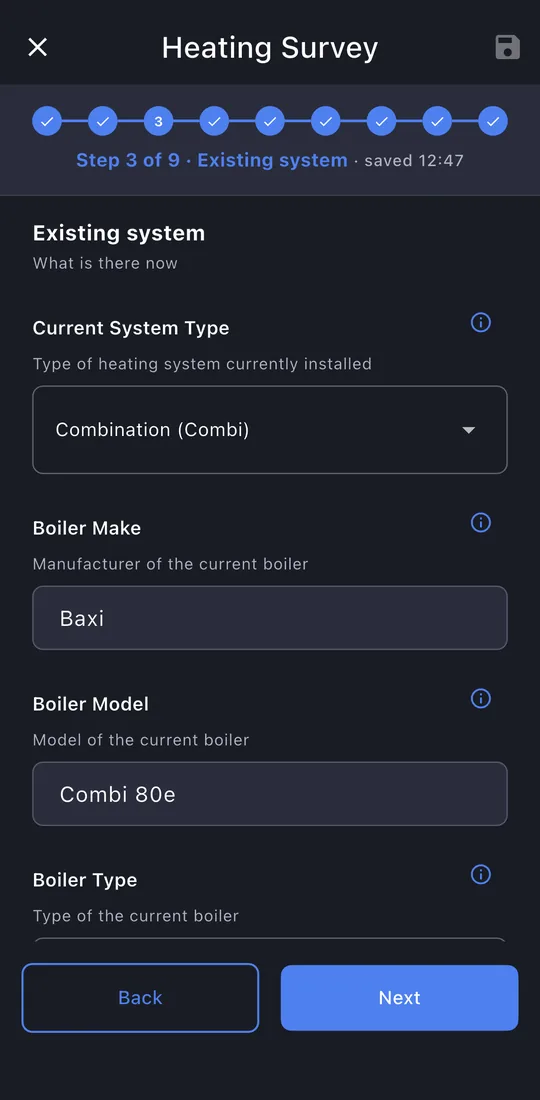
4Existing system
The current system and boiler: make, model, location, flue, age, condition and controls. Add photos.
-
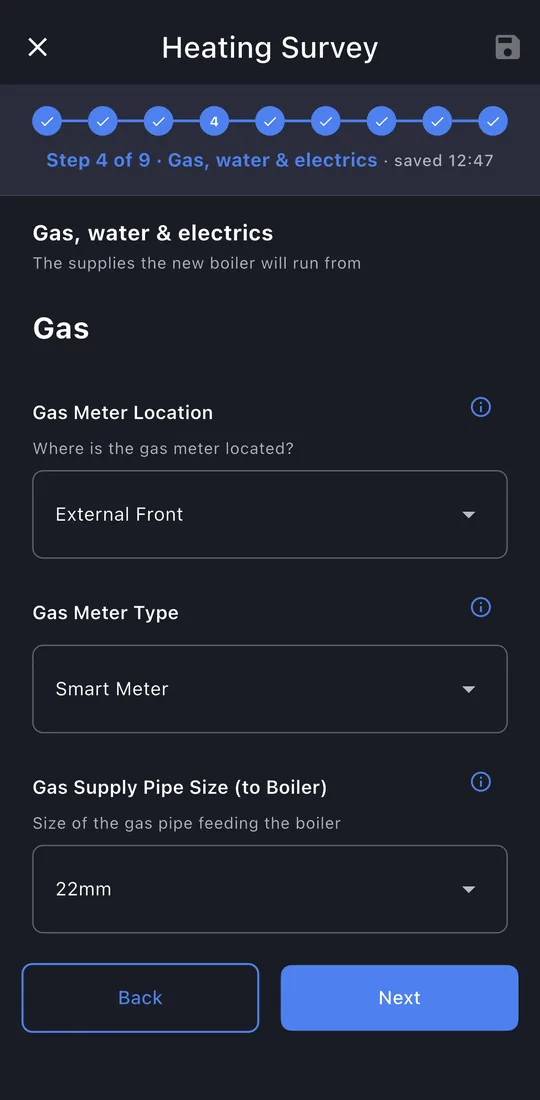
5Gas, water and electrics
Meter and pipe size, stop tap and mains pressure, water hardness, the consumer unit and condensate route.
-
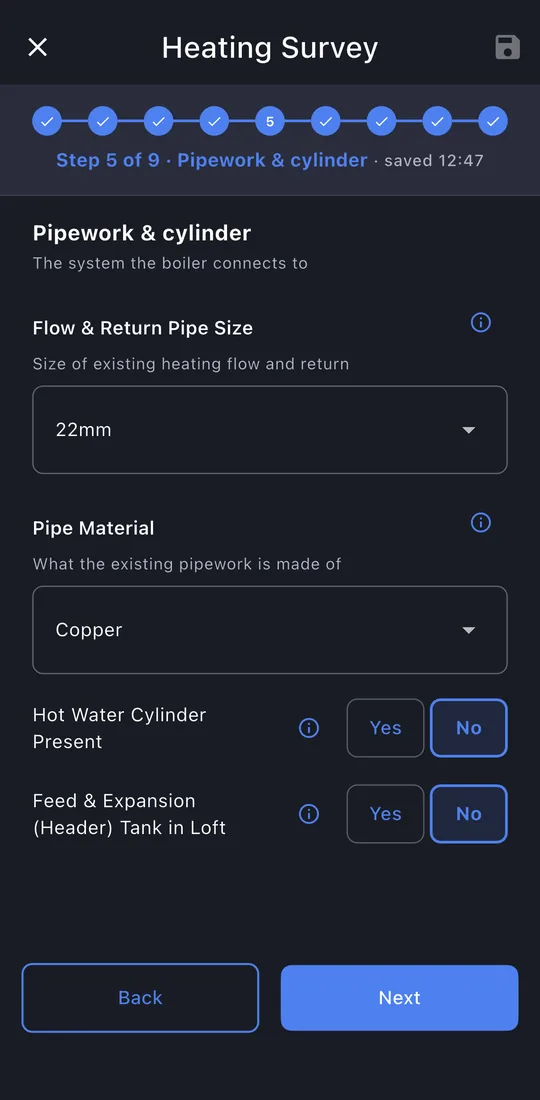
6Pipework and cylinder
Pipe size and material, and any cylinder or header tank.
-
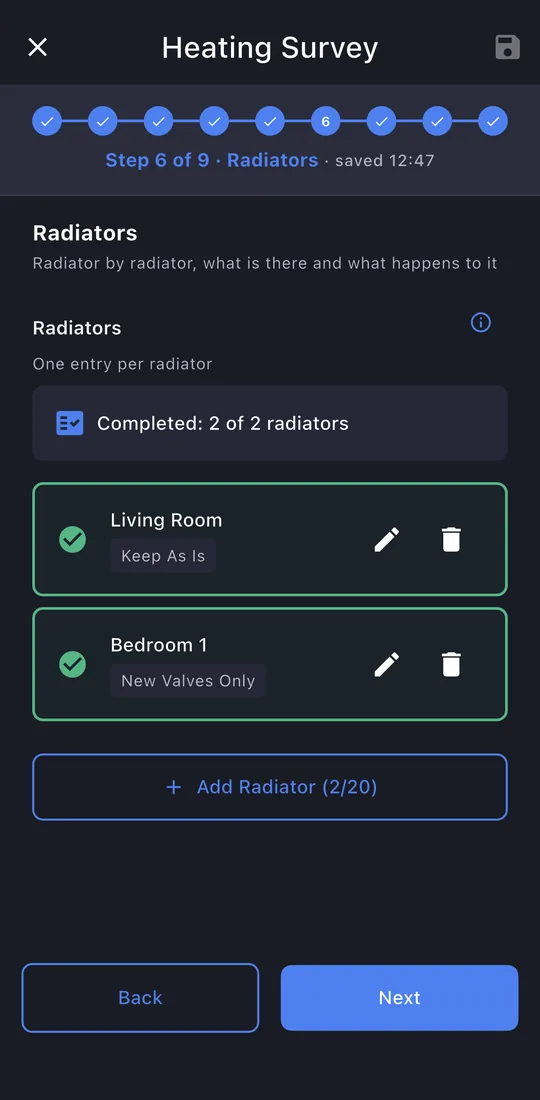
7Radiators
A row for each room, with the radiator, its valves and what's to be done.
-
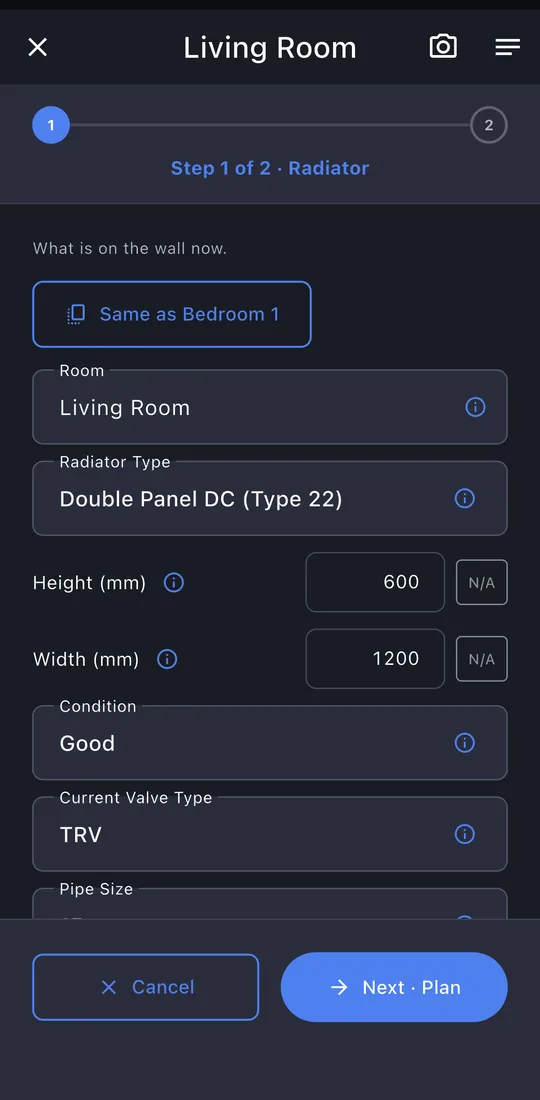
8A radiator
Type, size, condition, valves, pipe entry, and keep, new valves or replace.
-
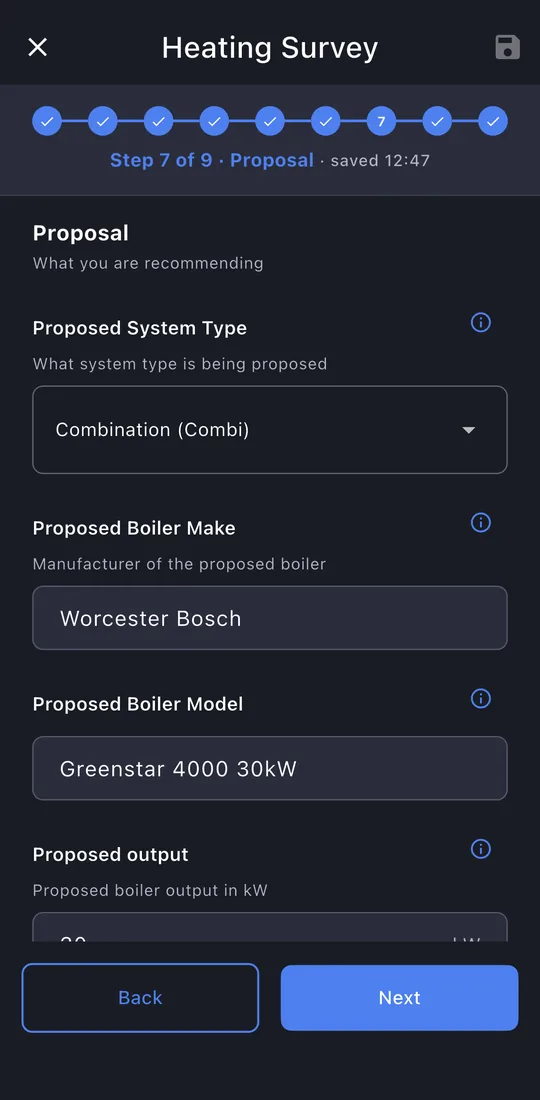
9Proposal
The new boiler, its location and flue route, controls, filter, flush and CO alarm.
-
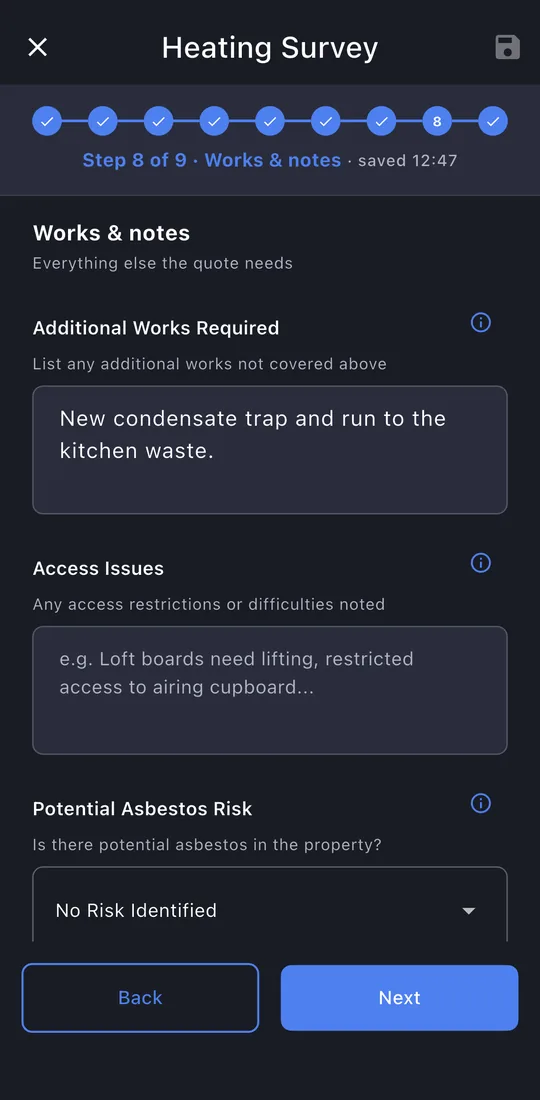
10Works and notes
Extra work, access, asbestos risk and how long the job will take.
-
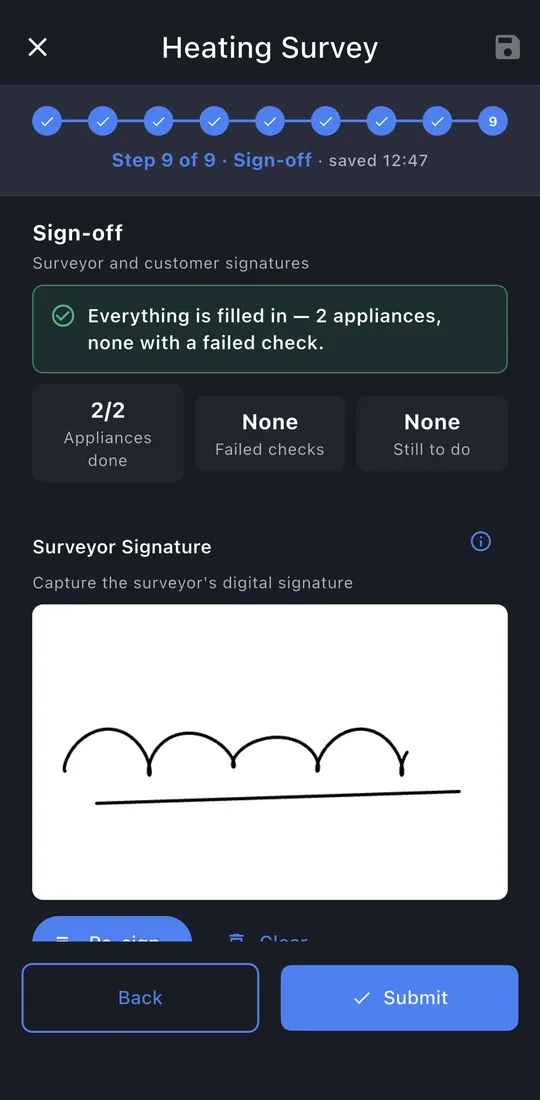
11Sign-off
Your signature is filled in; the customer signs.
-
12Submit
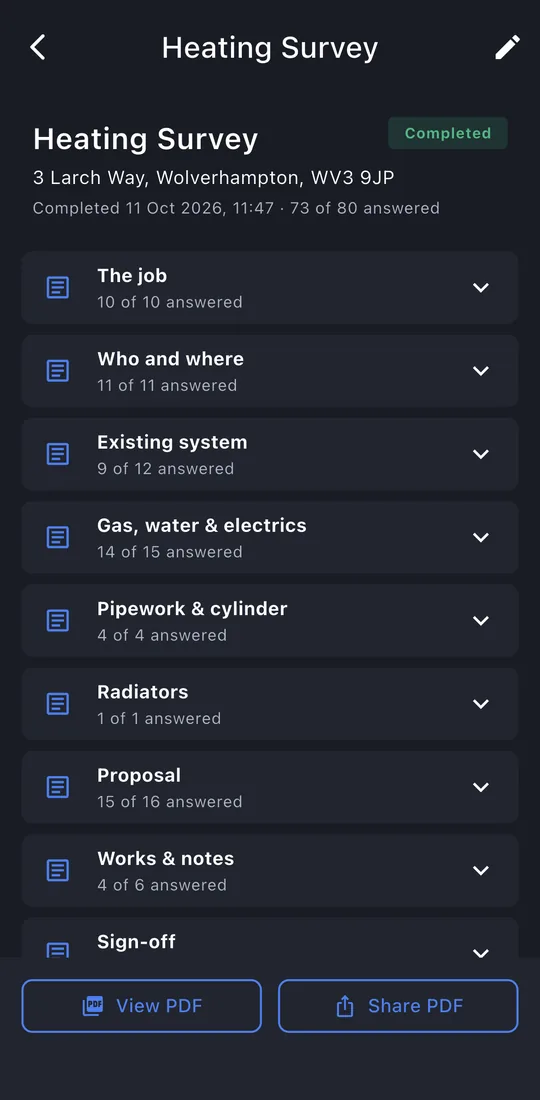
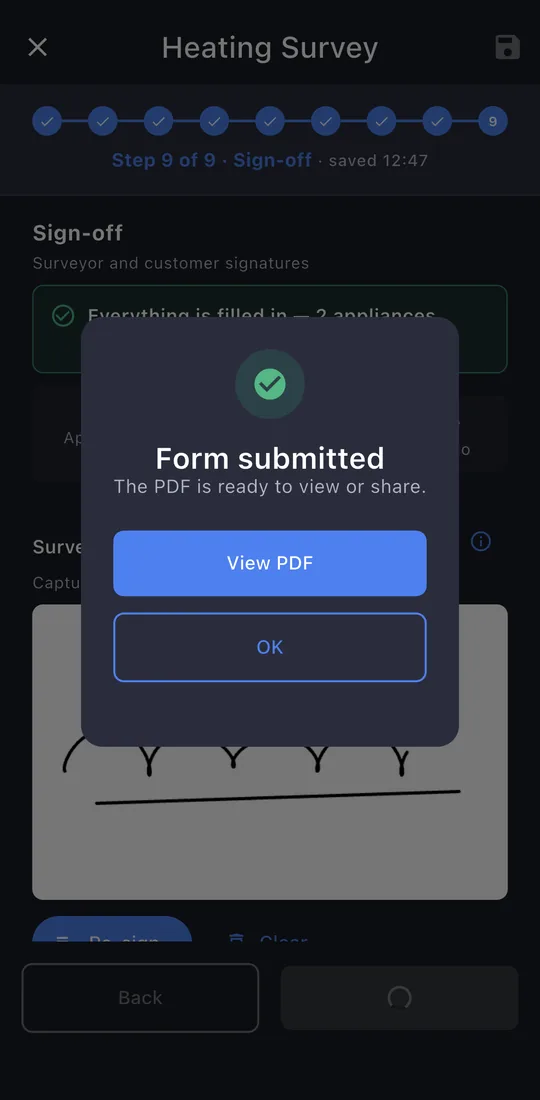
The last page shows whether anything is still missing. Tap Submit. The record is locked once it's issued; editing it later makes a new revision, so the one you gave the customer never changes.
-
13The record
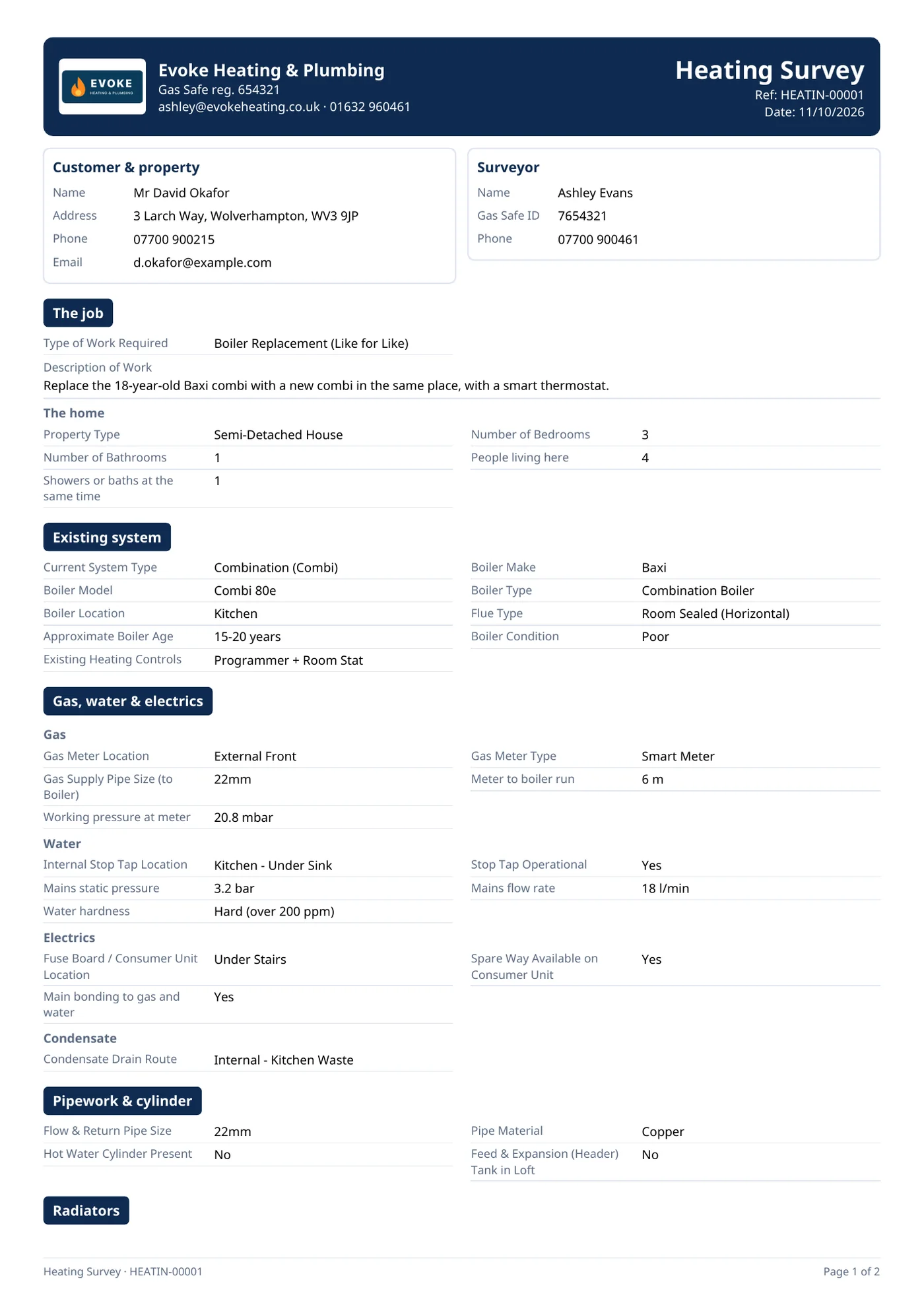
View PDF or Share PDF: the email is written for you, to the customer, with the PDF attached. The record is kept on the property's Work tab.