 GasPass
 Guides › Your work
7. Invoices and payments
Invoice in three steps, send it as a PDF with your bank details on it, and record payments as they come in.
-
1Your invoices
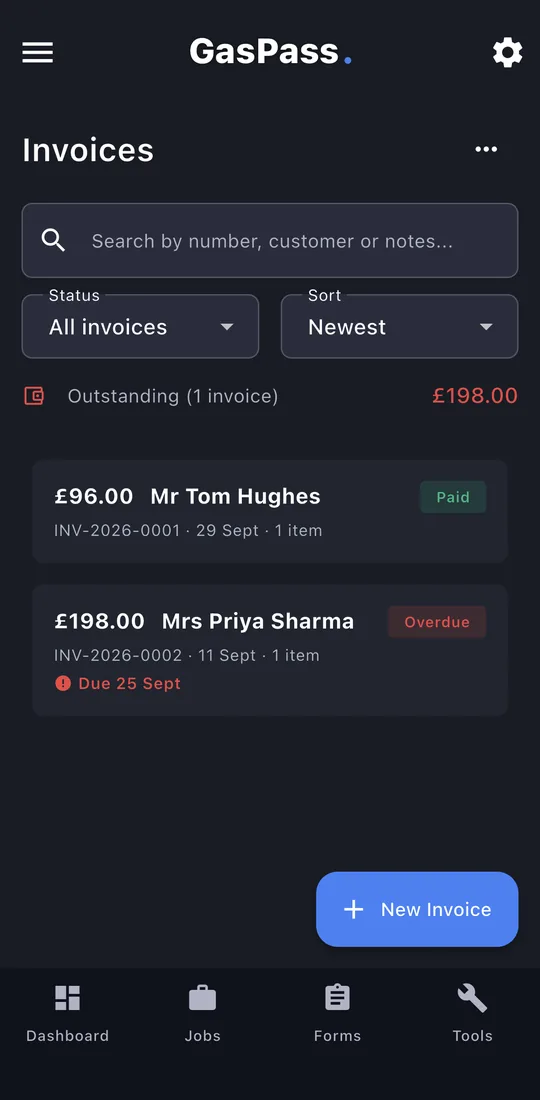
What's still owed at the top. Overdue invoices are shown in red. Search, filter and sort. Tap New Invoice.
-
2Customer
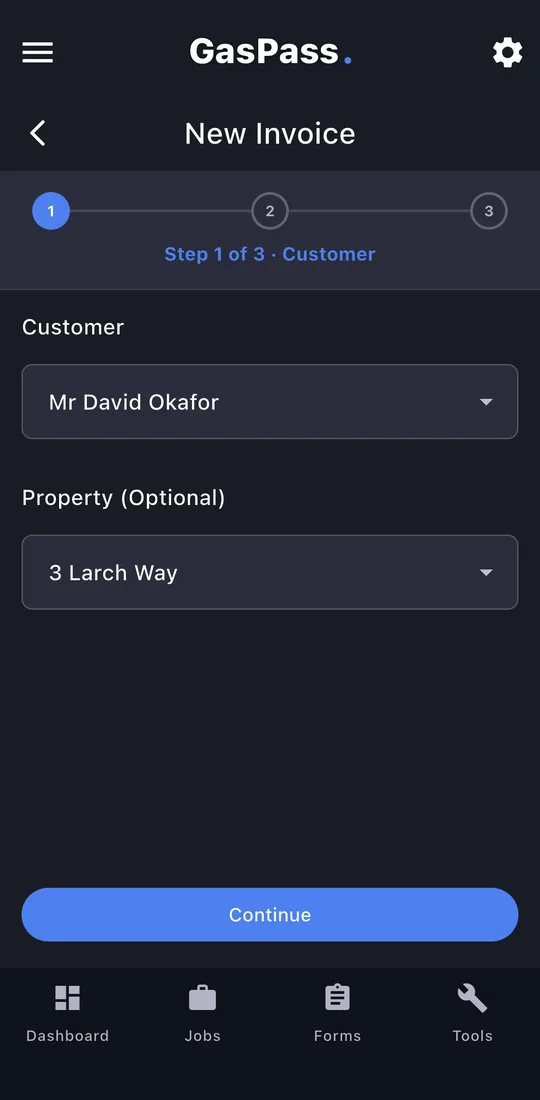
Choose the customer and property. Working under CIS? Choose who is paying and GasPass works out the deduction.
-
3Items
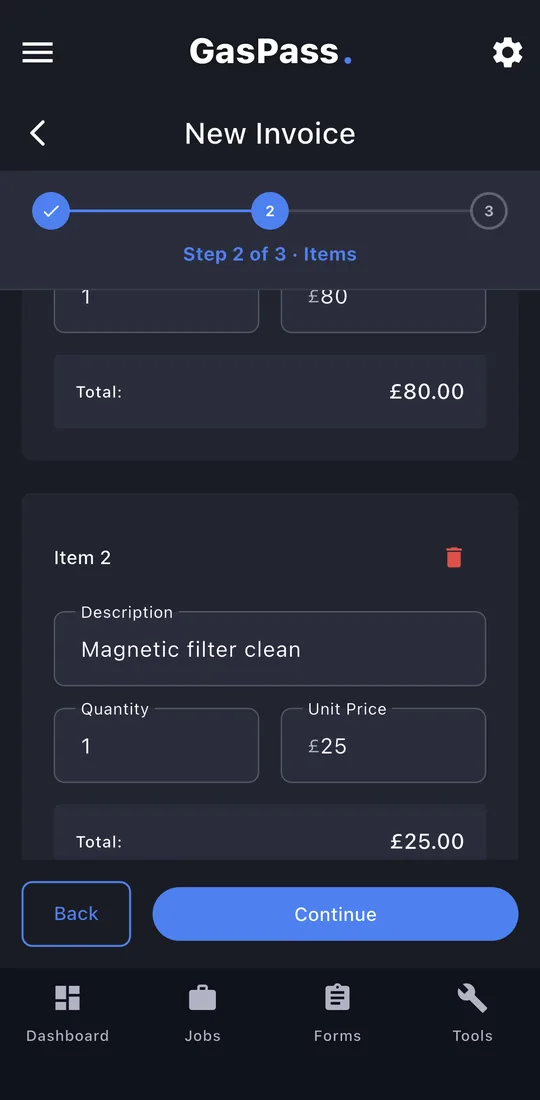
A line for each part of the job: description, quantity and price.
-
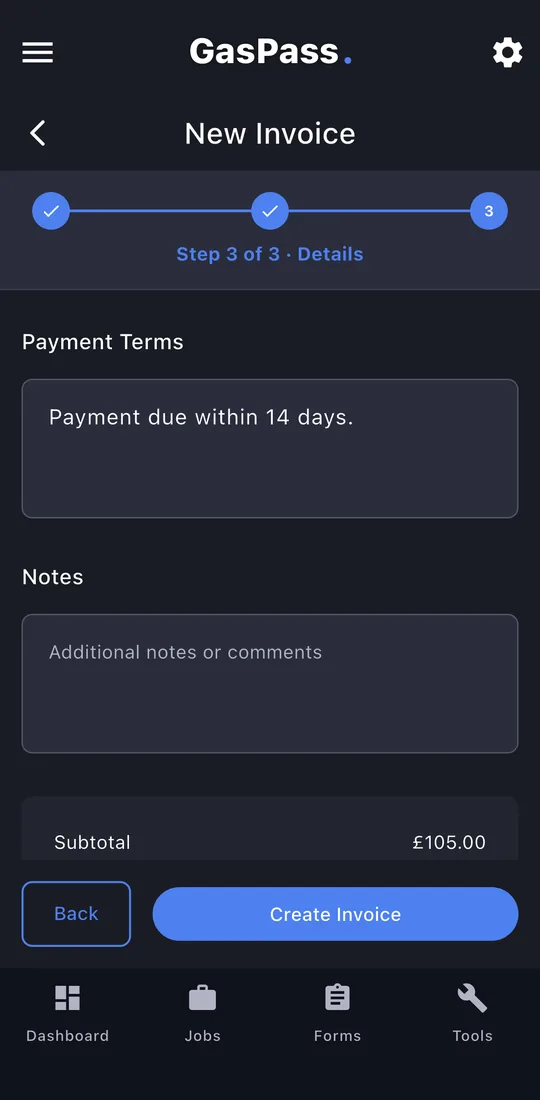
4Details
Invoice and due dates, VAT and payment terms, from your Settings. Tap Create Invoice.
-
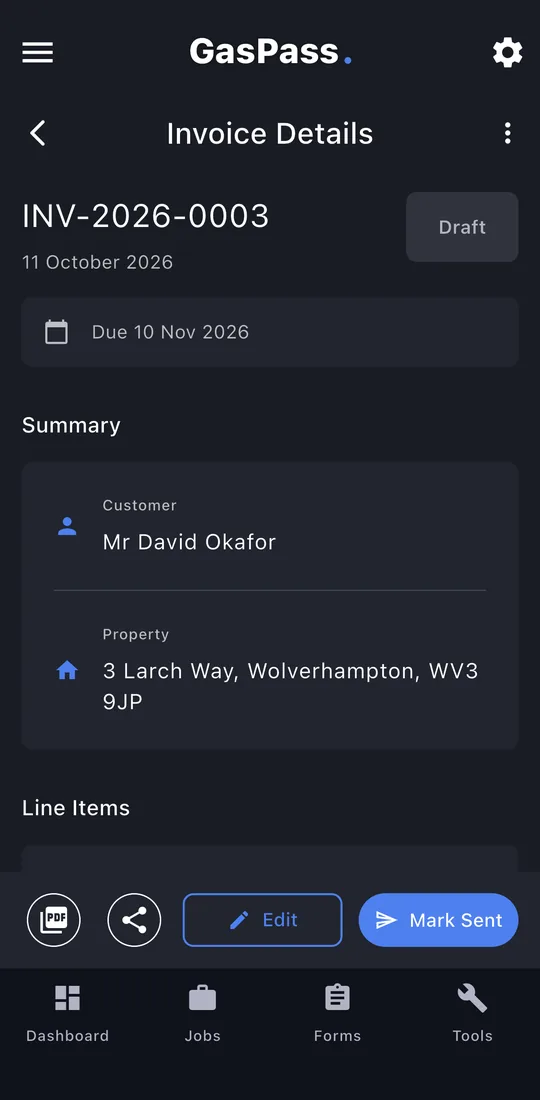
5The invoice
Edit it while it's a draft. When it's right, tap Mark Sent. It can't be changed after that.
-
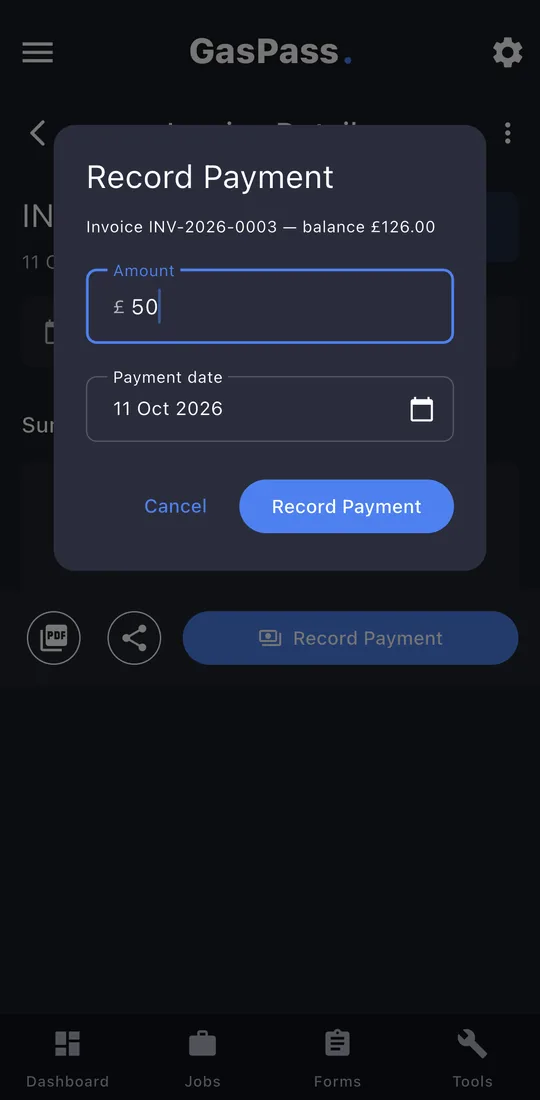
6Record a payment
Tap Record Payment and enter the amount and date. Part payments add up; the balance shows on the invoice.
-
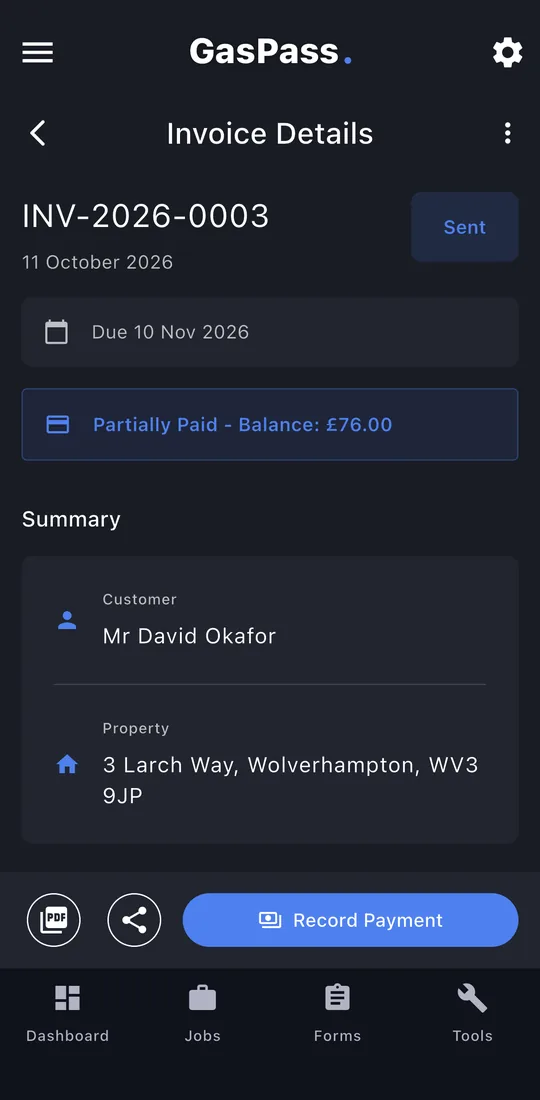
7Part paid
The balance left to pay. Record the rest when it arrives.
-
8Paid
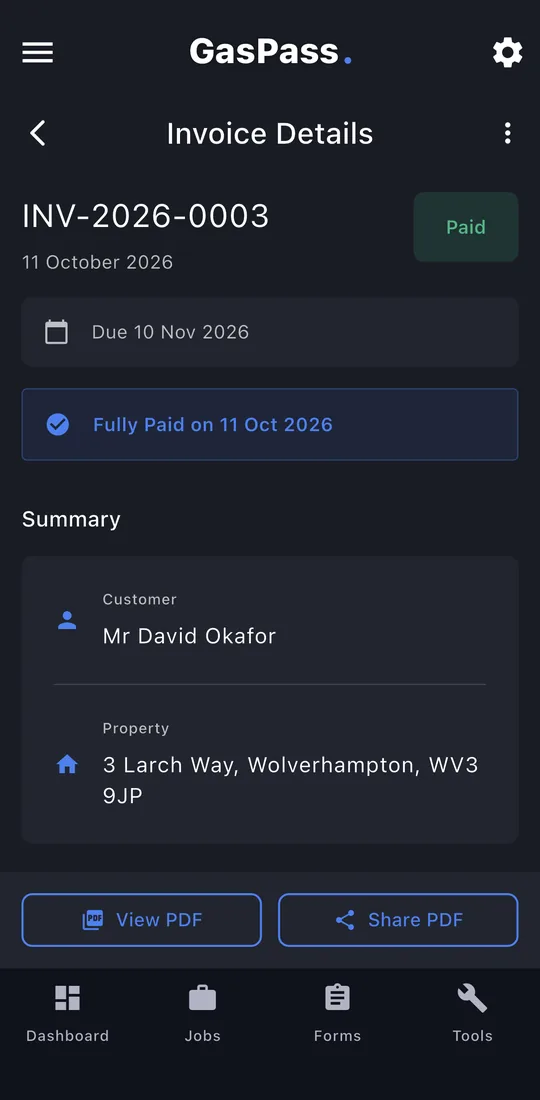
Paid in full, with the date.