 GasPass
 Guides › Your work
9. Renewals
Gas safety records and services fall due again. GasPass works out what's due from the certificates you've done, so you can remind customers and book the work.
-
1What's due
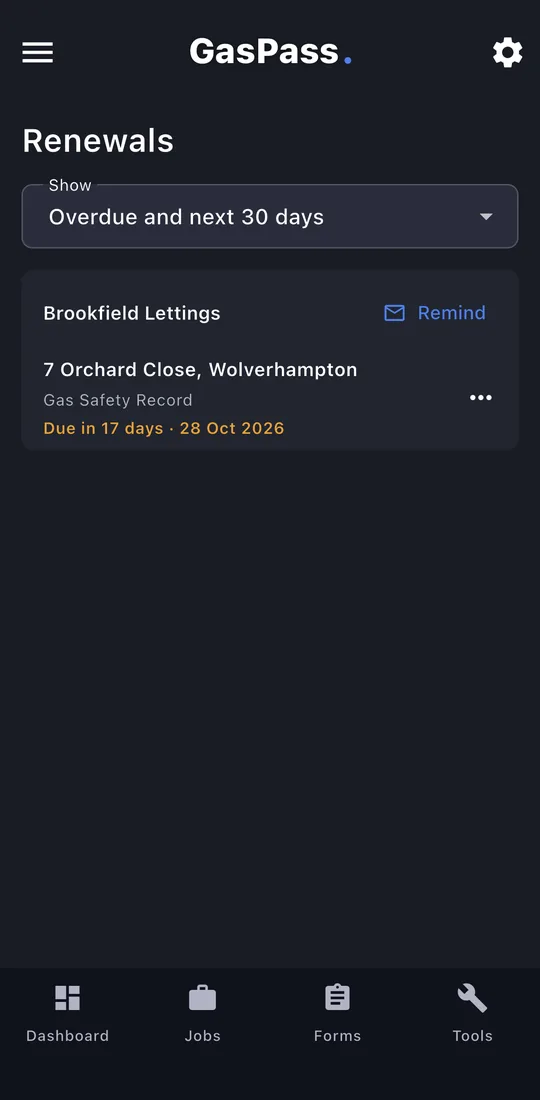
Open Renewals from the ☰ menu. One card per customer, with each property, what's due and when. Show overdue and the next 30 days, the next 90, or everything.
-
2Remind
Remind writes one email for the whole card, with each property and due date and, for a landlord's gas safety record, the two-month rule. It opens your mail app ready to send.
-
3Book it or let it go
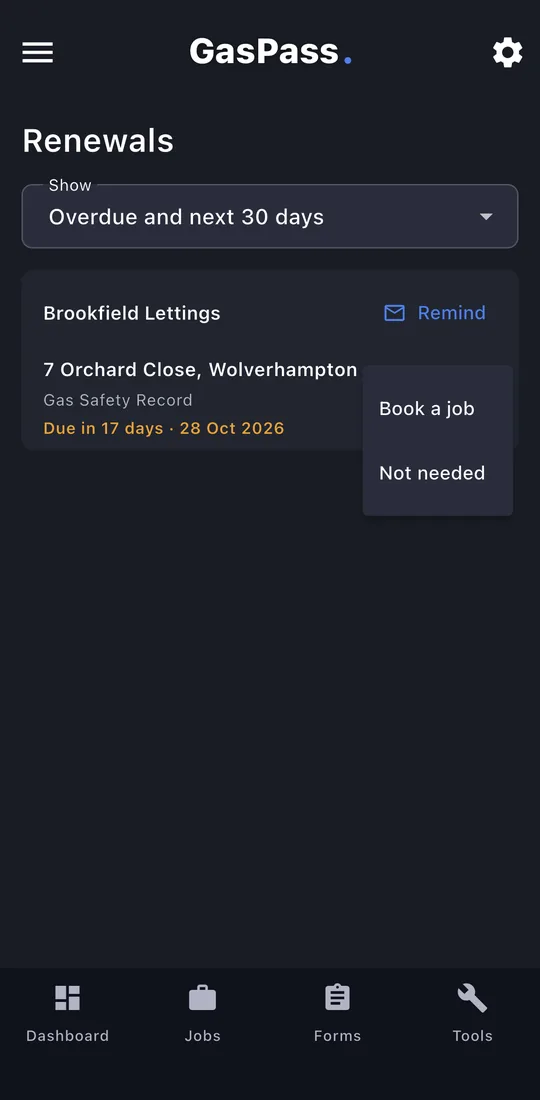
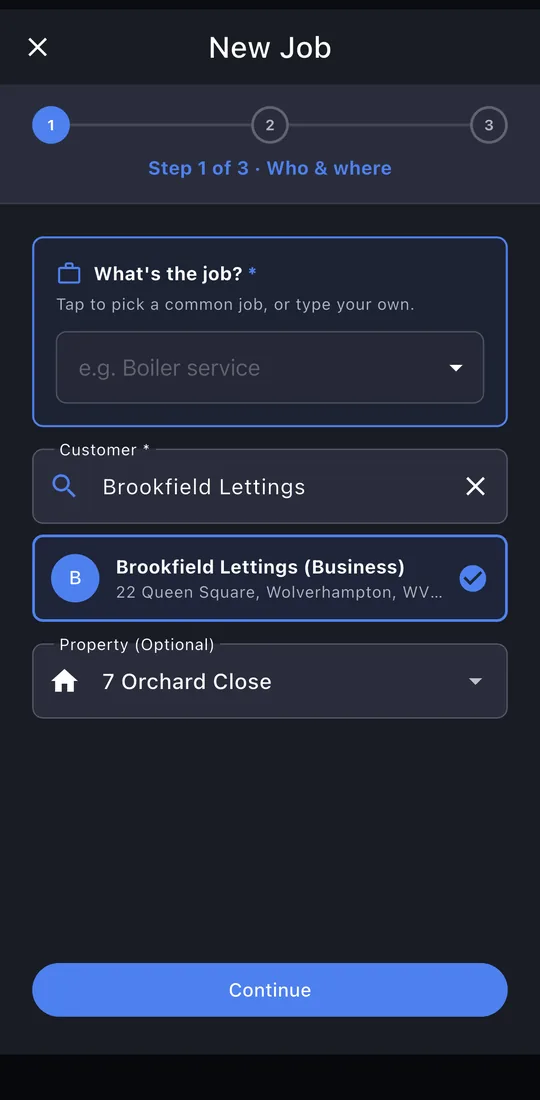
Tap ⋯ for Book a job, which opens New Job with the customer and property chosen, or Not needed to stop tracking it.
-
4Book a job
Pick the job and the date, and you're booked.
-
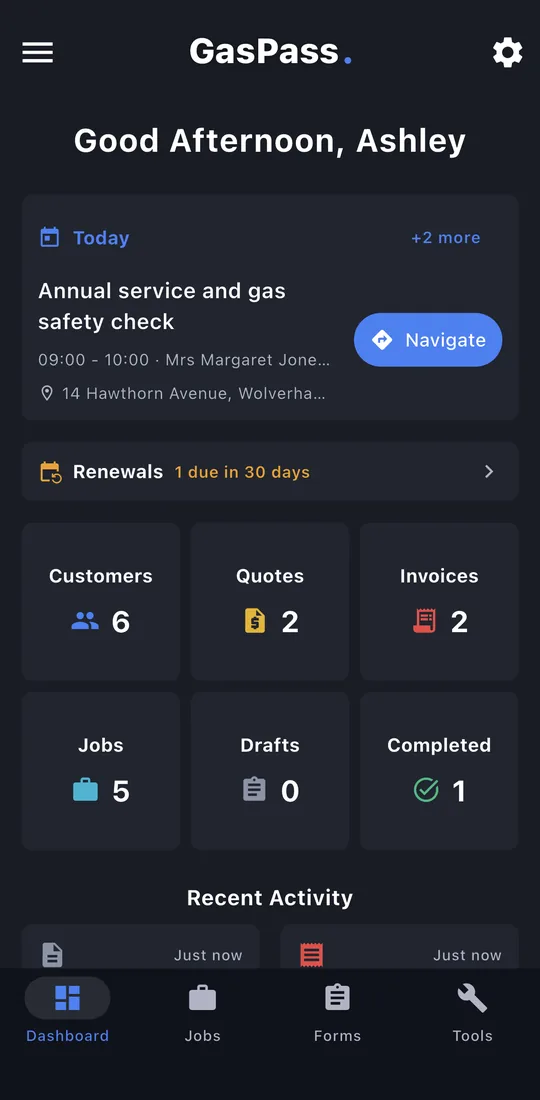
5On your dashboard
Renewals due soon show on the dashboard too. On a phone, GasPass also reminds you 30 and 7 days before each one.