 GasPass
 Guides › Forms
10. Gas Safety Record
The landlord's annual gas safety record, or a homeowner's safety check. Customer, property, business and your details are filled in for you.
-
1Start the form
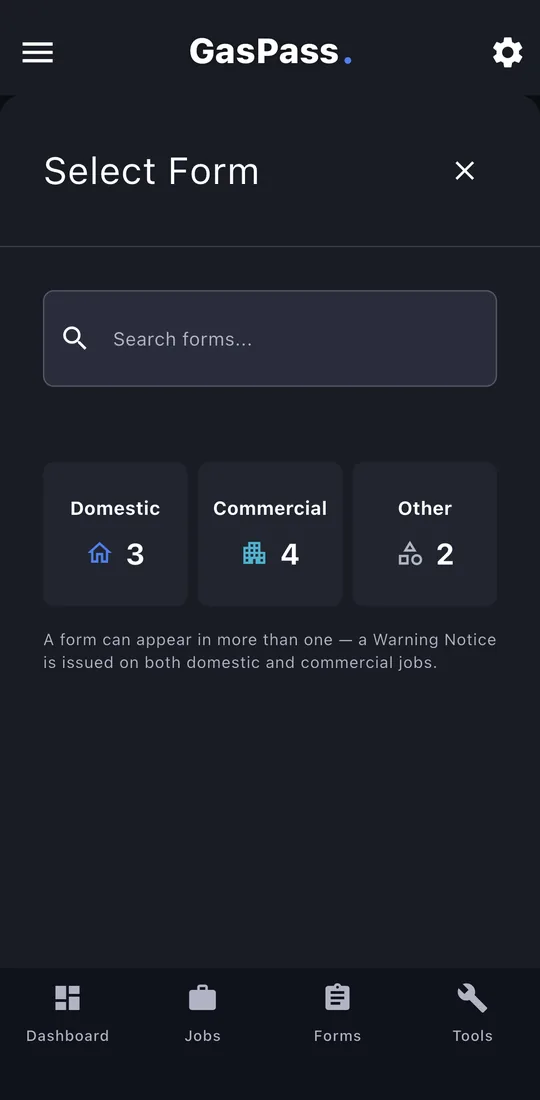
Open the customer, then the property, and tap Start Form. Pick the form, or search for it. On a job, use the job's Start a form instead and it's filed with the job.
-
2Certificate details
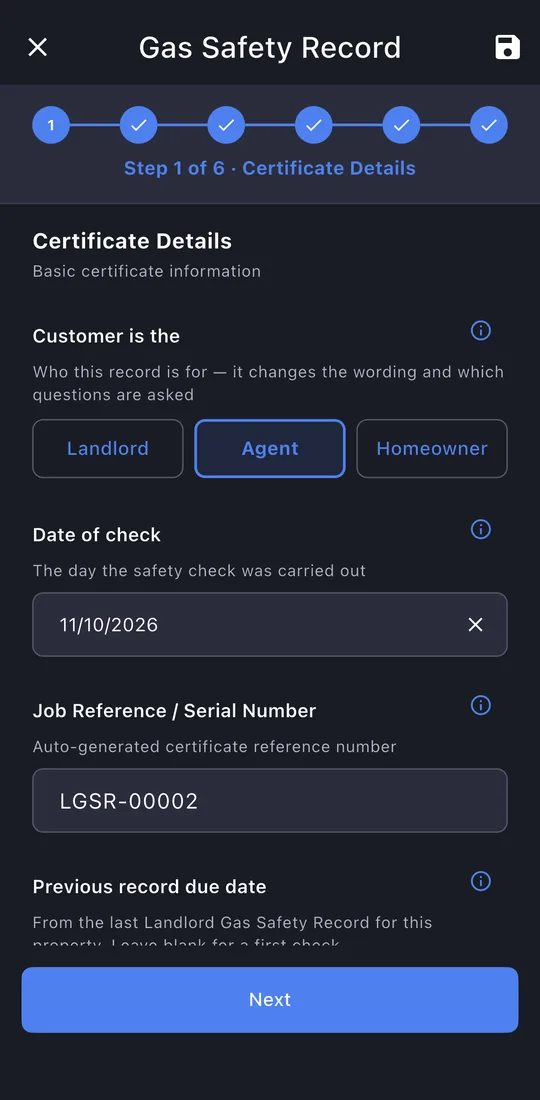
Choose who it's for: Landlord, Agent or Homeowner. It changes the wording and which questions are asked. The date and reference are filled in, and the next check due date is worked out for you.
-
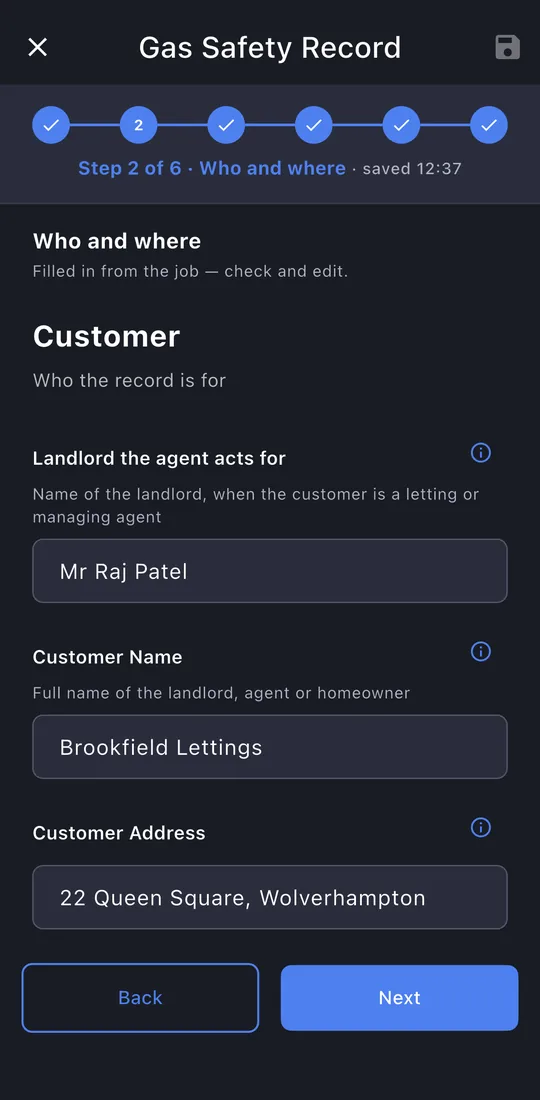
3Who and where
Filled in from the customer and property: check it. For an agent, add the landlord they act for, and the tenant's details.
-
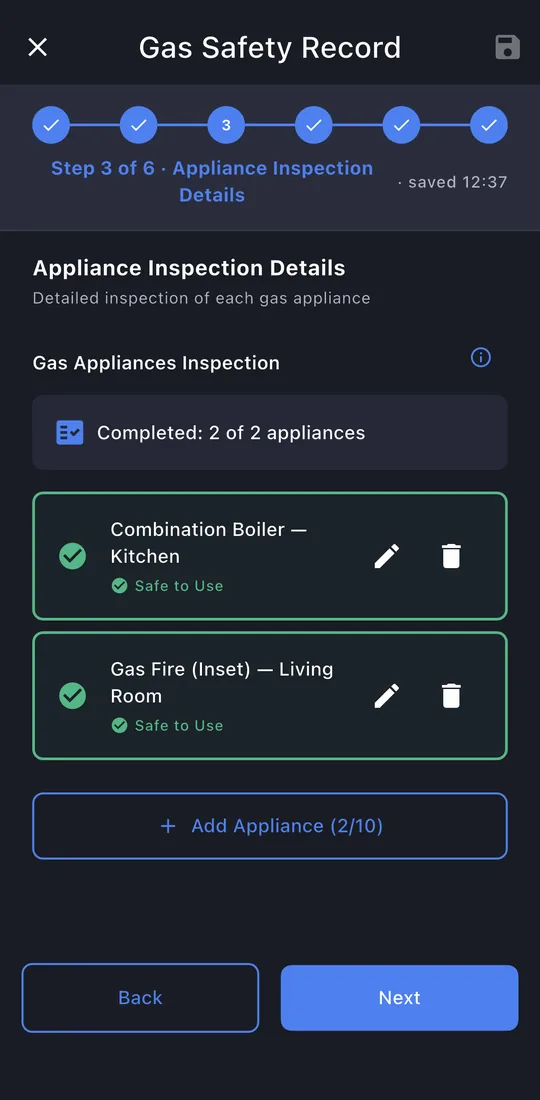
4Appliances
Every gas appliance at the property. Appliances already on the property's register are offered with one tap. A green tick means an appliance is done.
-
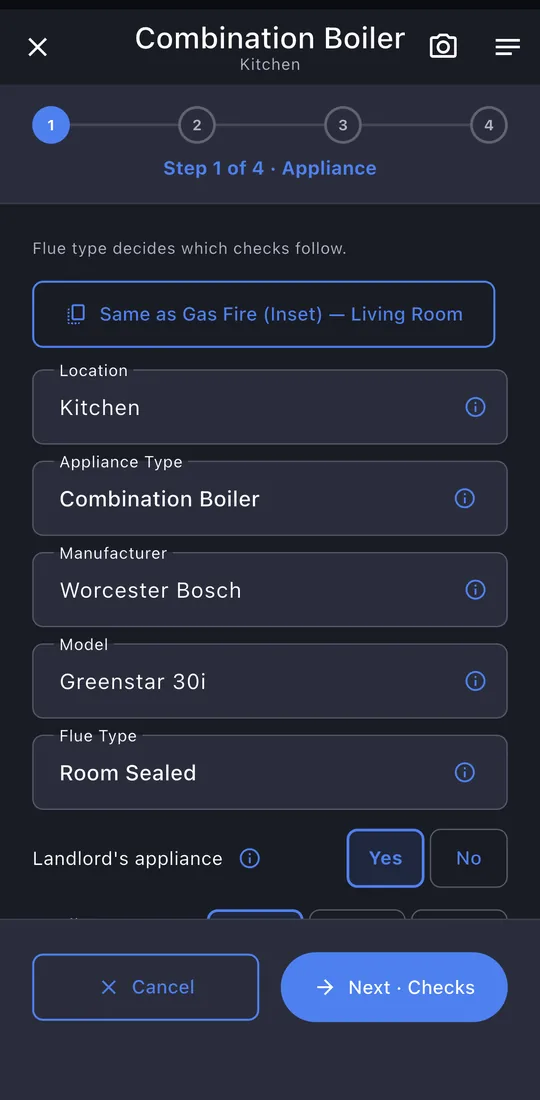
5Each appliance: the basics
Tap ✎ on an appliance to open it. Each one is filled in a few short steps. Same as… copies an appliance you've already done.
-
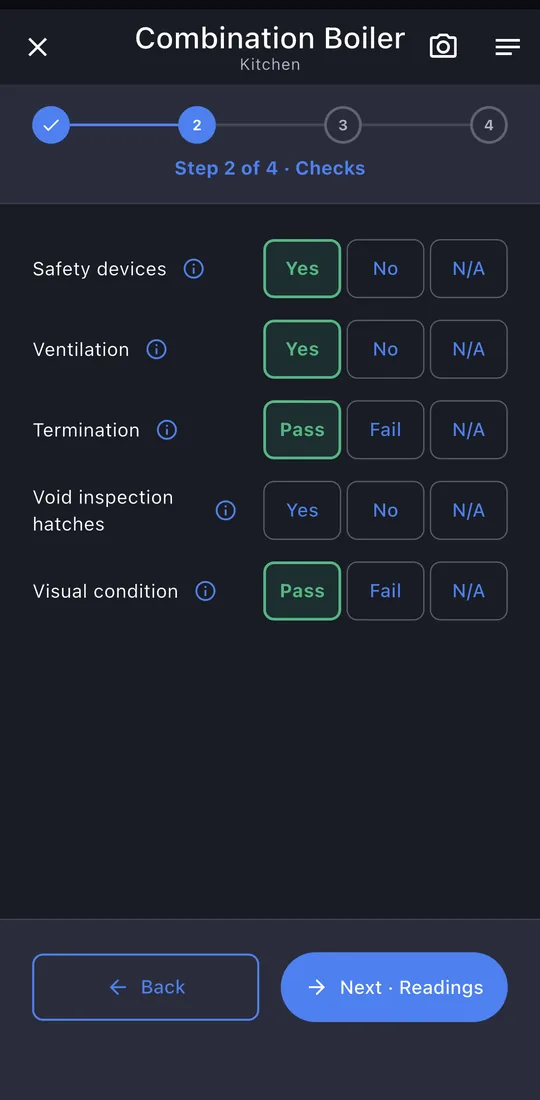
6Checks
Each check is one tap: Yes, No or N/A, Pass or Fail. Which checks show depends on the flue type.
-
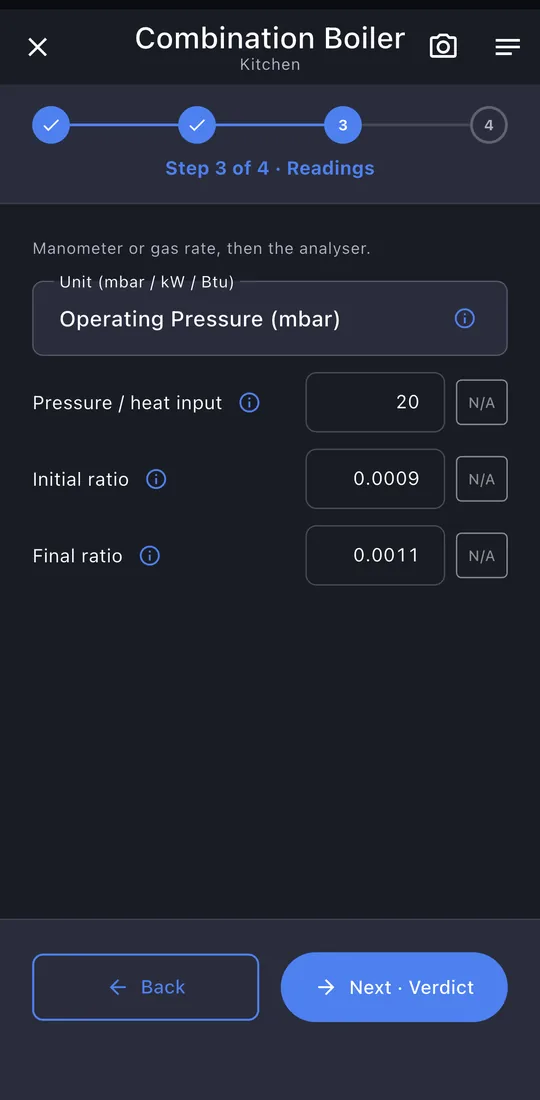
7Readings
Pressures and analyser readings, with N/A where a reading doesn't apply.
-
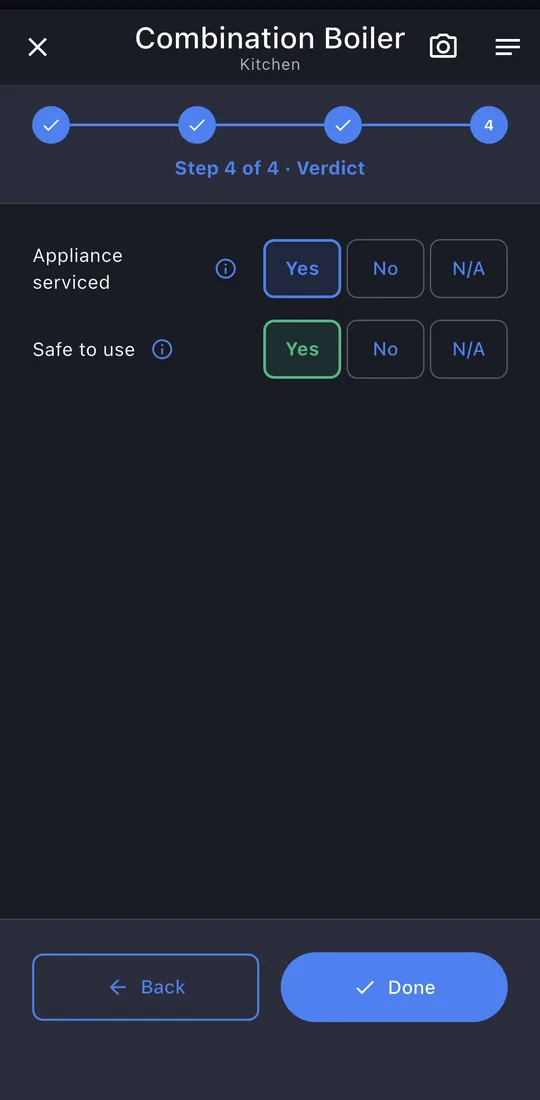
8Verdict
Serviced, and safe to use. Then Done.
-
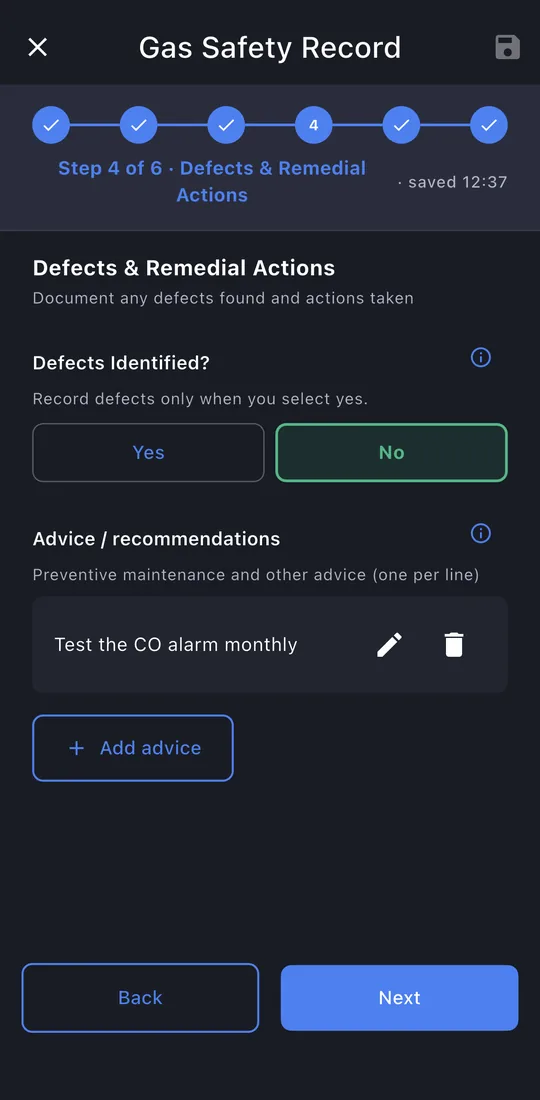
9Defects and advice
Any defects and what you did about them. If a Warning Notice is needed, say so here and GasPass will start it for you from this record. Add advice one line at a time.
-
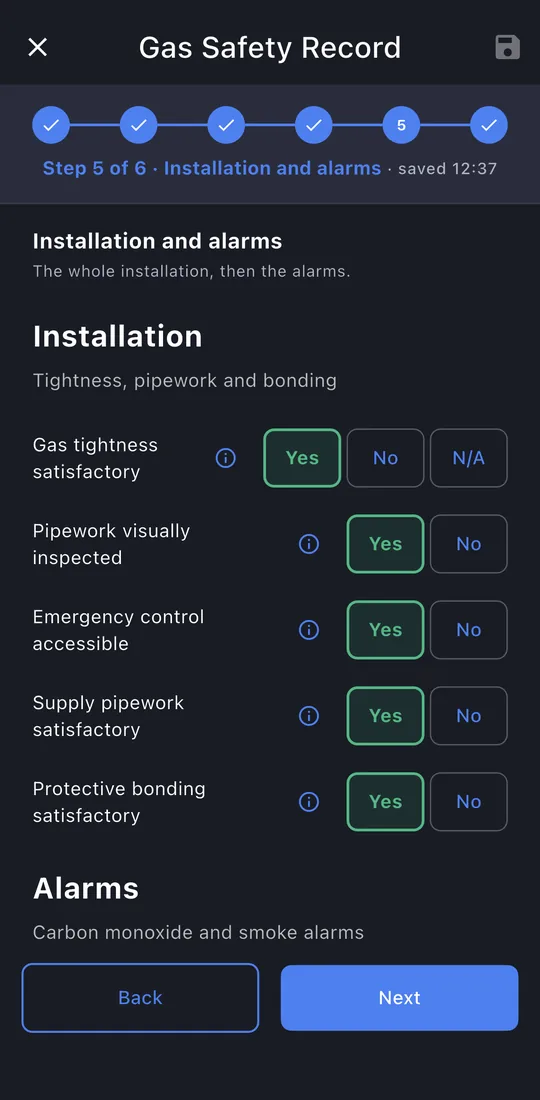
10Installation and alarms
Tightness, pipework, emergency control and bonding, then the CO and smoke alarms.
-
11Sign-off
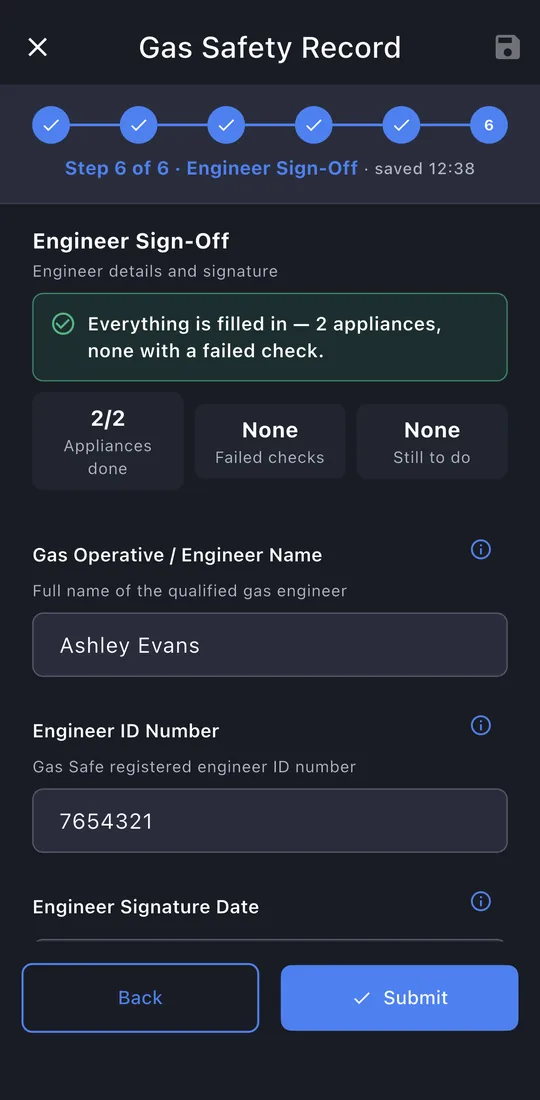
A summary of what's done. Your name, Gas Safe ID and signature are already there. Record who received it, their signature, and how the copy was given.
-
12Submit
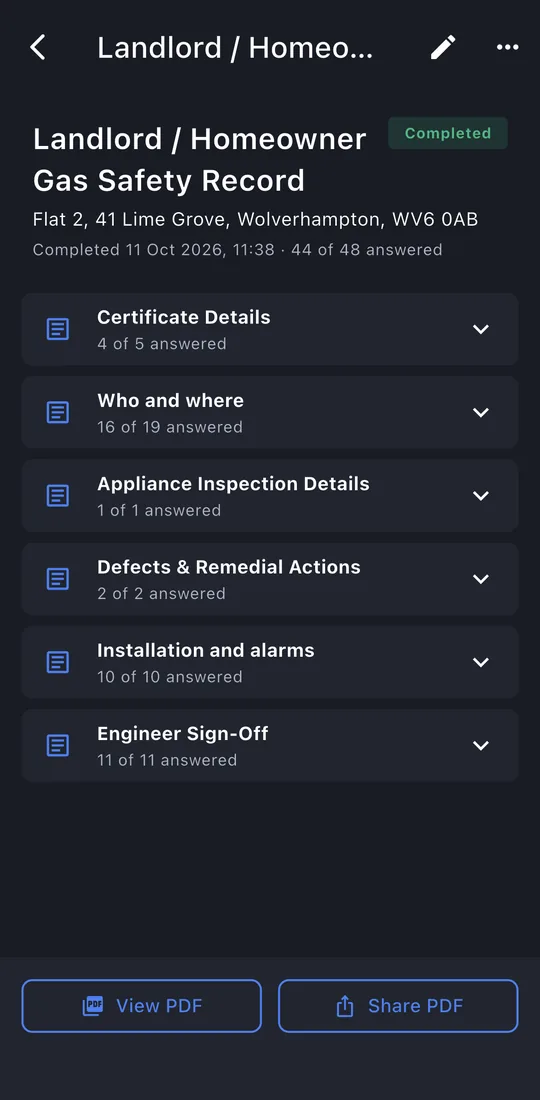
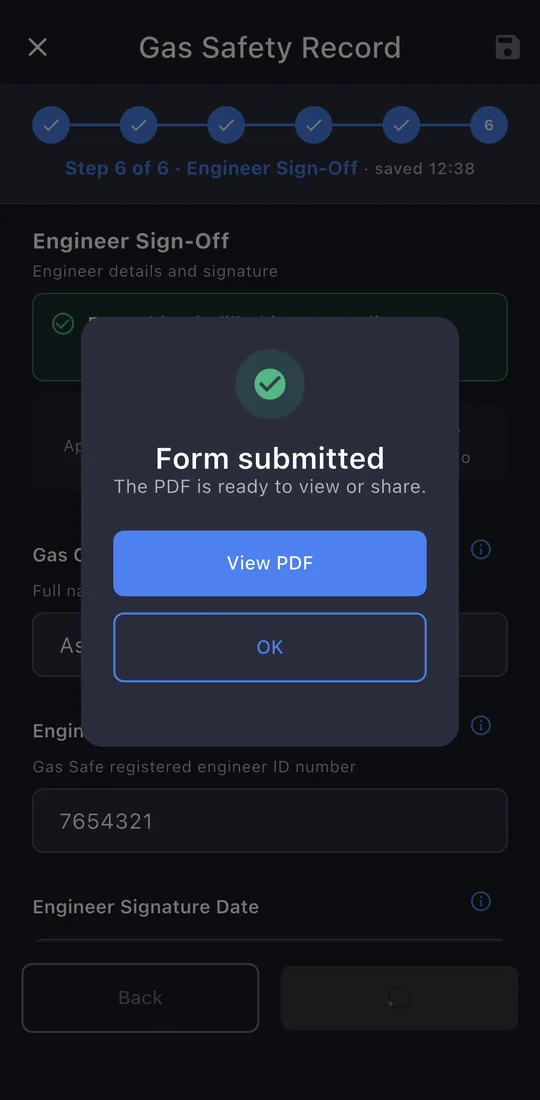
The last page shows whether anything is still missing. Tap Submit. The record is locked once it's issued; editing it later makes a new revision, so the one you gave the customer never changes.
-
13The record
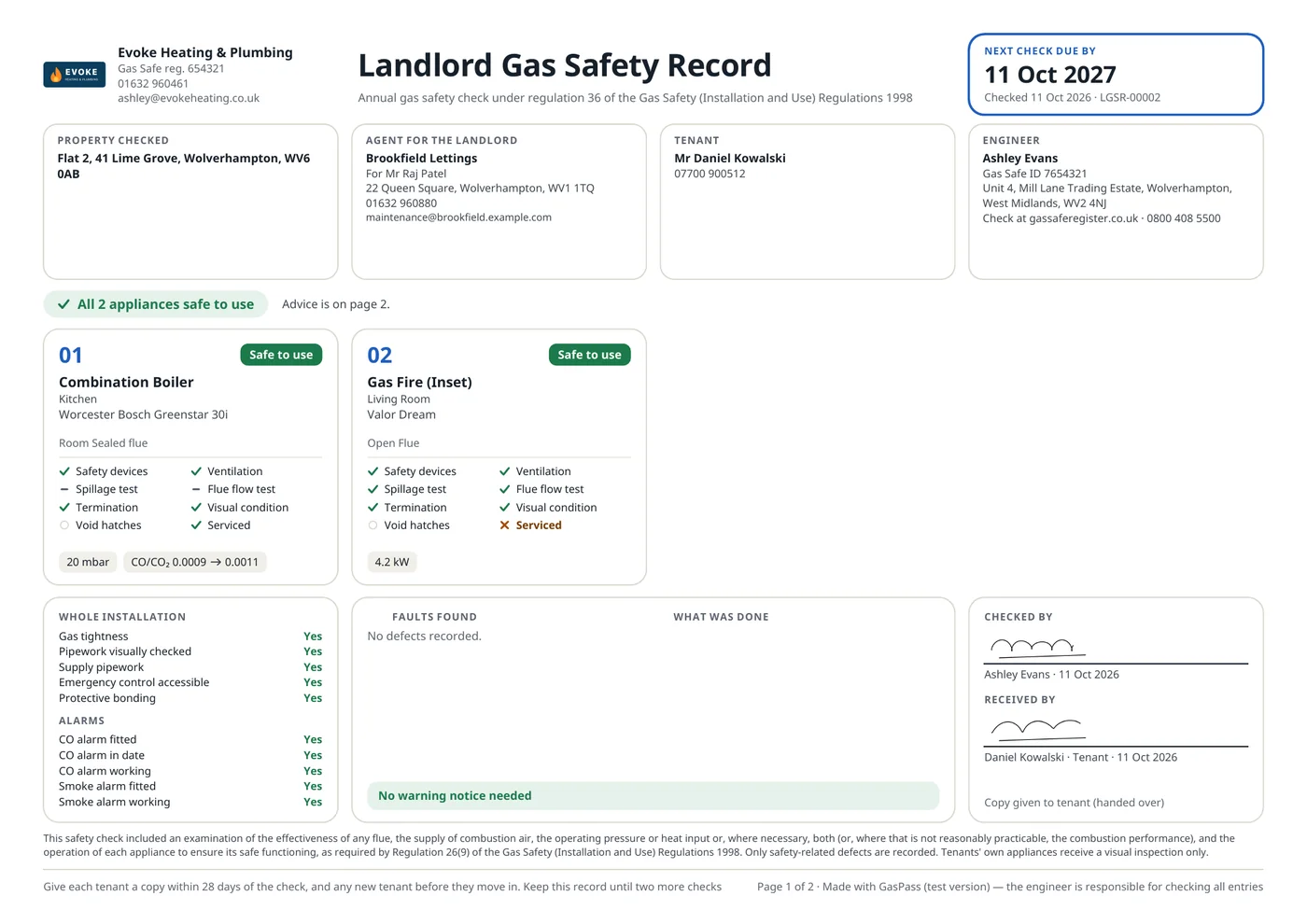
View PDF or Share PDF: the email is written for you, to the customer, with the PDF attached. The record is kept on the property's Work tab.