 GasPass
 Guides › Forms
11. Gas Service Record
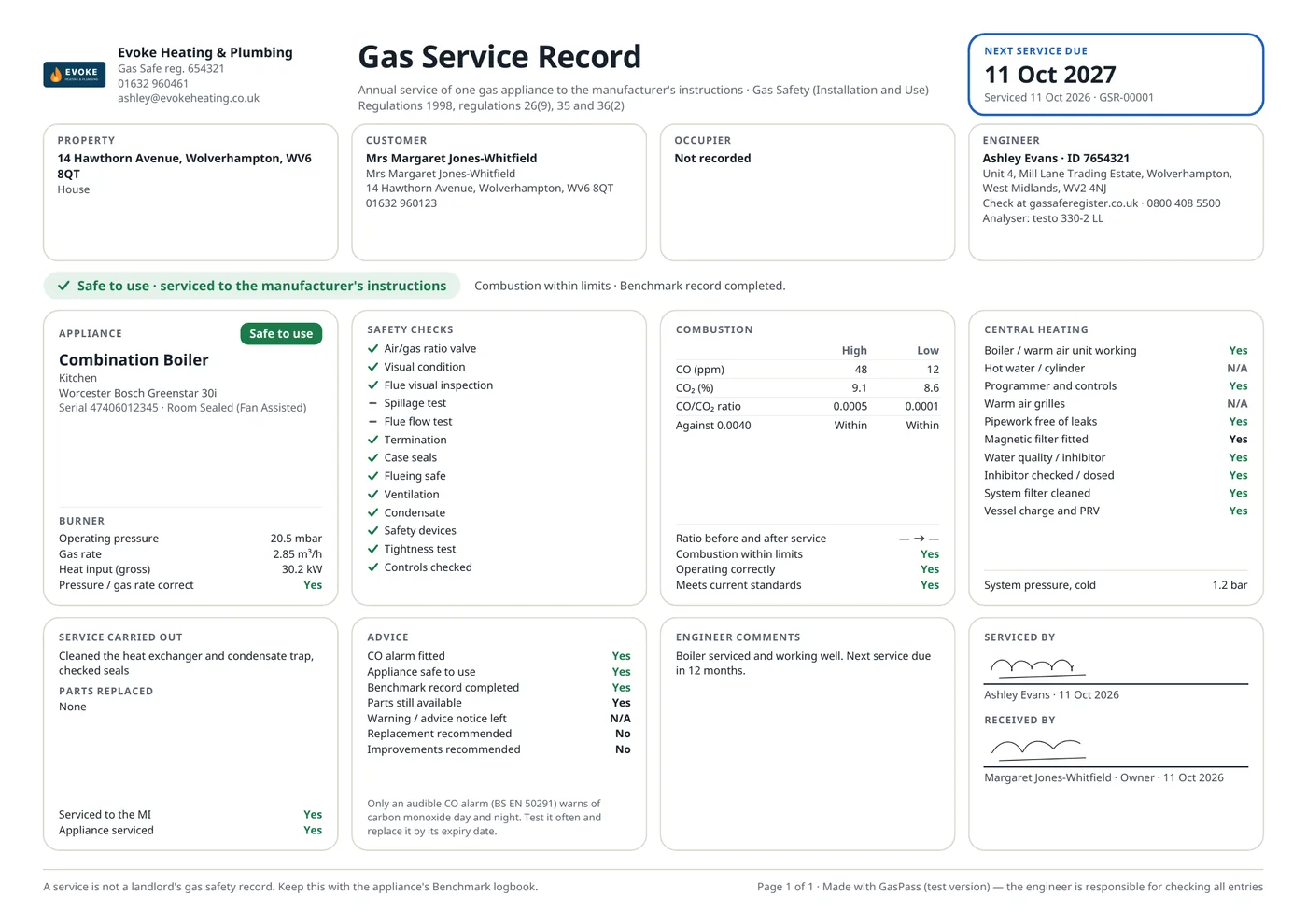
A boiler or appliance service to the manufacturer's instructions, with the combustion readings and the central heating checks.
-
1Start the form
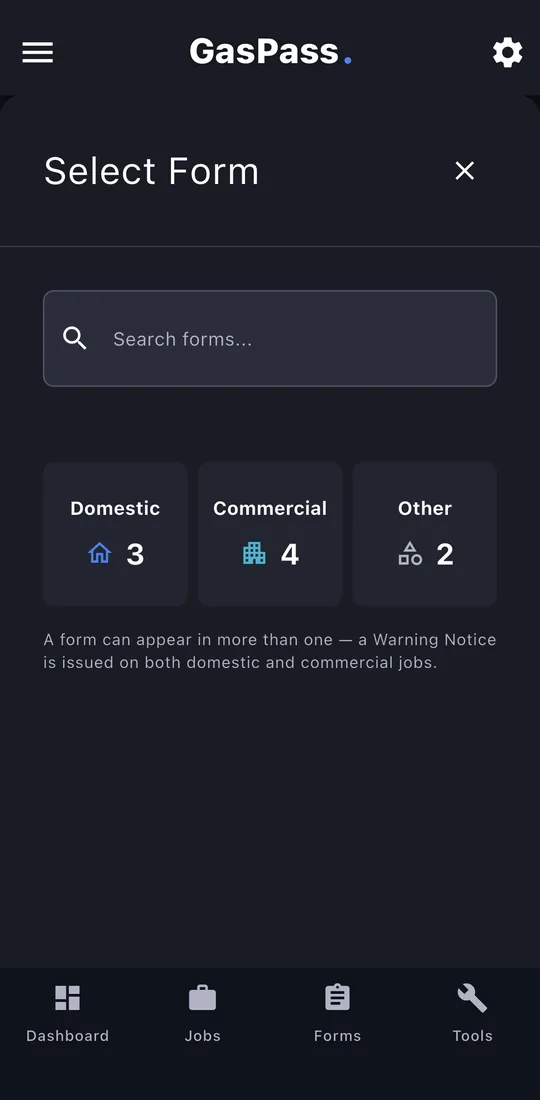
Open the customer, then the property, and tap Start Form. Pick the form, or search for it. On a job, use the job's Start a form instead and it's filed with the job.
-
2Service details
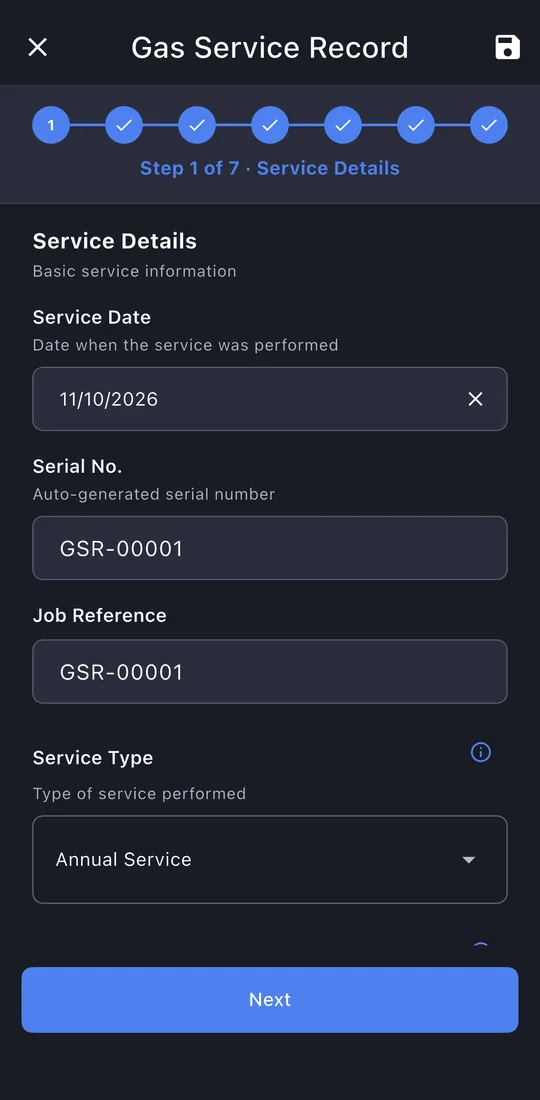
The date and serial number are filled in. Choose the type of visit; the next service due date is worked out for you.
-
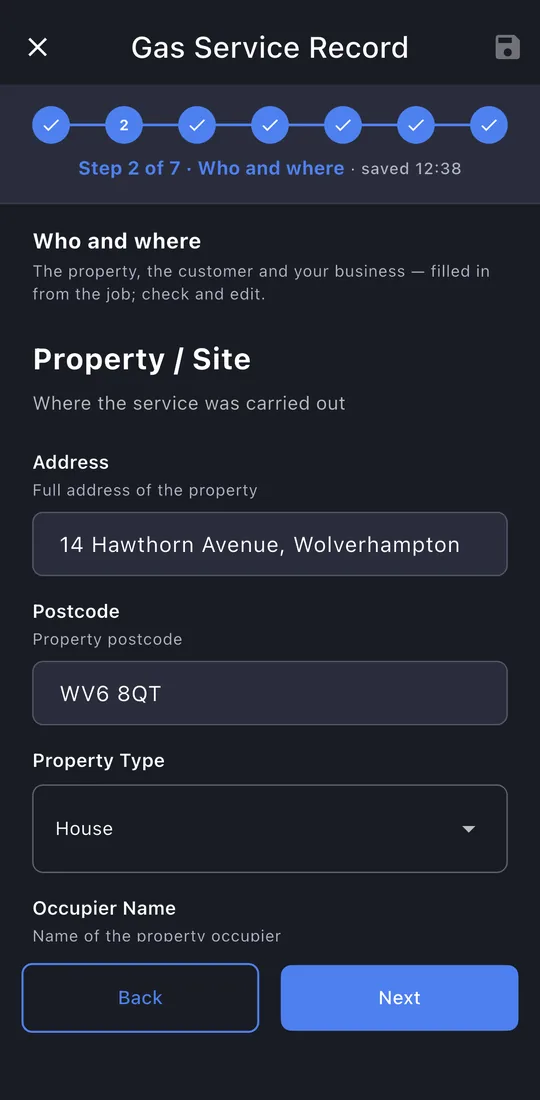
3Who and where
Property, occupier, customer and your business, filled in from GasPass. Check them.
-
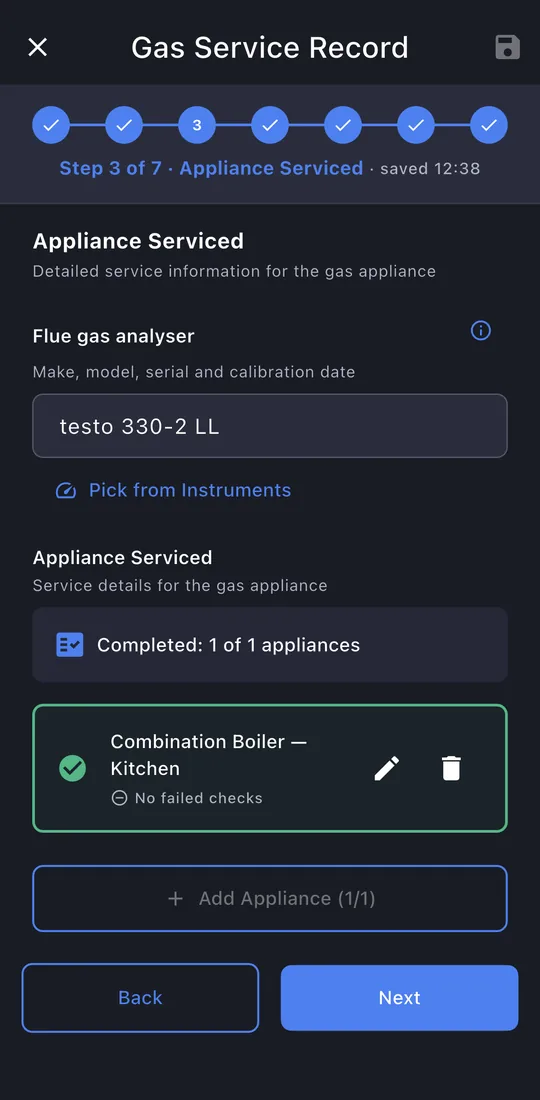
4The appliance
The appliance you serviced. Tap ✎ to open it.
-
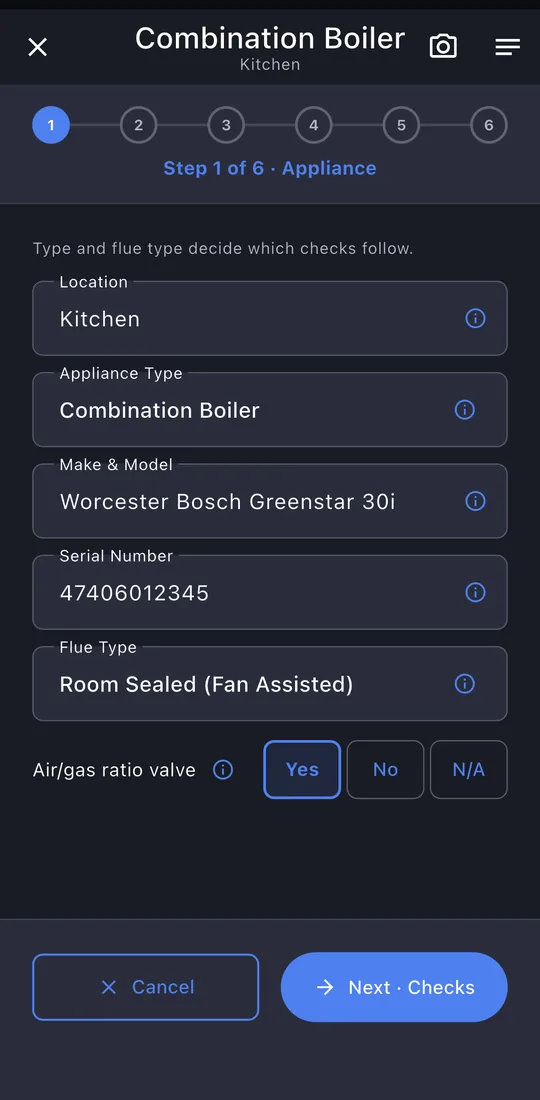
5Appliance details
Location, type, make and model, serial and flue.
-
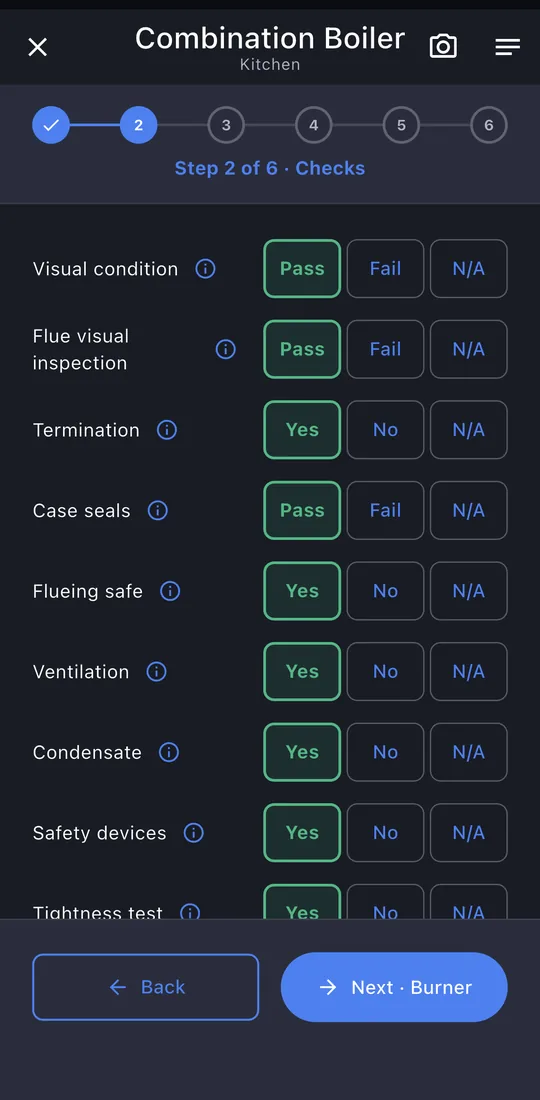
6Safety checks
One tap each: visual condition, flue, seals, ventilation, condensate, safety devices and controls.
-
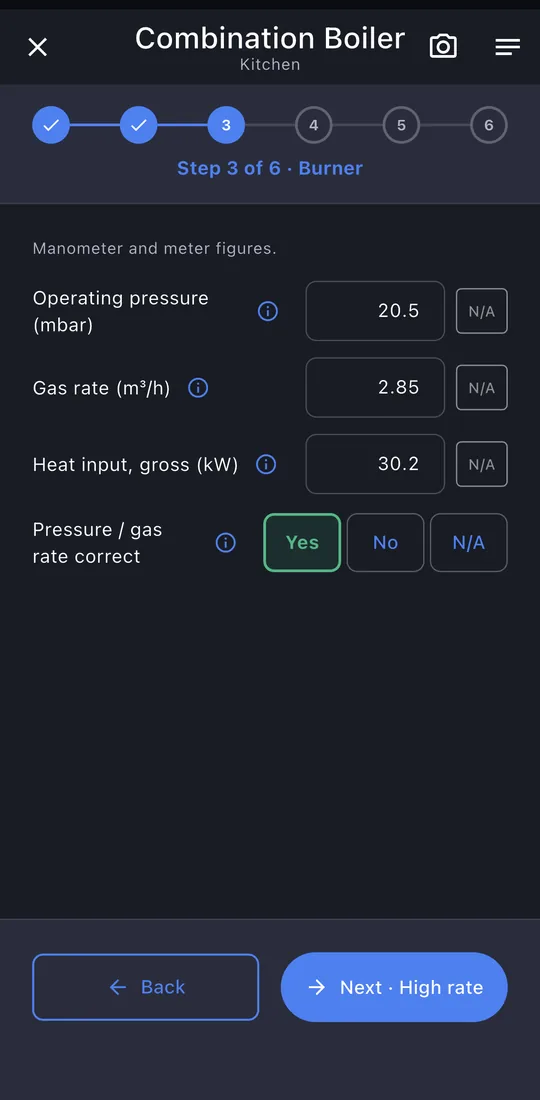
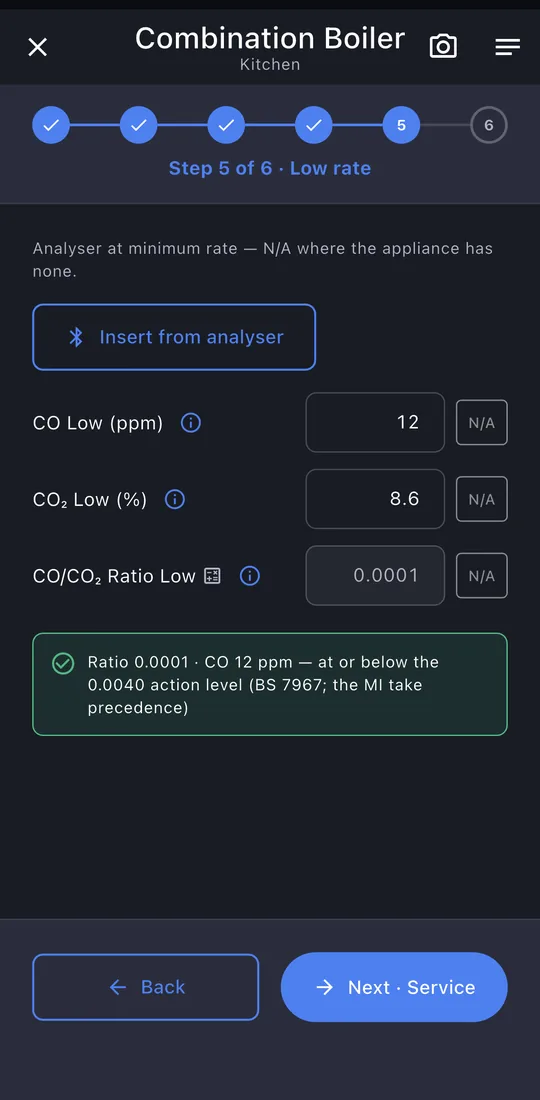
7Burner and combustion
Operating pressure, gas rate and heat input, then high and low fire CO, CO₂ and the ratio.
-
8What you did
The work carried out and any parts replaced, then whether it's serviced to the instructions. Tap Done.
-
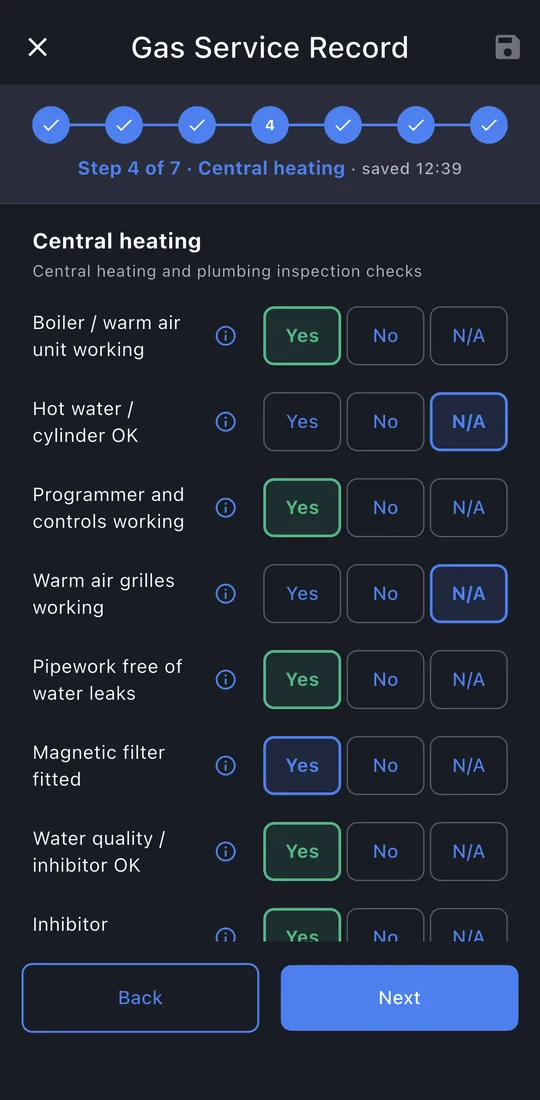
9Central heating
The system checks: controls, leaks, filter, inhibitor, expansion vessel and system pressure.
-
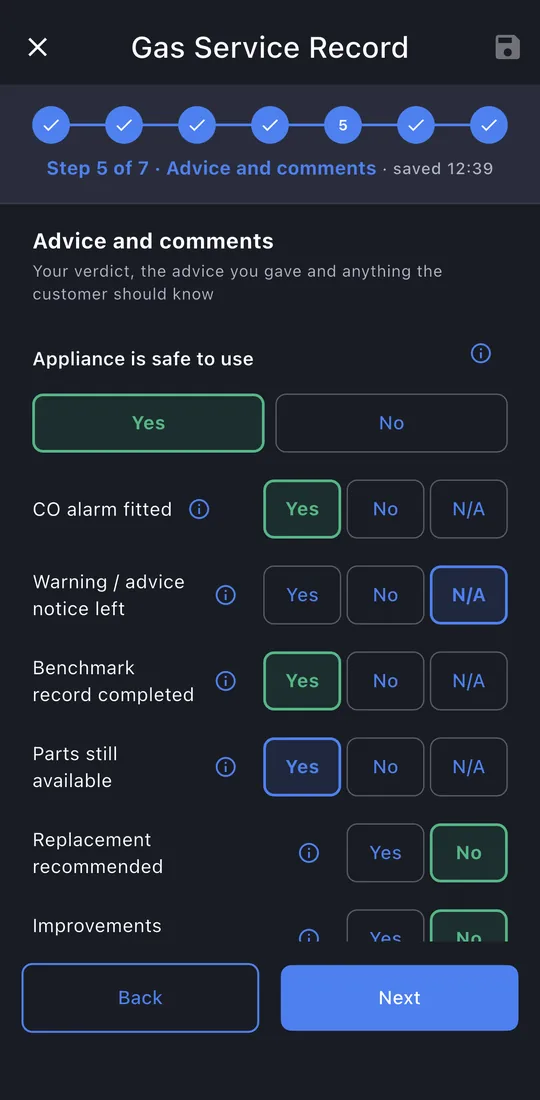
10Advice
Safe to use, CO alarm, Benchmark, and anything you recommend.
-
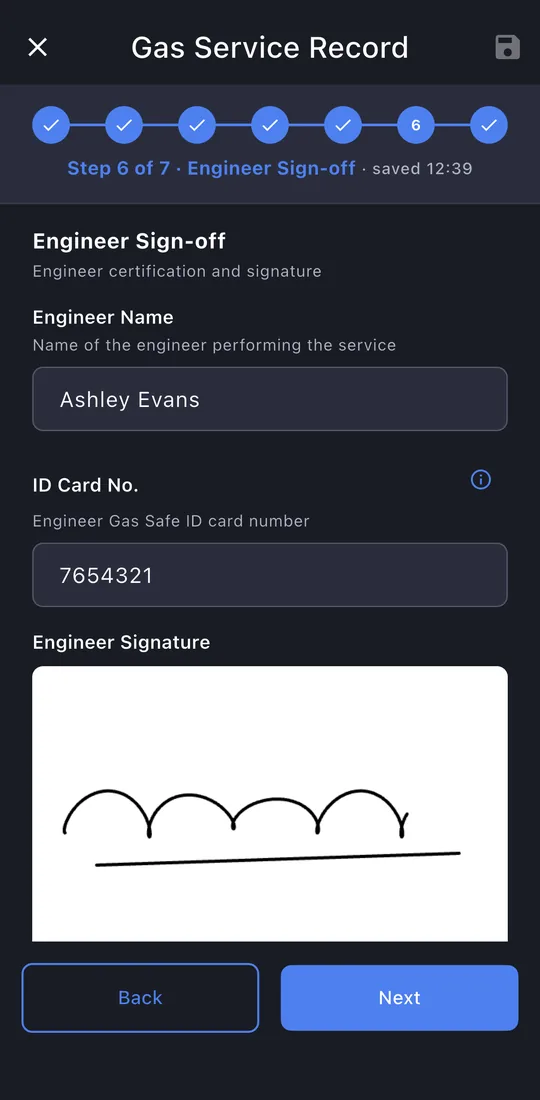
11Engineer sign-off
Your name, ID and signature are filled in.
-
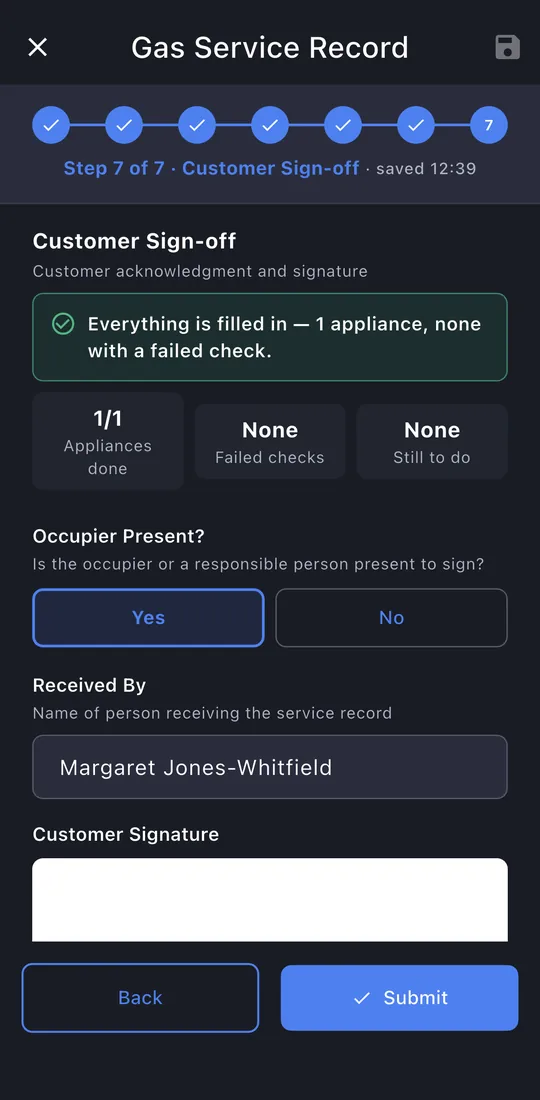
12Customer sign-off
Who received it and their signature, or why no one signed.
-
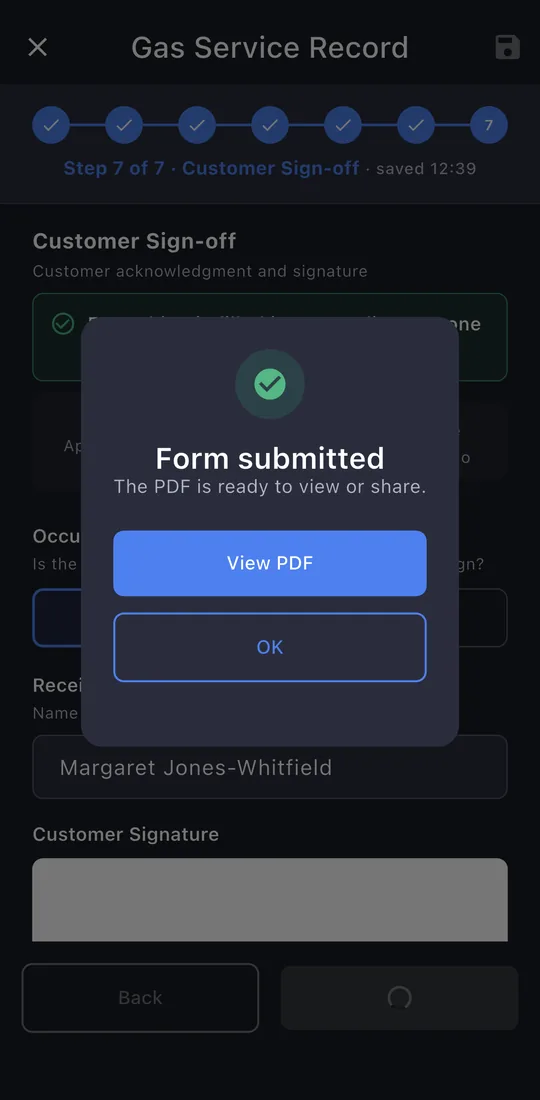
13Submit
The last page shows whether anything is still missing. Tap Submit. The record is locked once it's issued; editing it later makes a new revision, so the one you gave the customer never changes.
-
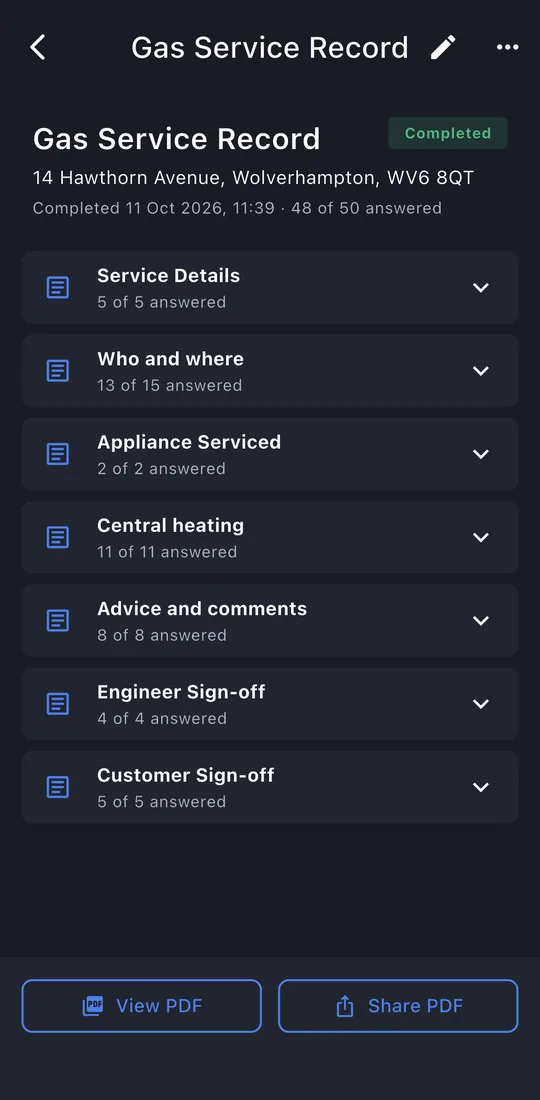
14The record
View PDF or Share PDF: the email is written for you, to the customer, with the PDF attached. The record is kept on the property's Work tab.