 GasPass
 Guides › Forms
16. Unvented hot water
Commissioning or inspecting an unvented hot water storage vessel, to Building Regulations G3.
-
1Start the form
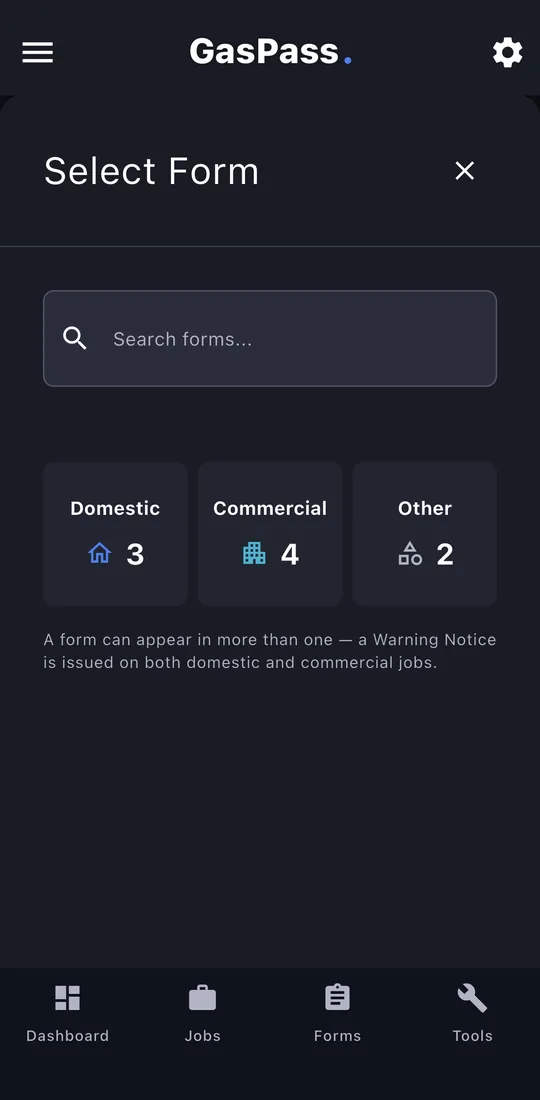
Open the customer, then the property, and tap Start Form. Pick the form, or search for it. On a job, use the job's Start a form instead and it's filed with the job.
-
2Service details
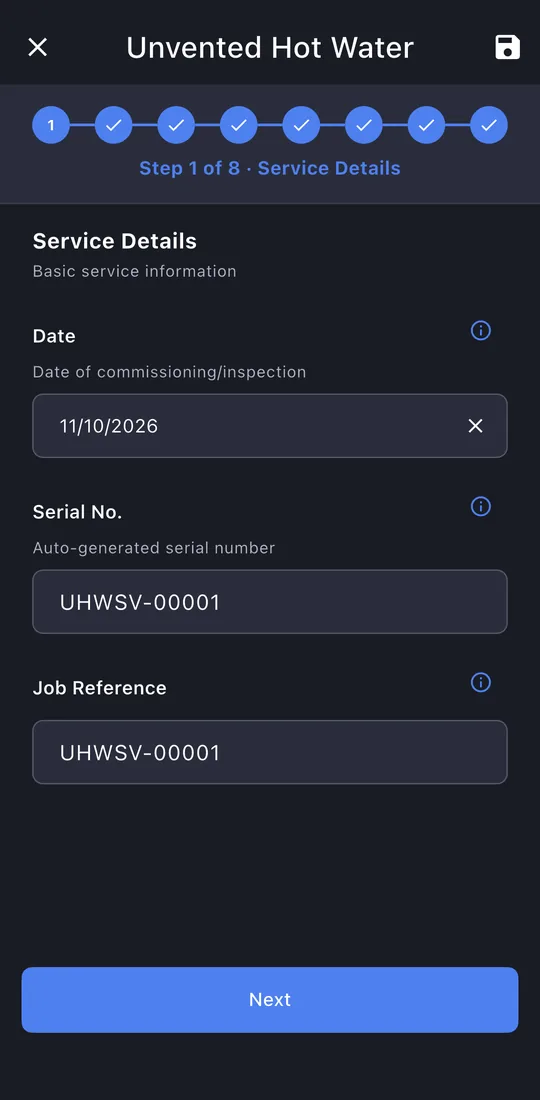
The date and serial number are filled in.
-
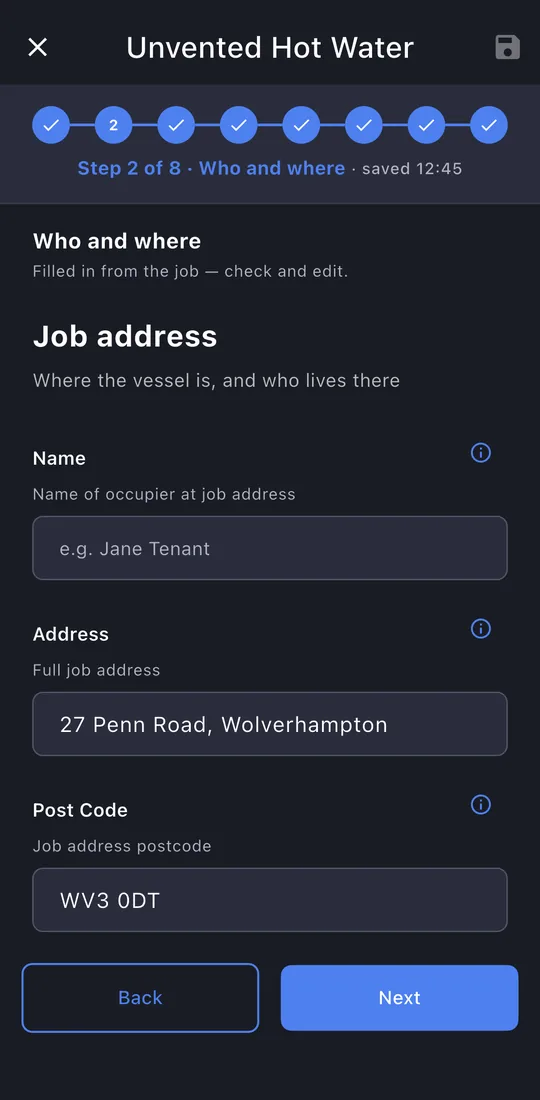
3Who and where
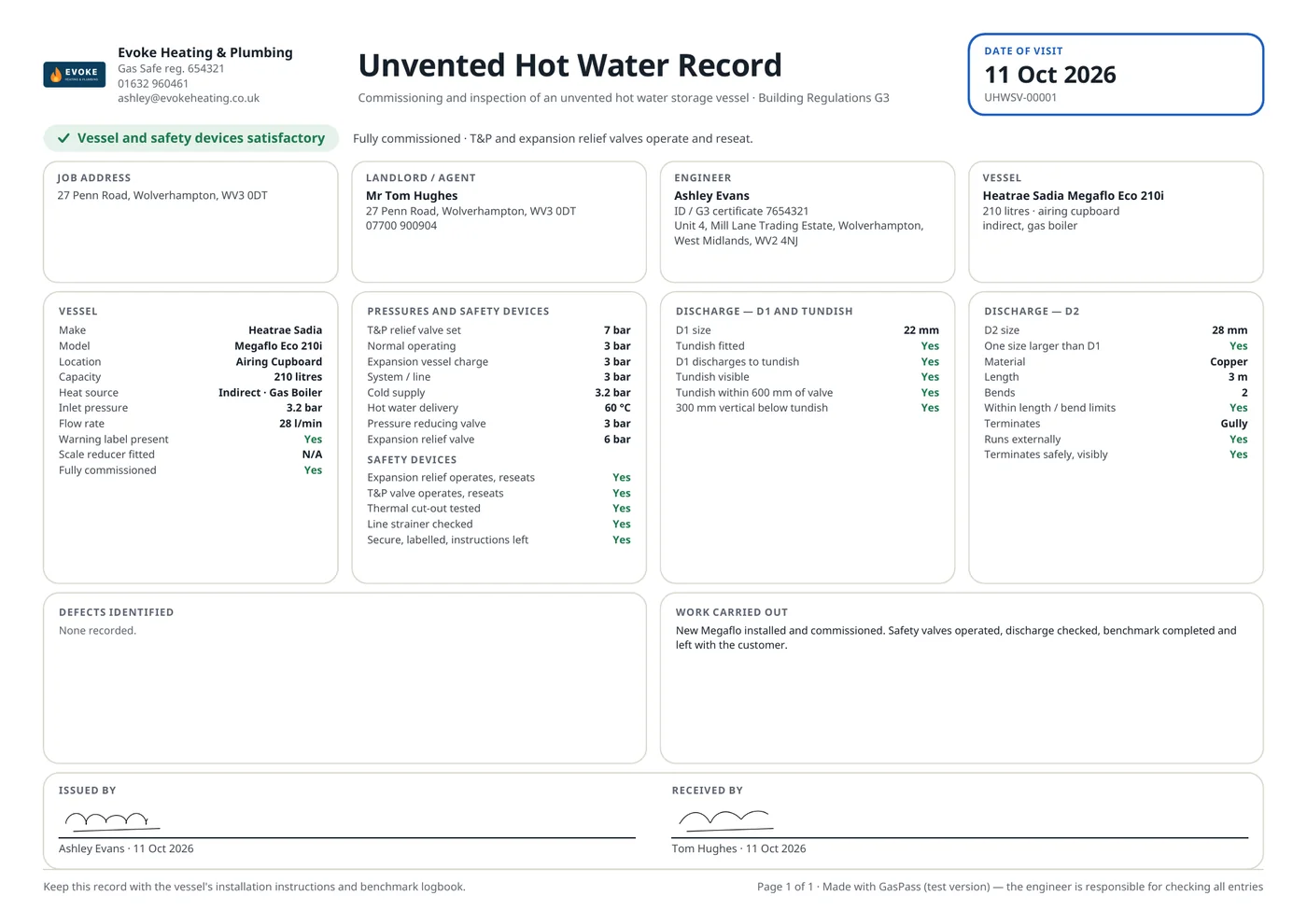
The job address, the landlord or agent, and your business with your G3 certificate number.
-
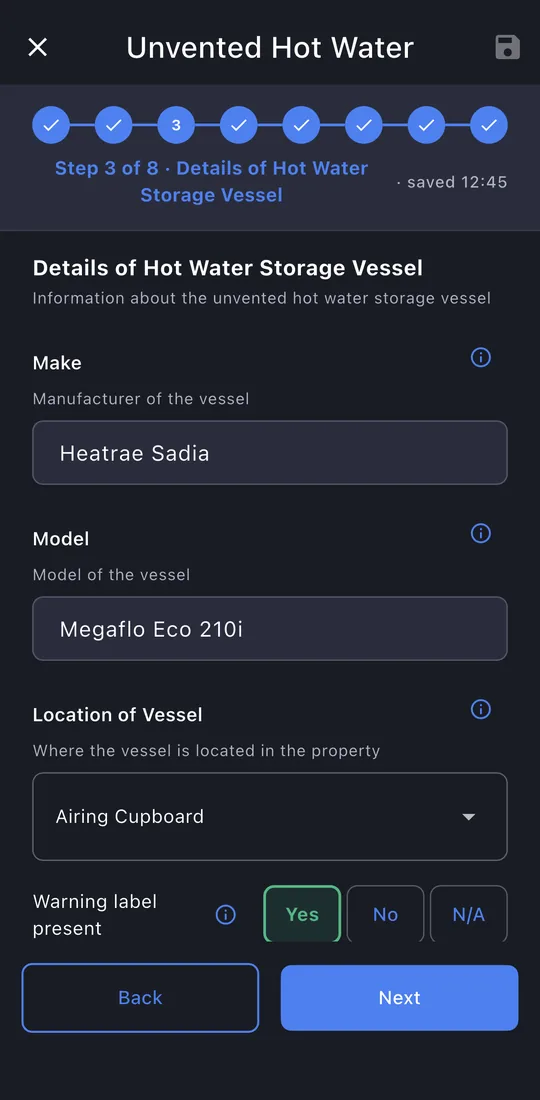
4The vessel
Make, model, location, capacity, heat source, inlet pressure and flow rate, and whether it's fully commissioned.
-
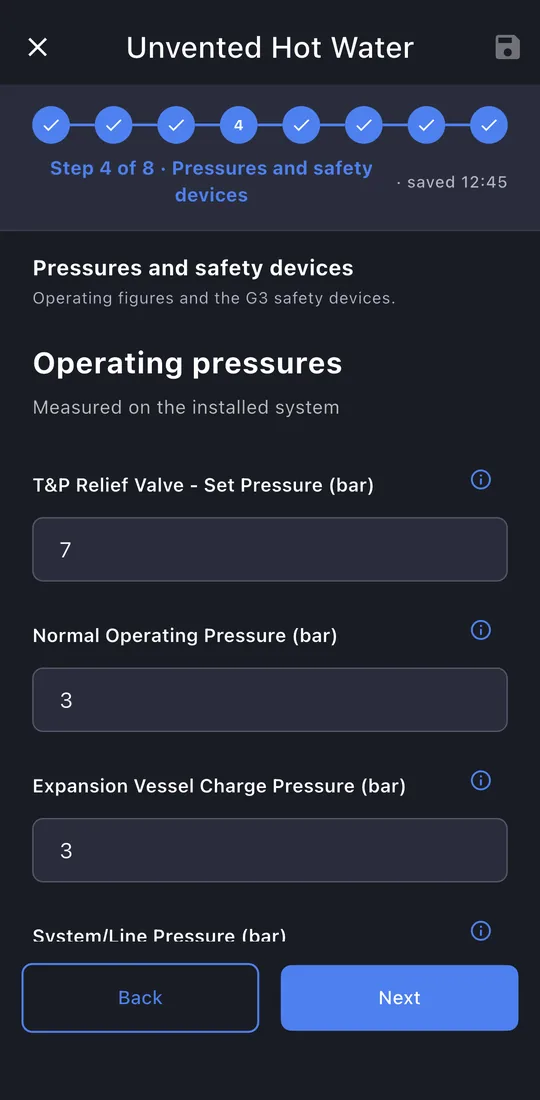
5Pressures and safety devices
Operating pressures, then each safety device checked and operated.
-
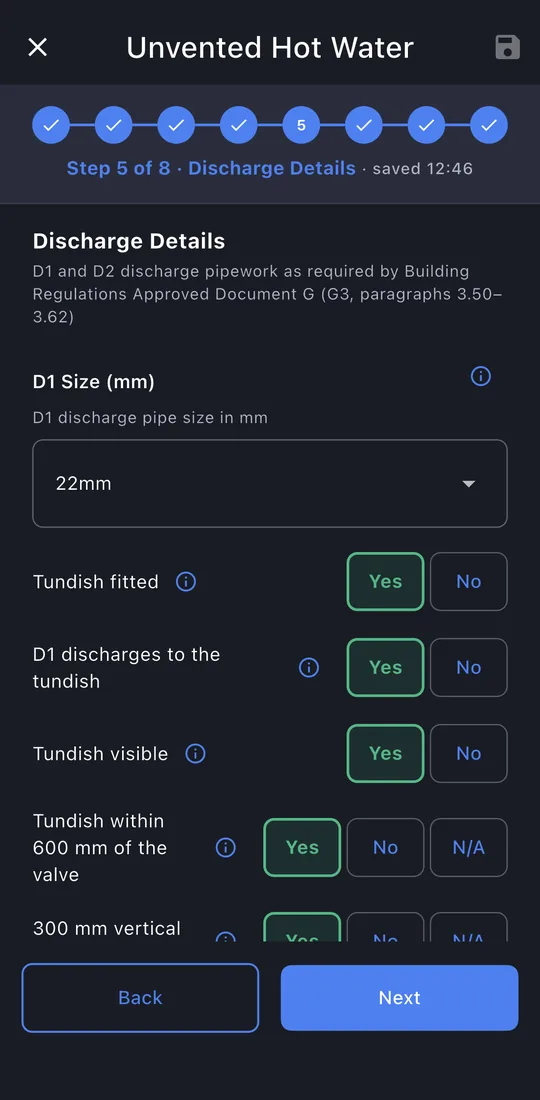
6Discharge
D1, the tundish and D2: sizes, material, length, bends and termination.
-
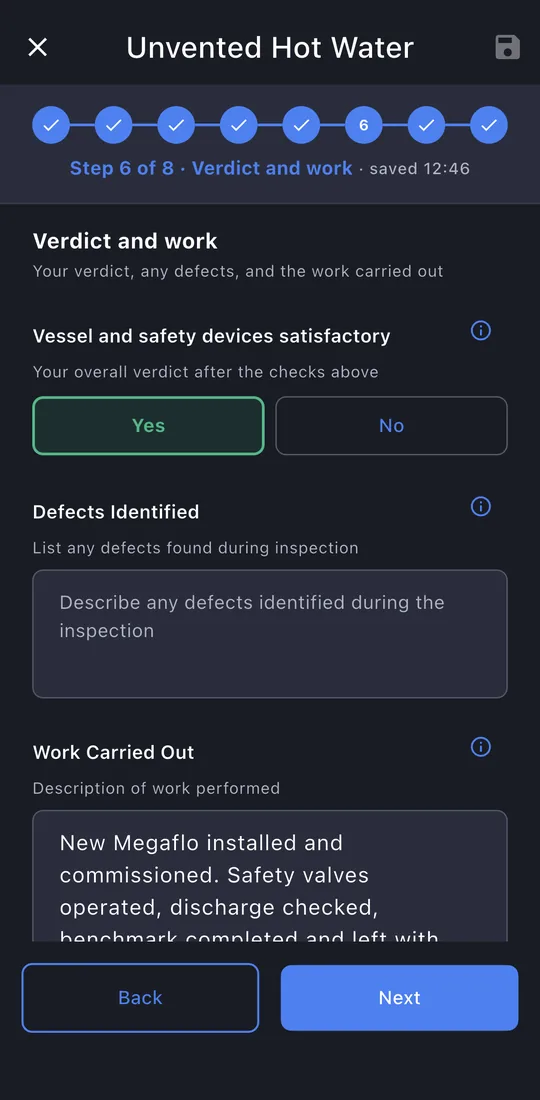
7Verdict and work
Whether the vessel and its safety devices are satisfactory, any defects, and what you did.
-
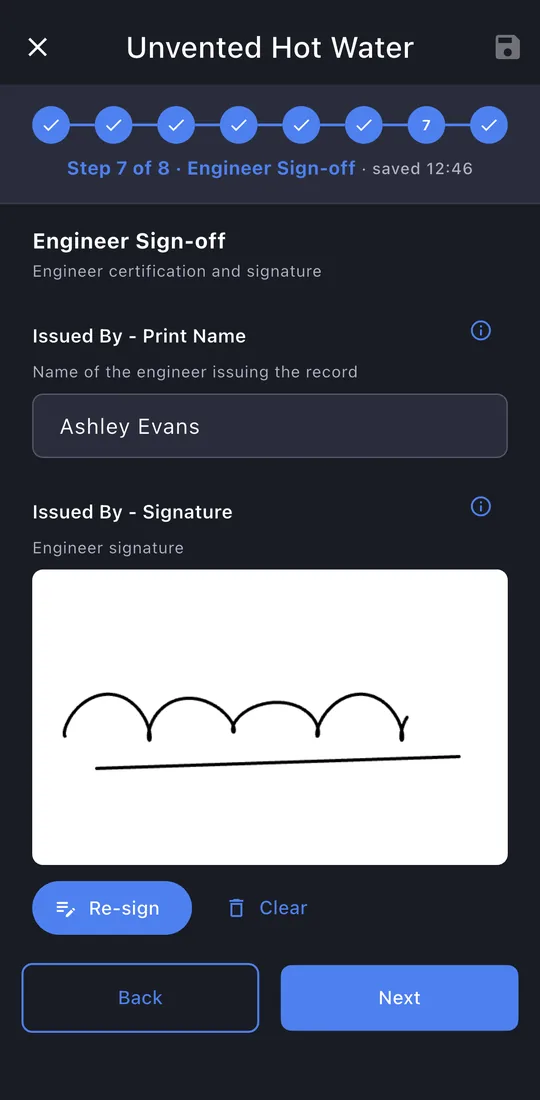
8Sign-off
Your signature is filled in; the customer signs.
-
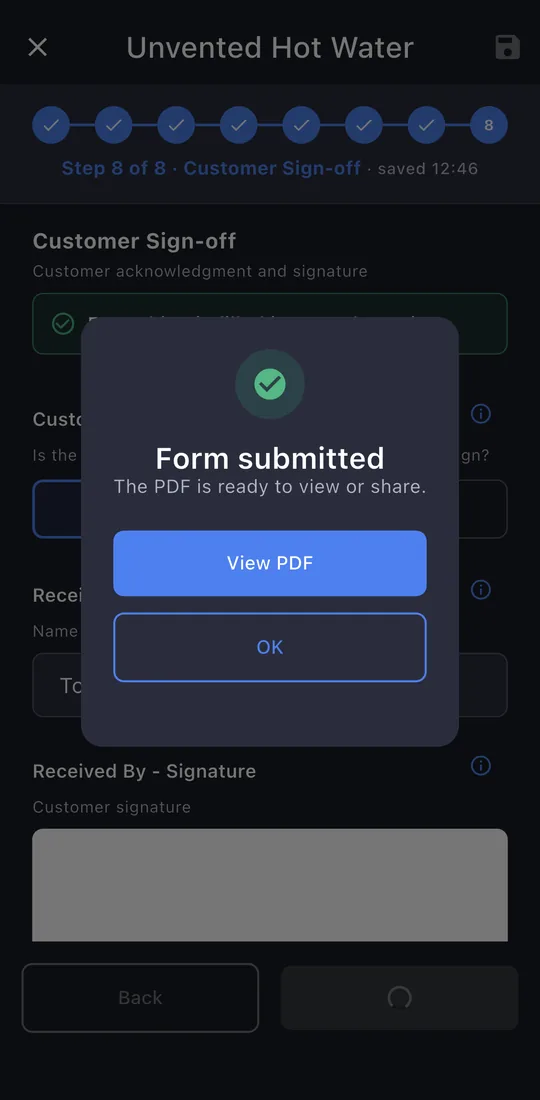
9Submit
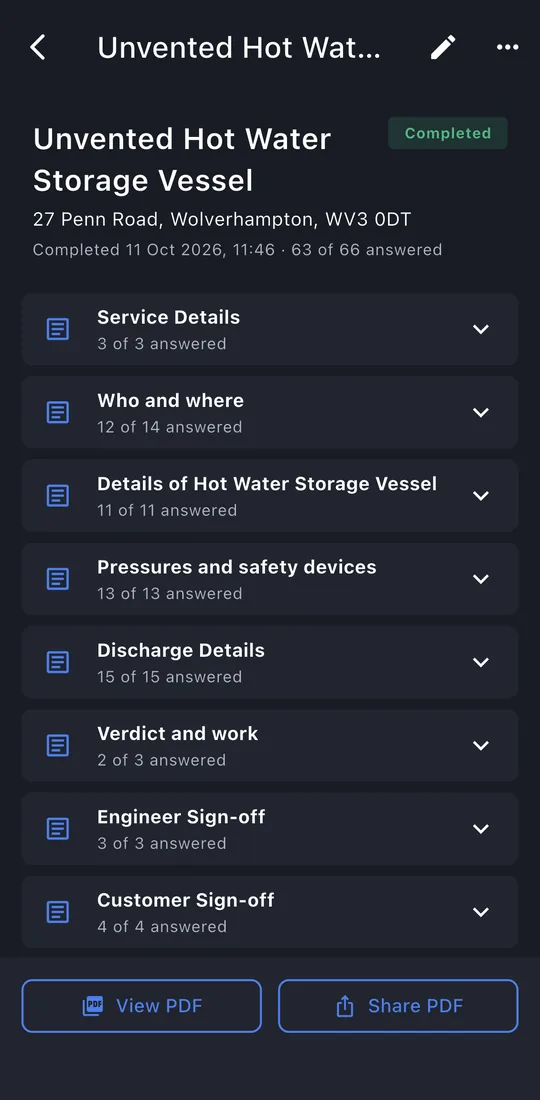
The last page shows whether anything is still missing. Tap Submit. The record is locked once it's issued; editing it later makes a new revision, so the one you gave the customer never changes.
-
10The record
View PDF or Share PDF: the email is written for you, to the customer, with the PDF attached. The record is kept on the property's Work tab.