 GasPass
 Guides › Forms
14. Non-domestic inspection (NDIR)
A gas safety inspection of the appliances and installation on a commercial site: kitchens, plant rooms, warm air heaters.
-
1Start the form
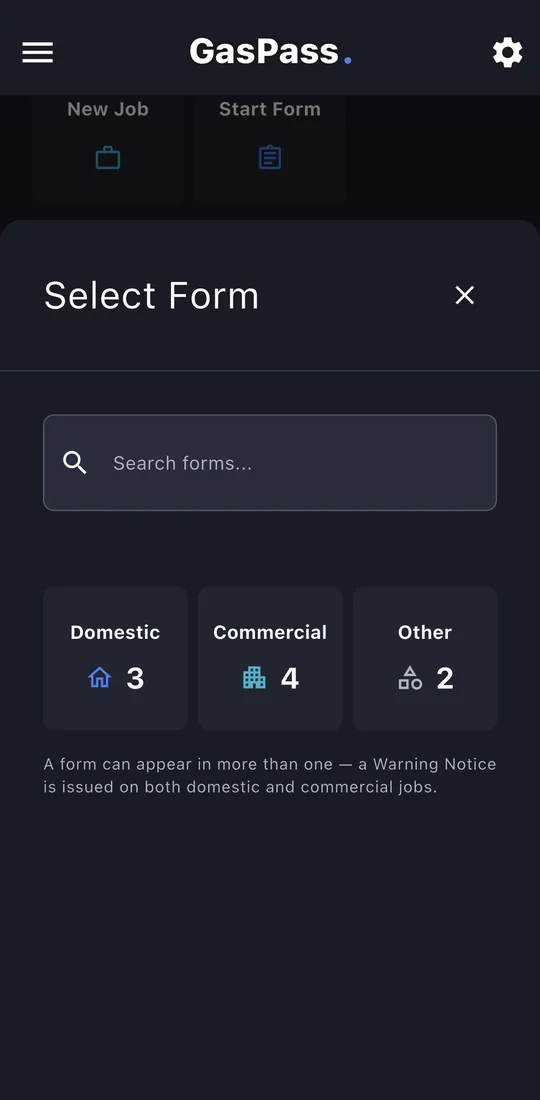
Open the customer, then the property, and tap Start Form. Pick the form, or search for it. On a job, use the job's Start a form instead and it's filed with the job.
-
2Certificate details
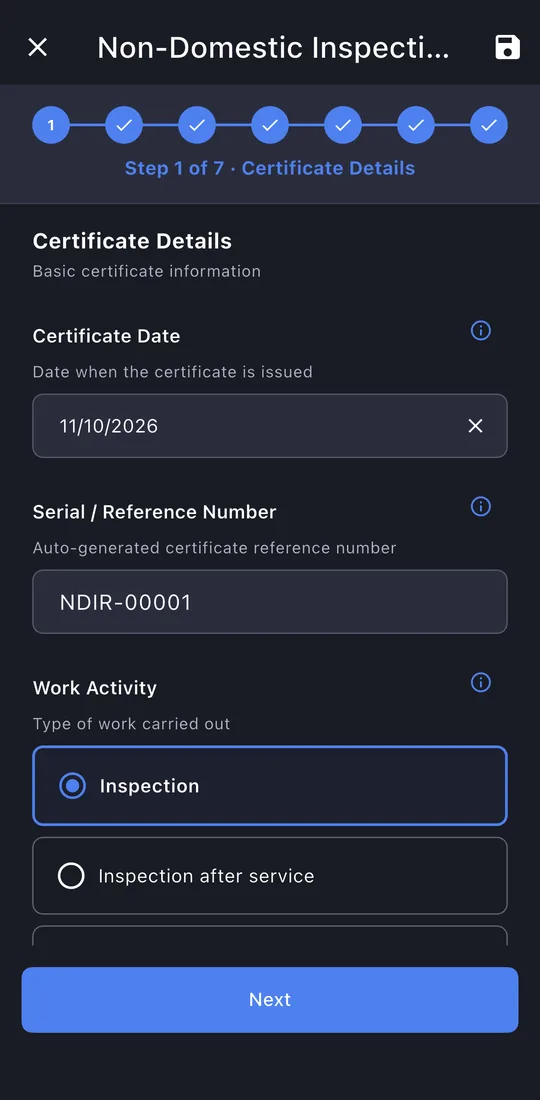
The kind of inspection and the gas type. The next inspection due date is worked out for you.
-
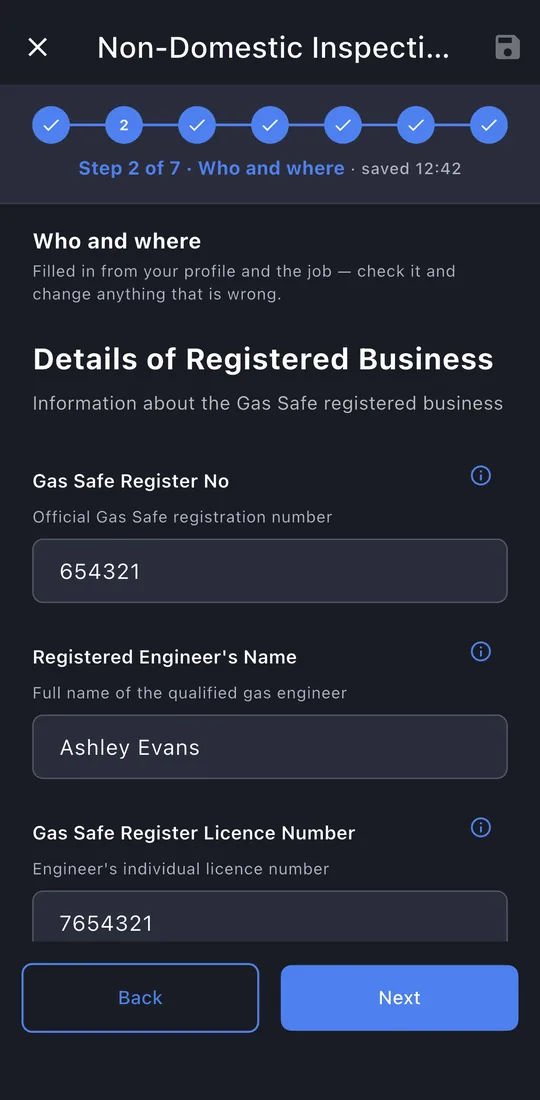
3Who and where
Your business and engineer details, the site and its contact, and the customer.
-
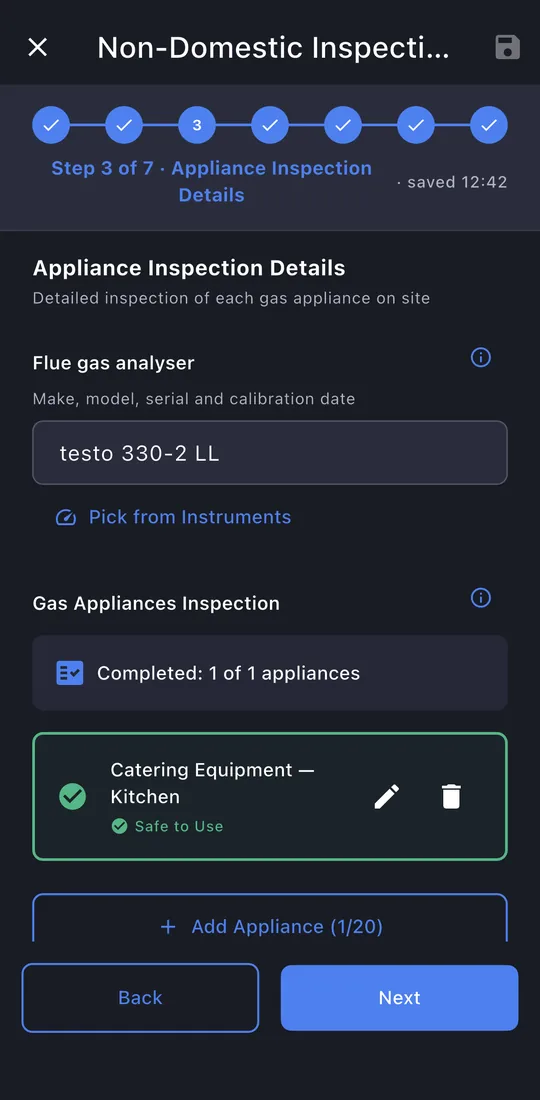
4Appliances
The analyser, then each appliance. Tap ✎ to open one.
-
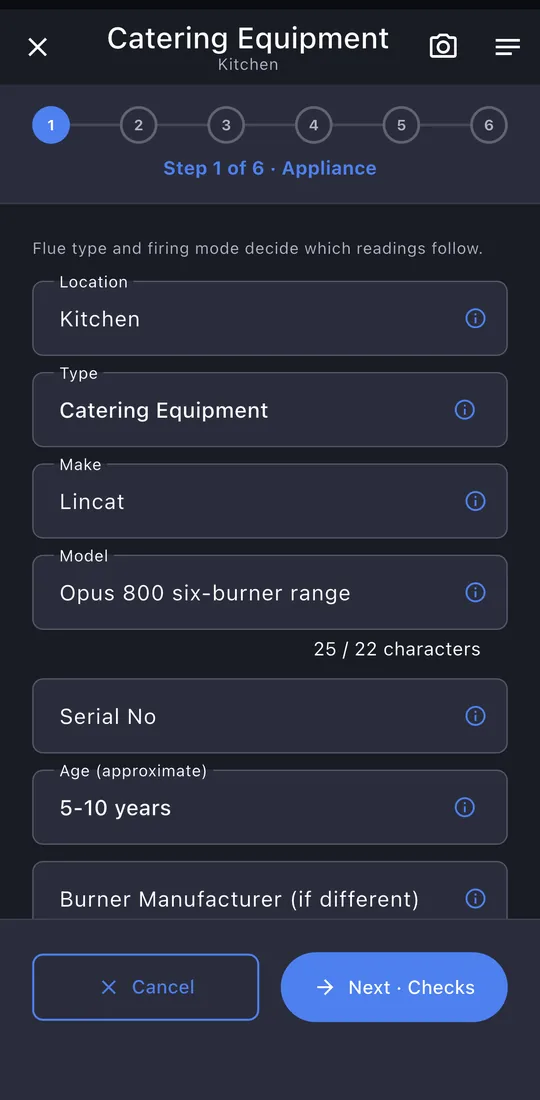
5Appliance details
Type, make and model, age, flue and firing mode, and whether it was inspected.
-
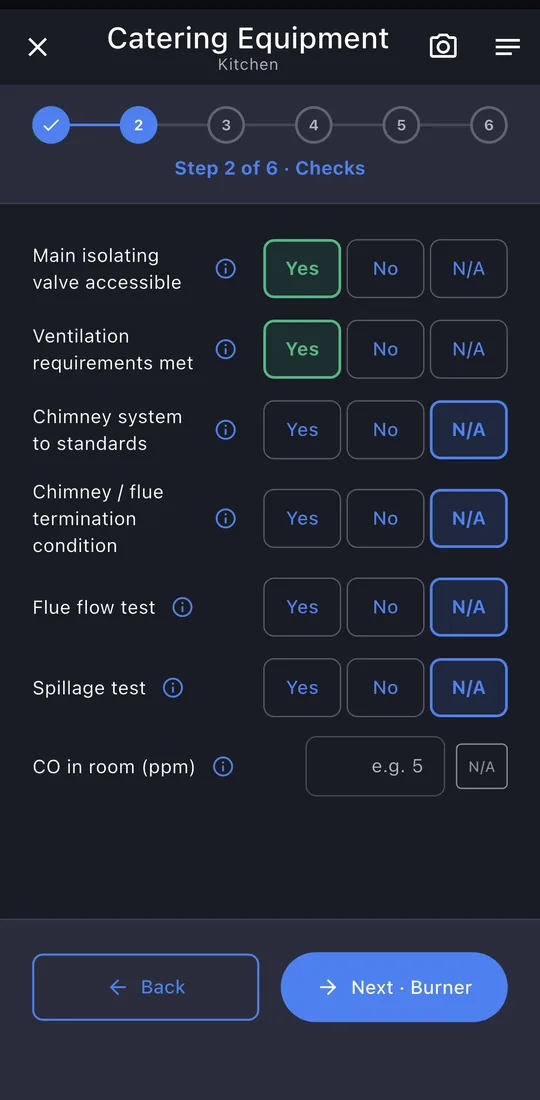
6Checks
Isolation, ventilation, chimney and the flue tests: N/A where they don't apply, like a flueless catering range.
-
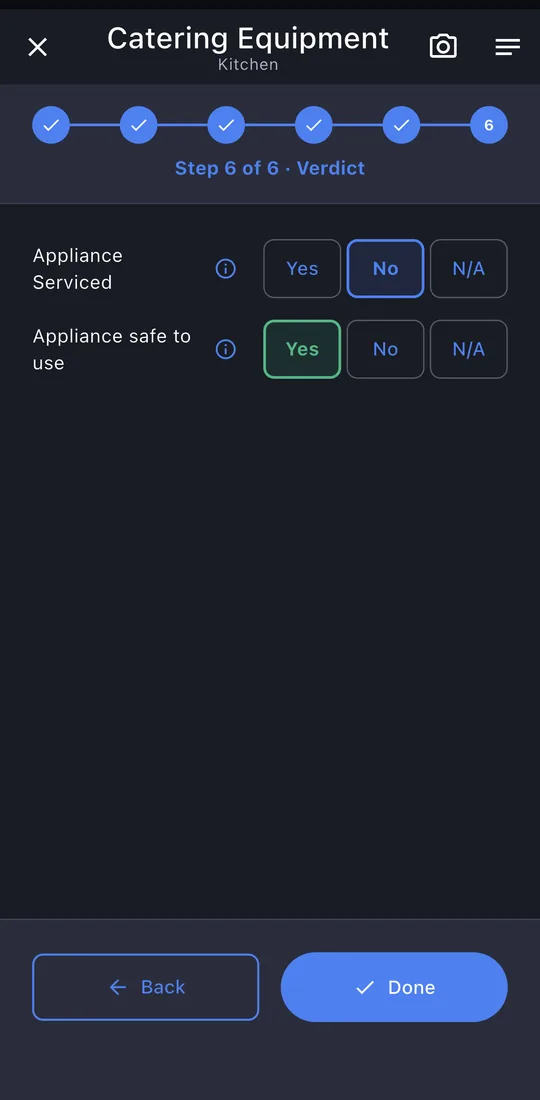
7Verdict
Flame sensing and switches, then serviced and safe to use.
-
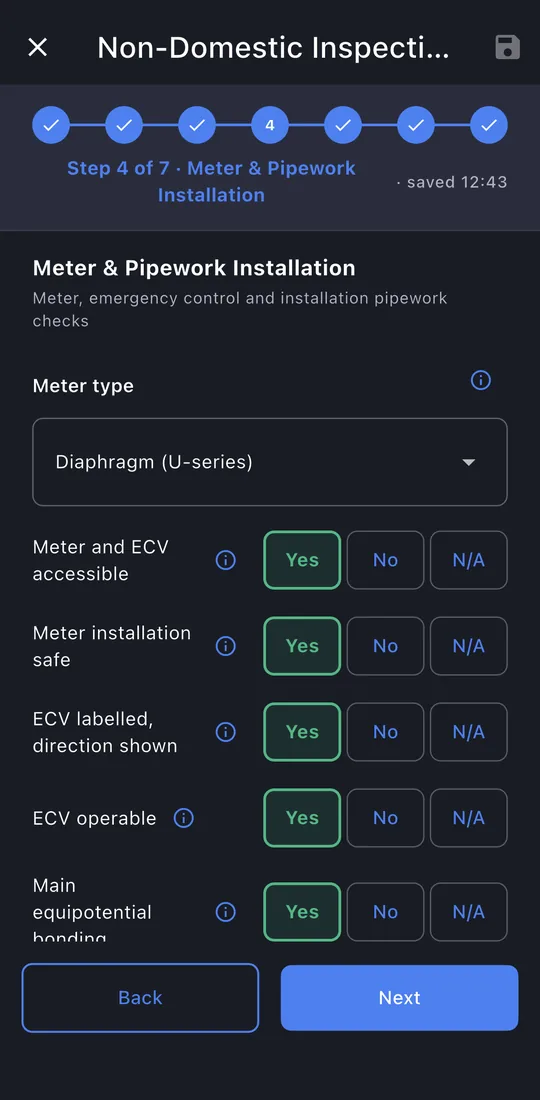
8Meter and pipework
The meter, ECV, bonding, pipework, tightness test, AECV, gas detection and notices, then the installation verdict.
-
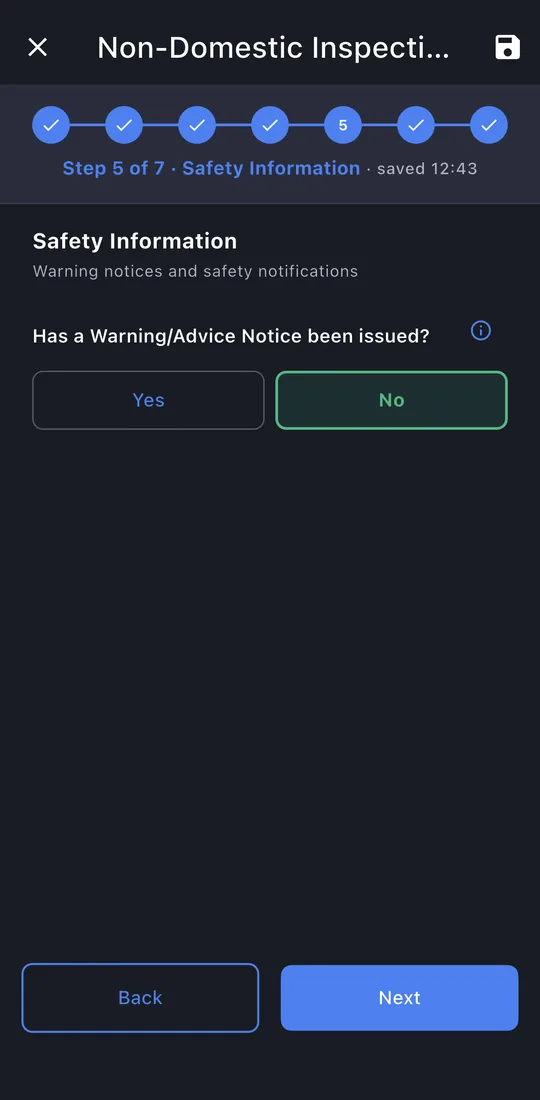
9Safety information
Whether a Warning Notice was issued.
-
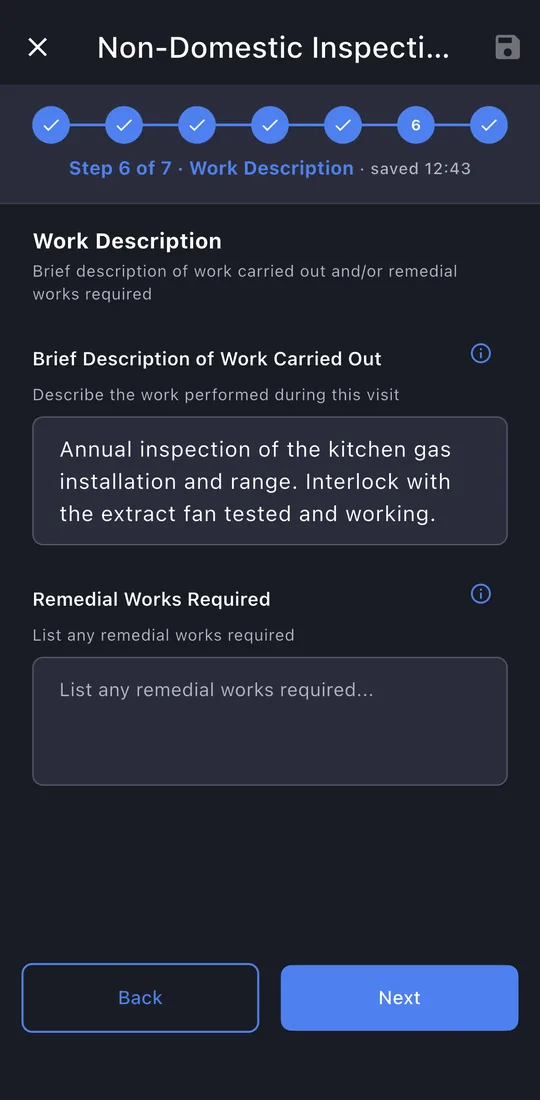
10Work description
What you did, and any remedial work.
-
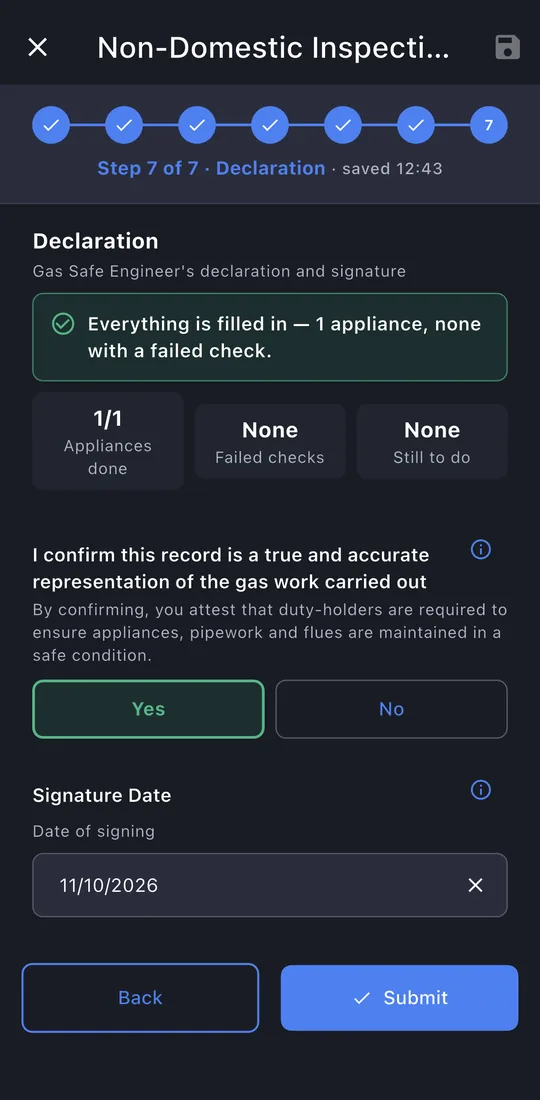
11Declaration
Confirm the record, sign (filled in), and the responsible person signs.
-
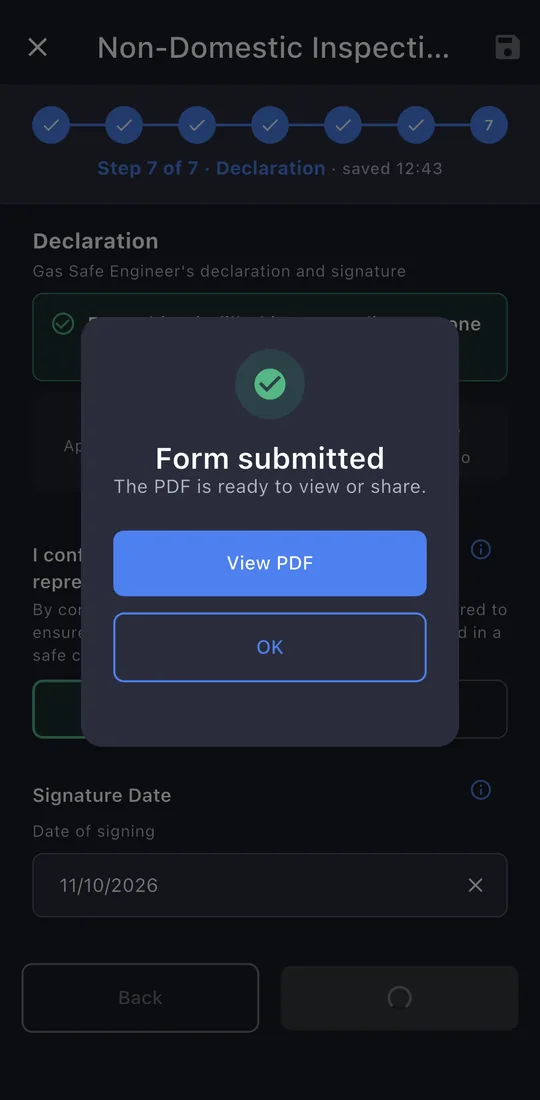
12Submit
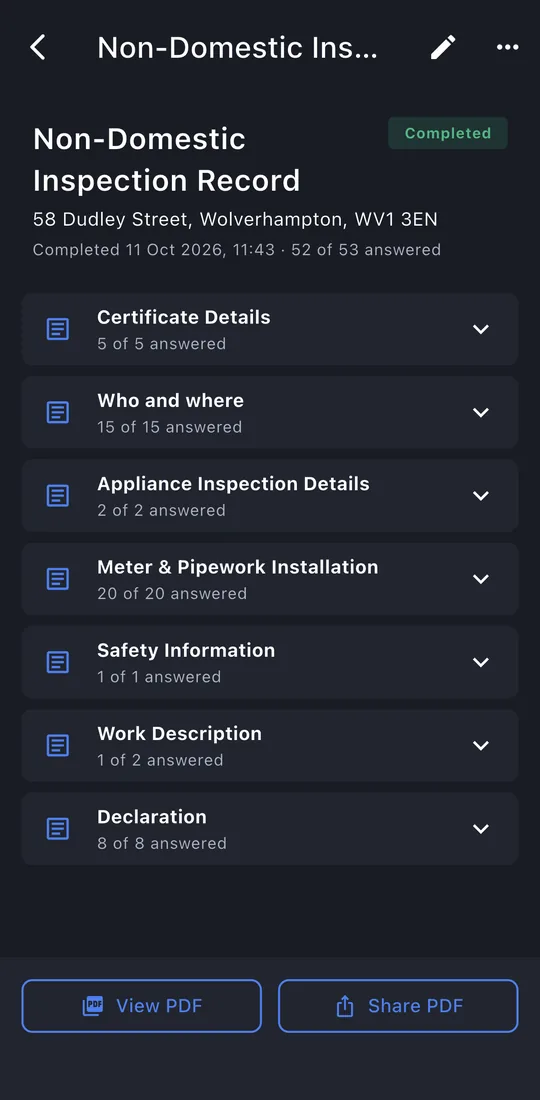
The last page shows whether anything is still missing. Tap Submit. The record is locked once it's issued; editing it later makes a new revision, so the one you gave the customer never changes.
-
13The record
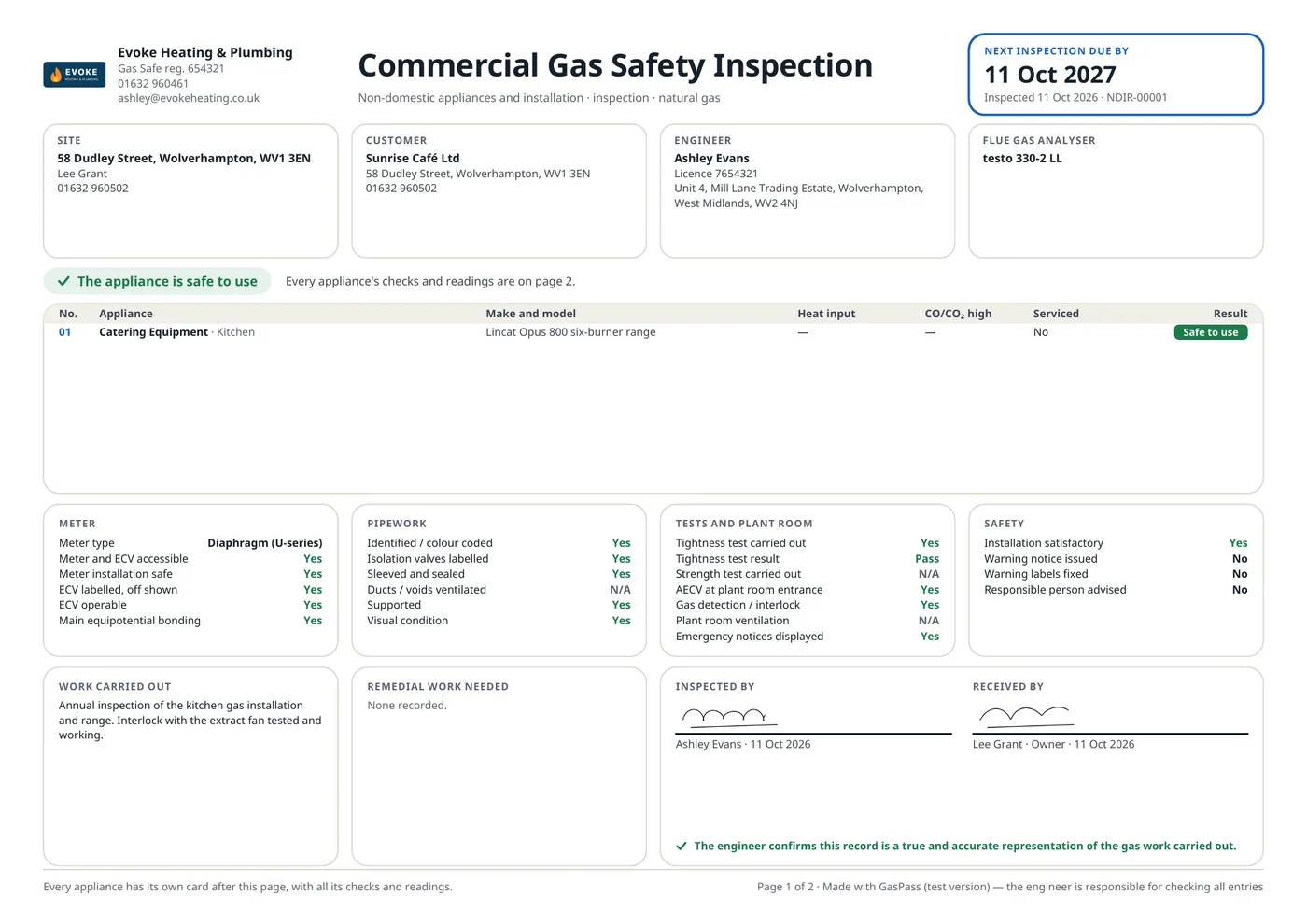
View PDF or Share PDF: the email is written for you, to the customer, with the PDF attached. The record is kept on the property's Work tab.