 GasPass
 Guides › Forms
15. Gas testing and purging
Strength and tightness tests and purging of non-domestic installations, to IGE/UP/1, UP/1A or UP/1B.
-
1Start the form
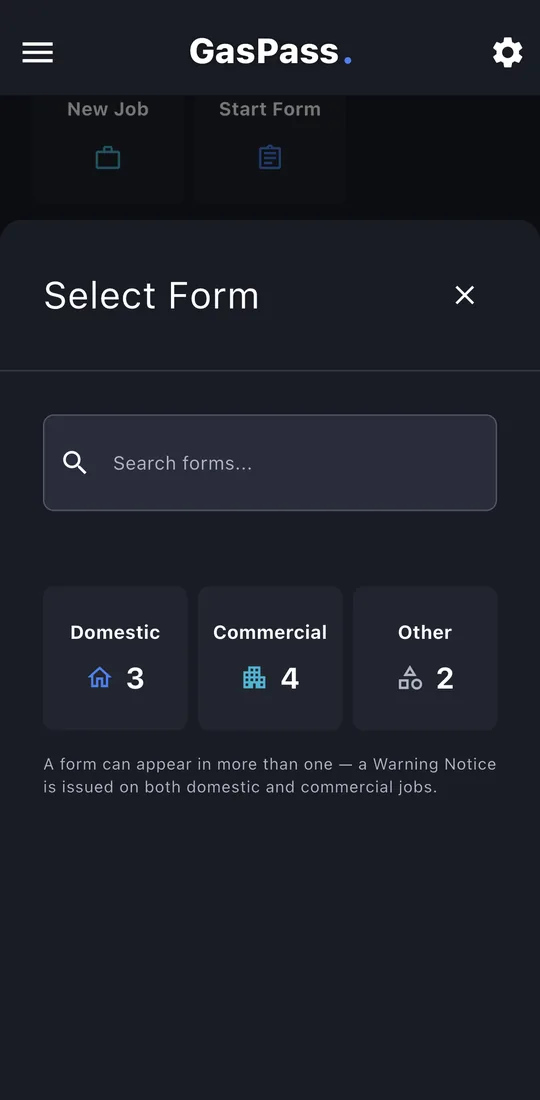
Open the customer, then the property, and tap Start Form. Pick the form, or search for it. On a job, use the job's Start a form instead and it's filed with the job.
-
2Service details
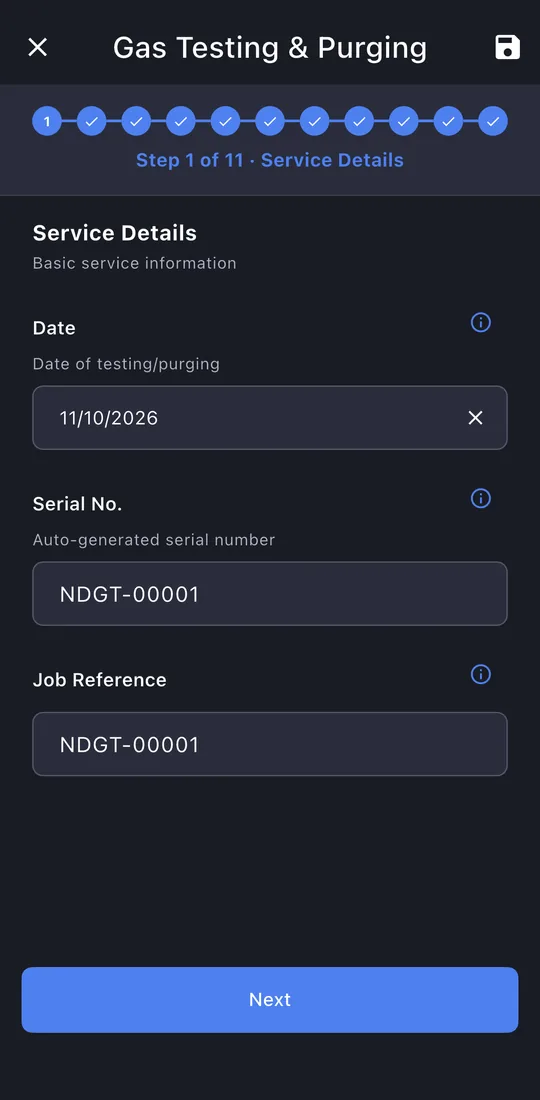
The date and serial number are filled in.
-
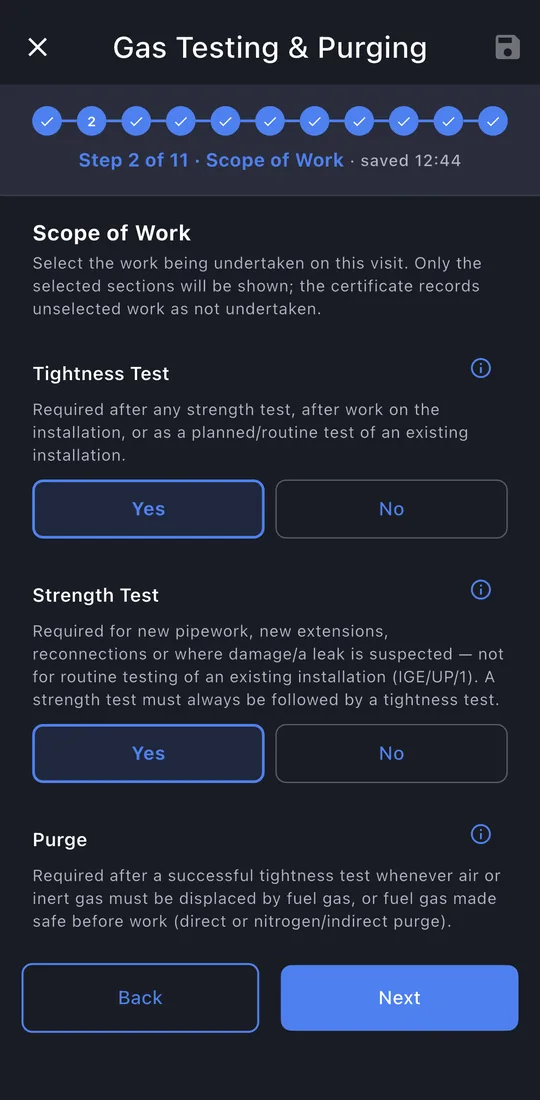
3Scope of work
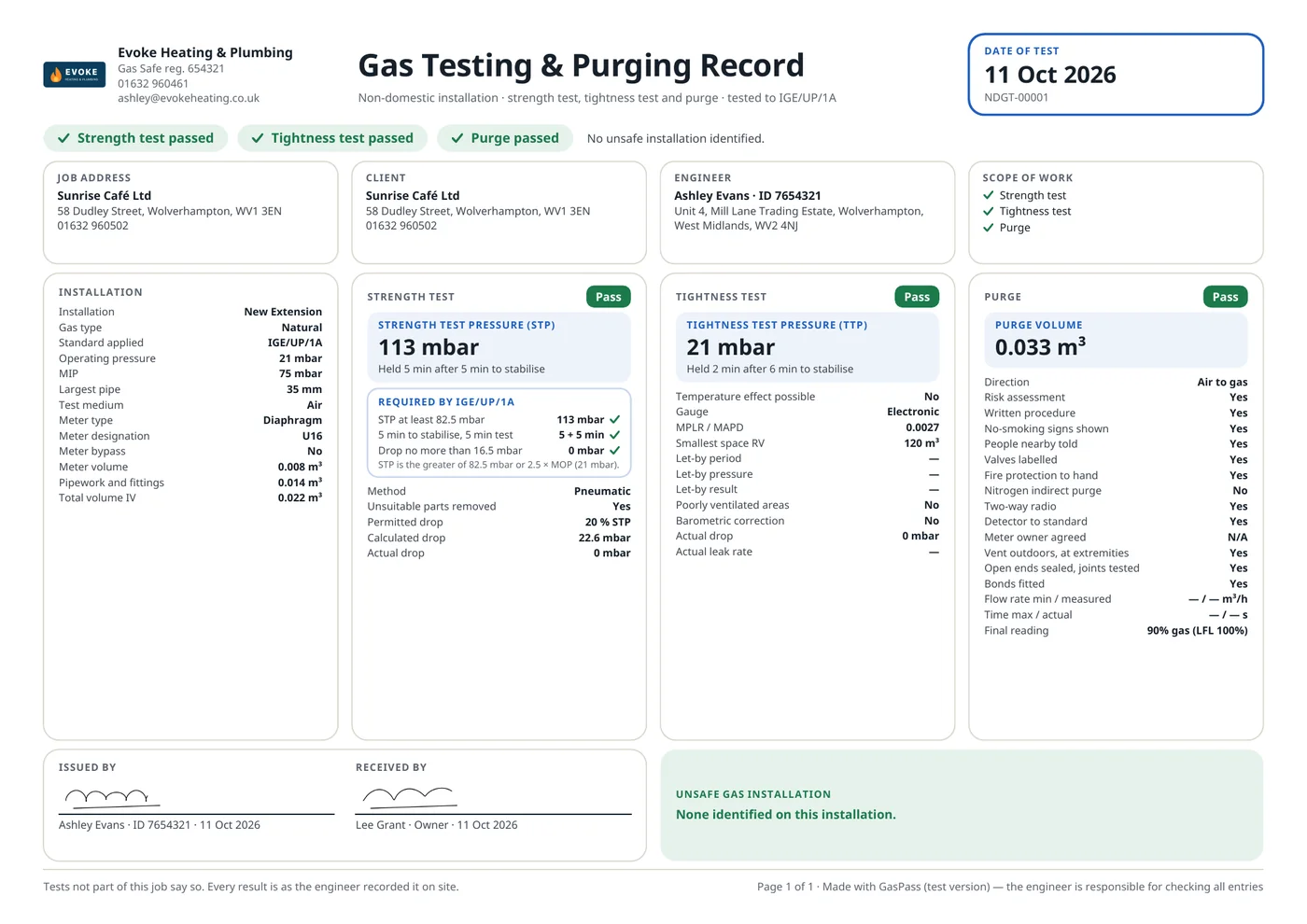
Which of the three you did: tightness test, strength test, purge. The record and PDF say which weren't part of the job.
-
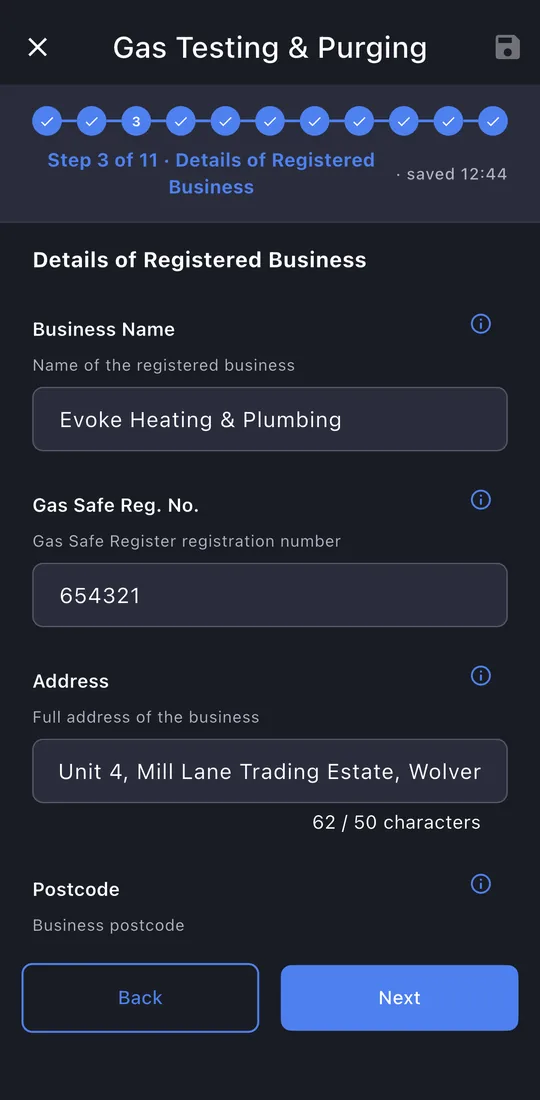
4Your business, the job and the client
Filled in from GasPass, over three short pages.
-
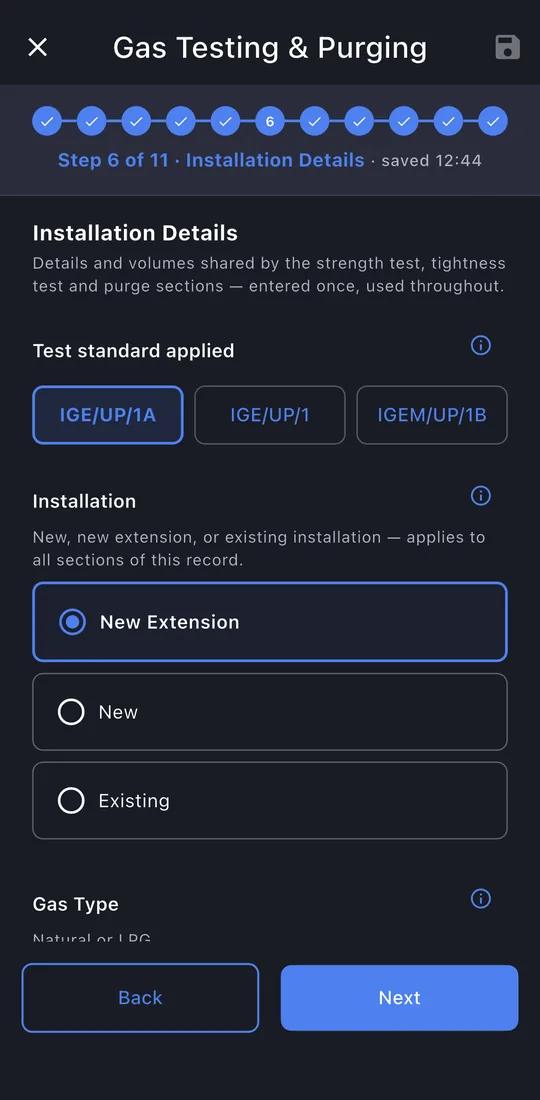
5Installation
The standard, the installation, gas type, pressures, pipe size, test medium, meter and volumes.
-
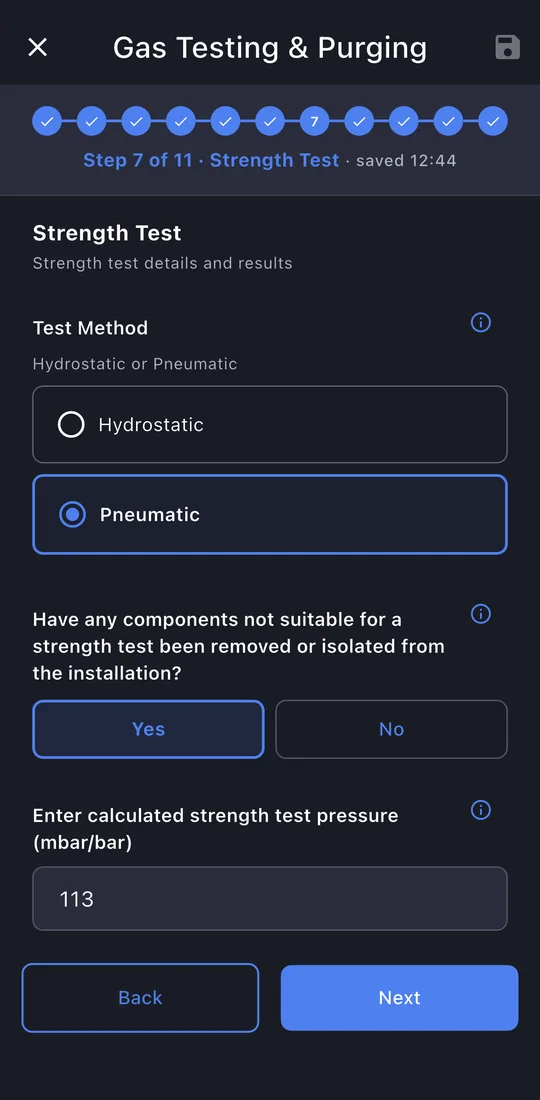
6Strength test
Method, test pressure, stabilisation and test times, the drops, and the result.
-
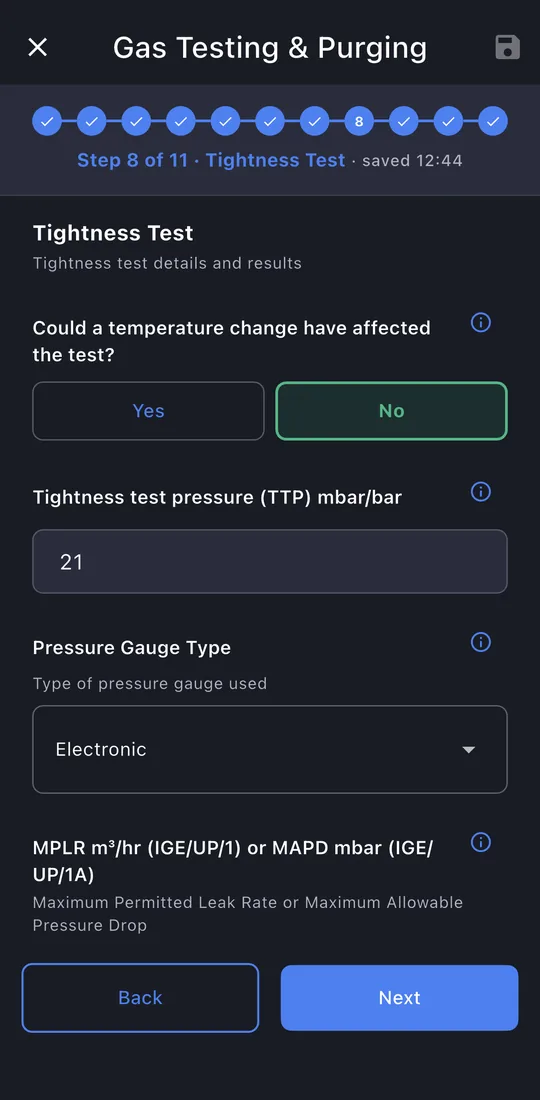
7Tightness test
The test pressure, gauge, MPLR or MAPD, room volume, times, drop and result.
-
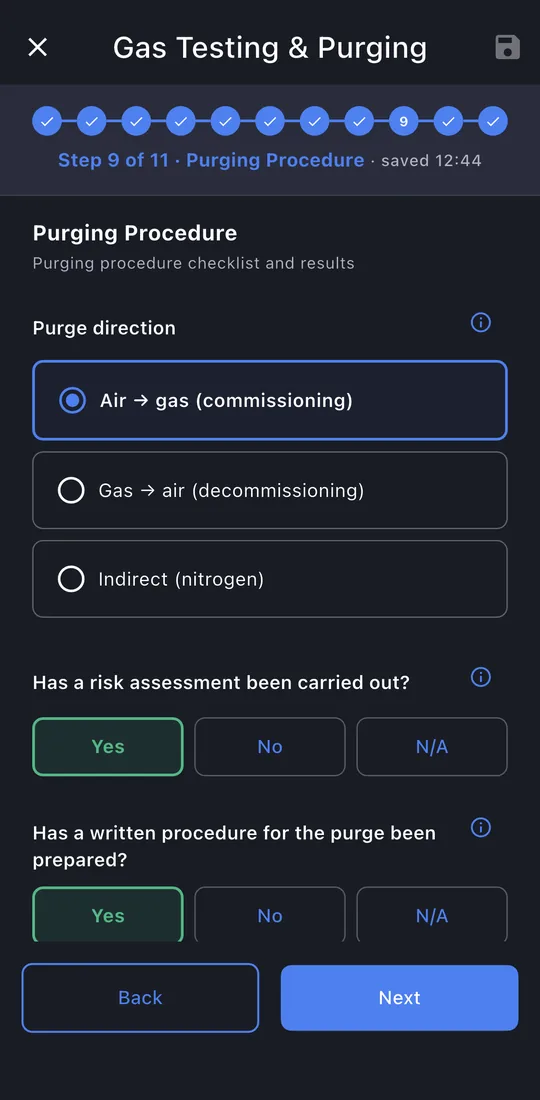
8Purging
Direction, the safety checks, volumes and flow, the final reading, and the result.
-
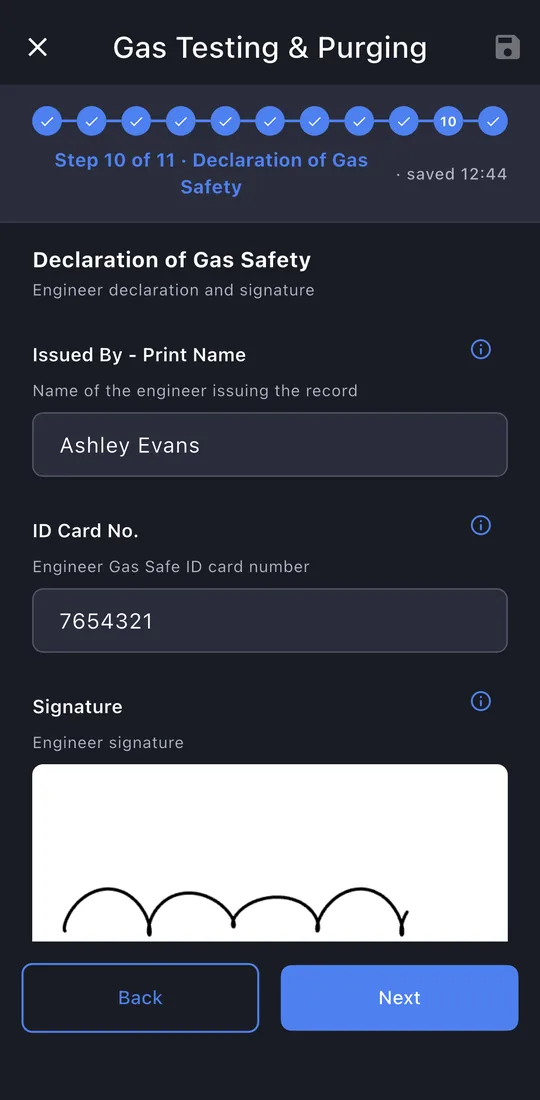
9Declaration
Your signature is filled in. The responsible person signs.
-
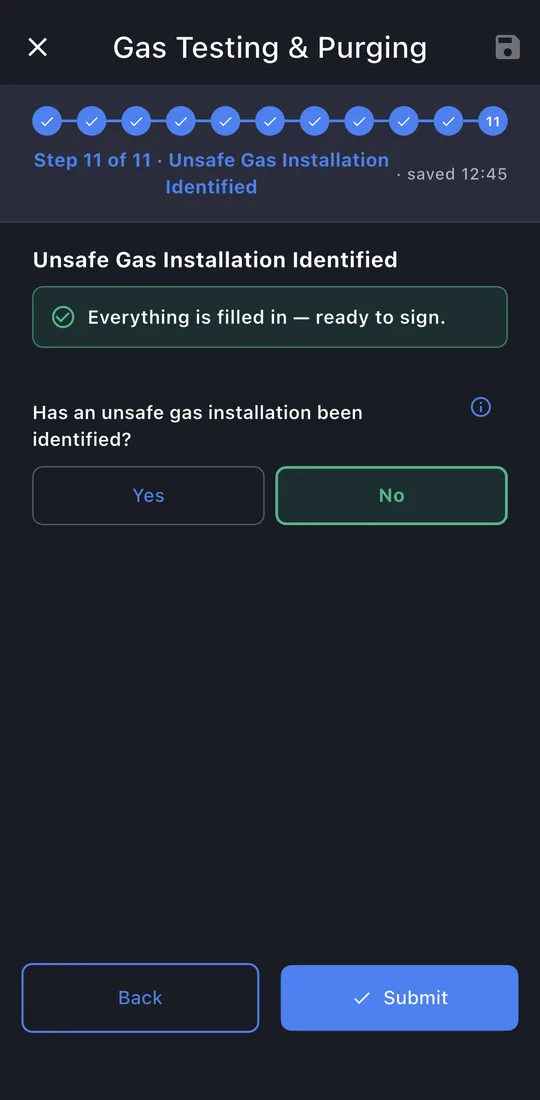
10Unsafe installation
Whether an unsafe installation was found, with its classification if so.
-
11Submit
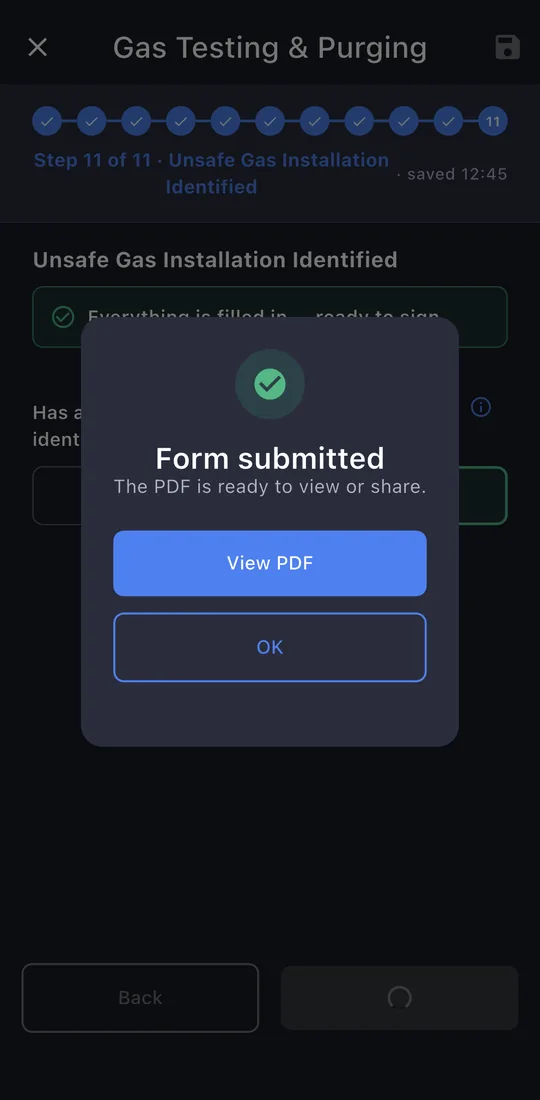
The last page shows whether anything is still missing. Tap Submit. The record is locked once it's issued; editing it later makes a new revision, so the one you gave the customer never changes.
-
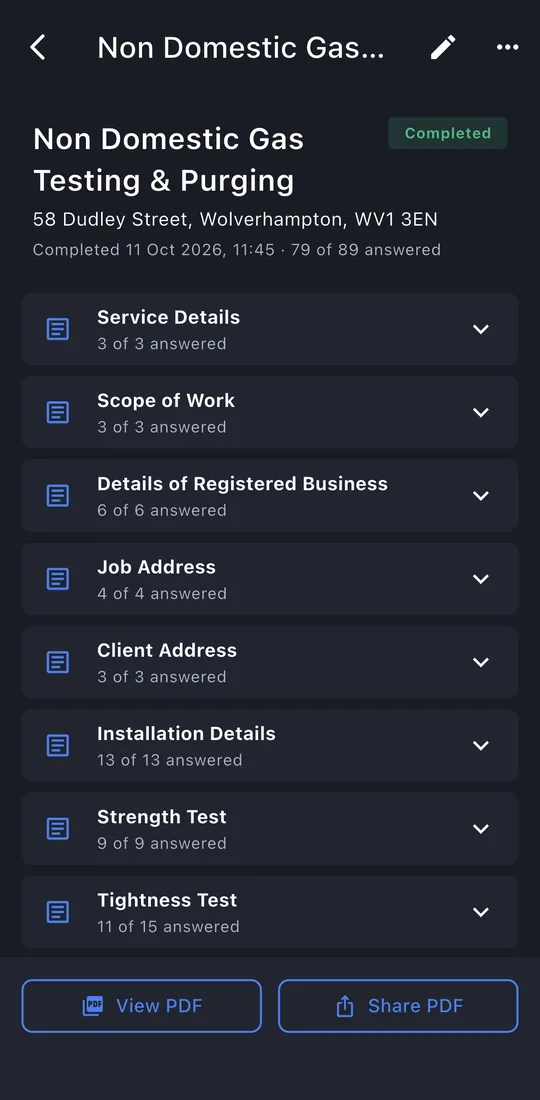
12The record
View PDF or Share PDF: the email is written for you, to the customer, with the PDF attached. The record is kept on the property's Work tab.