 GasPass
 Guides › Forms
13. Plant commissioning and servicing record
Commissioning or servicing gas plant on a commercial site, with the full combustion readings for each appliance.
-
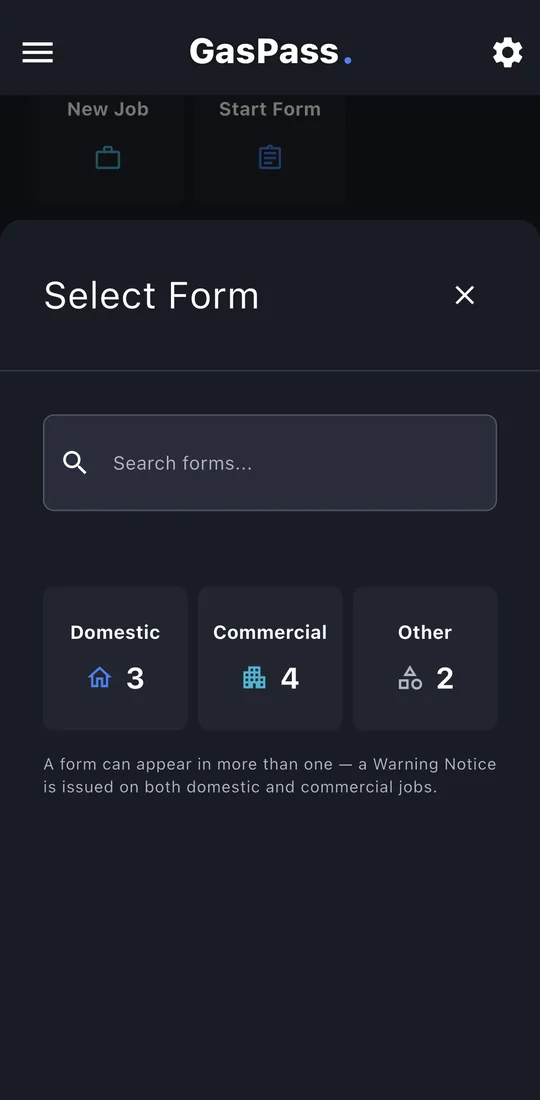
1Start the form
Open the customer, then the property, and tap Start Form. Pick the form, or search for it. On a job, use the job's Start a form instead and it's filed with the job.
-
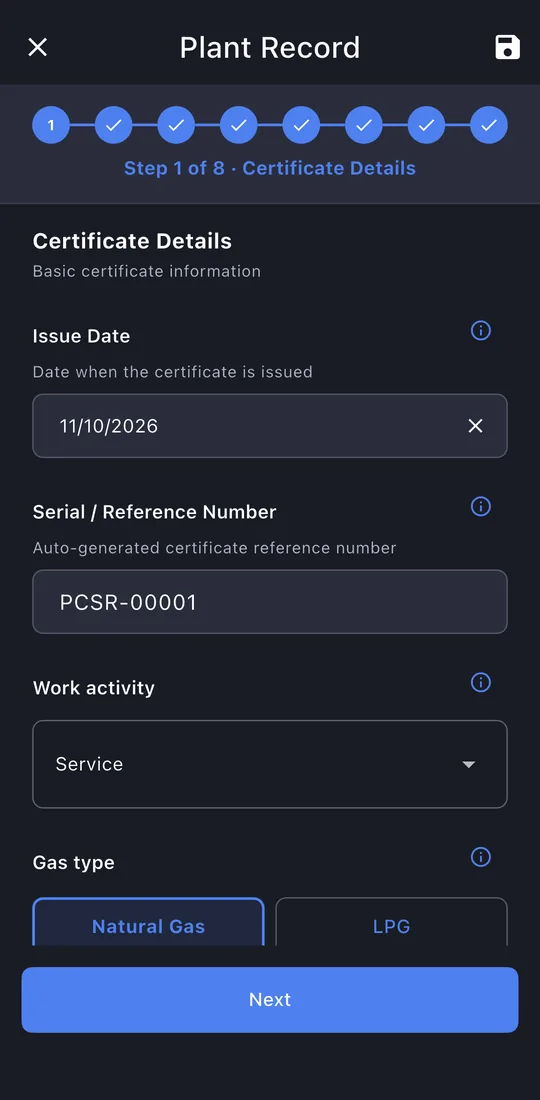
2Certificate details
The work activity (commissioning, service, maintenance, breakdown, installation) and the gas type. It decides which checks follow.
-
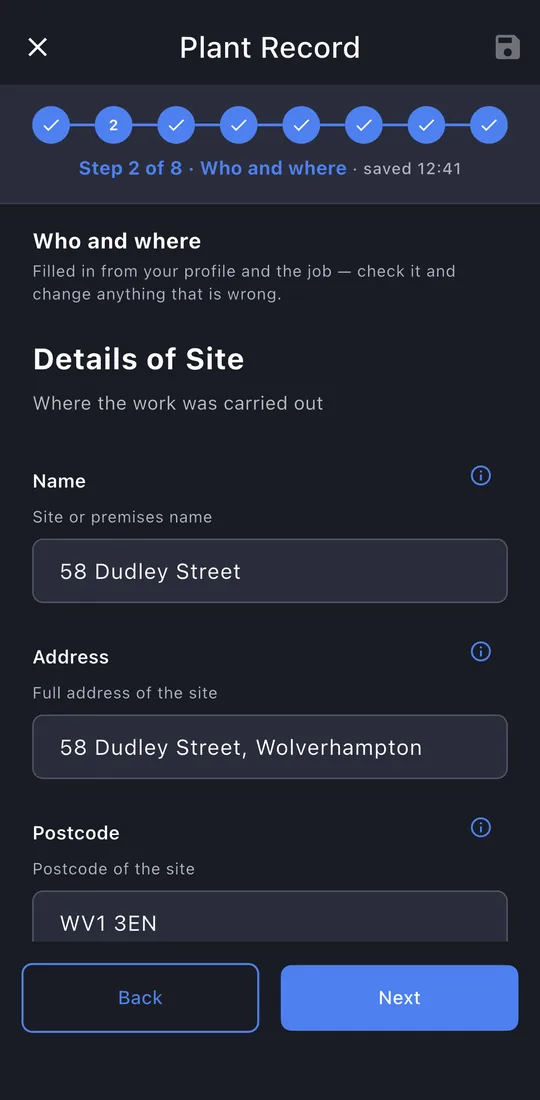
3Who and where
The site, the client if it's a different address, and your business.
-
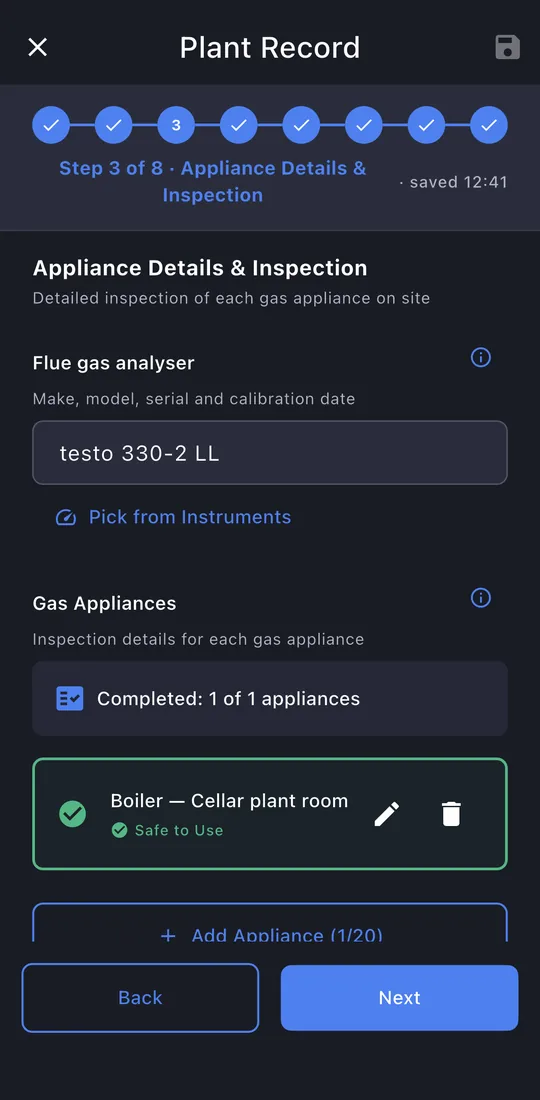
4Appliances
The analyser you used, then each appliance. Tap ✎ to open one.
-
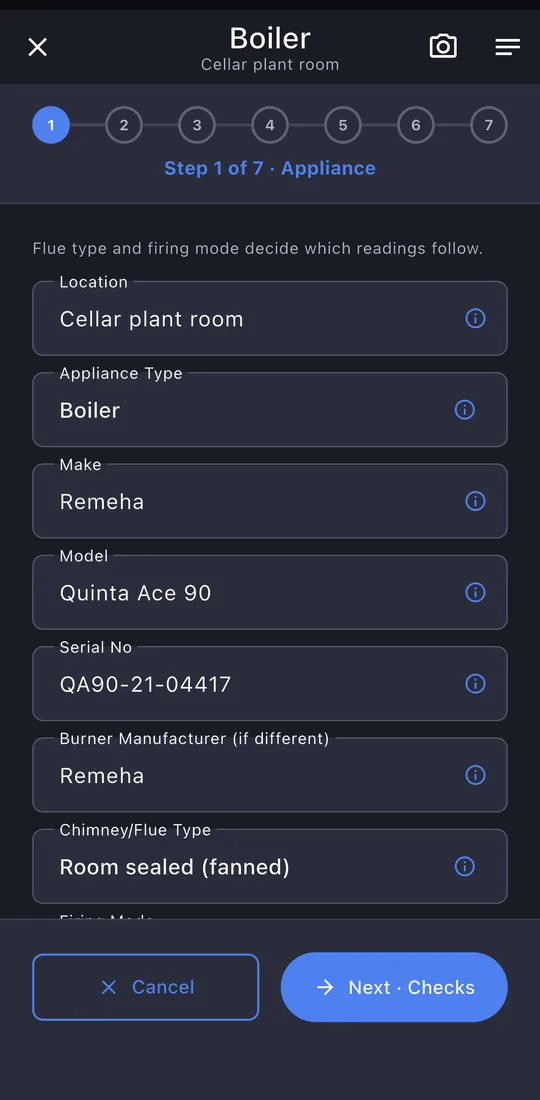
5Appliance details
Type, make and model, serial, burner, flue and firing mode.
-
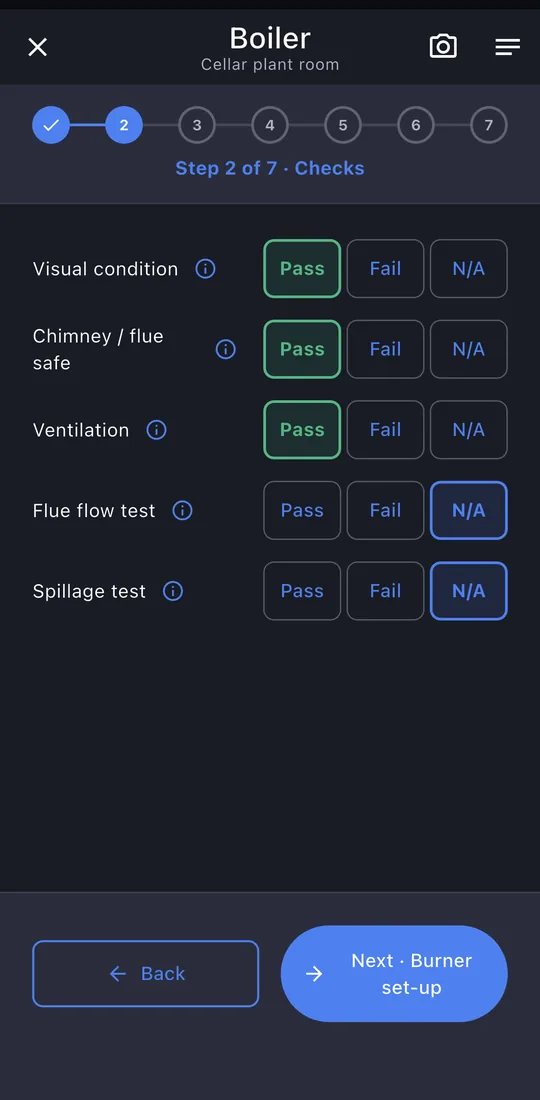
6Checks
Visual condition, chimney or flue, ventilation and the flue tests.
-
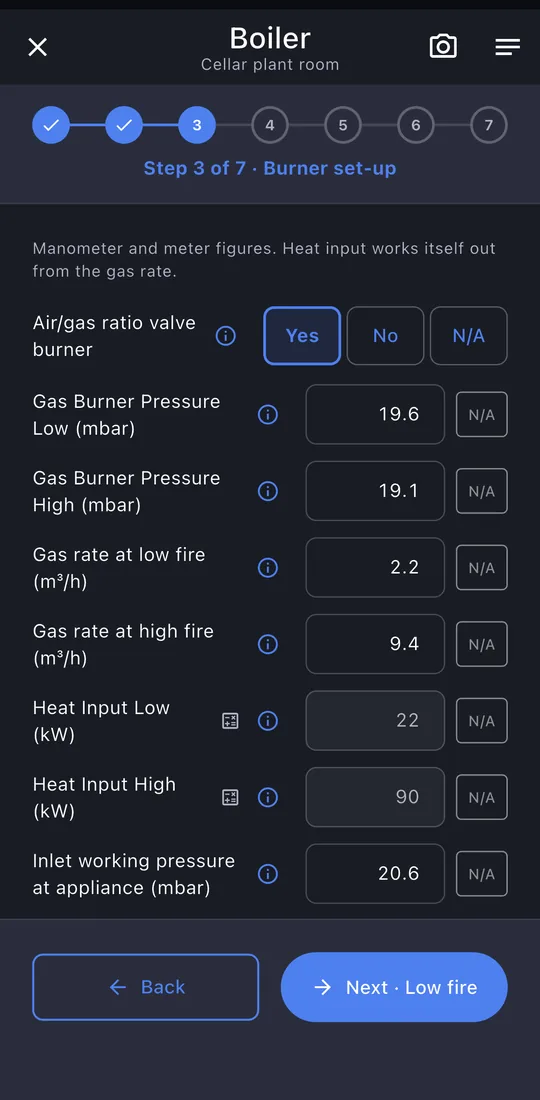
7Readings
Gas pressure, gas rate and heat input at low and high fire, then the analyser readings.
-
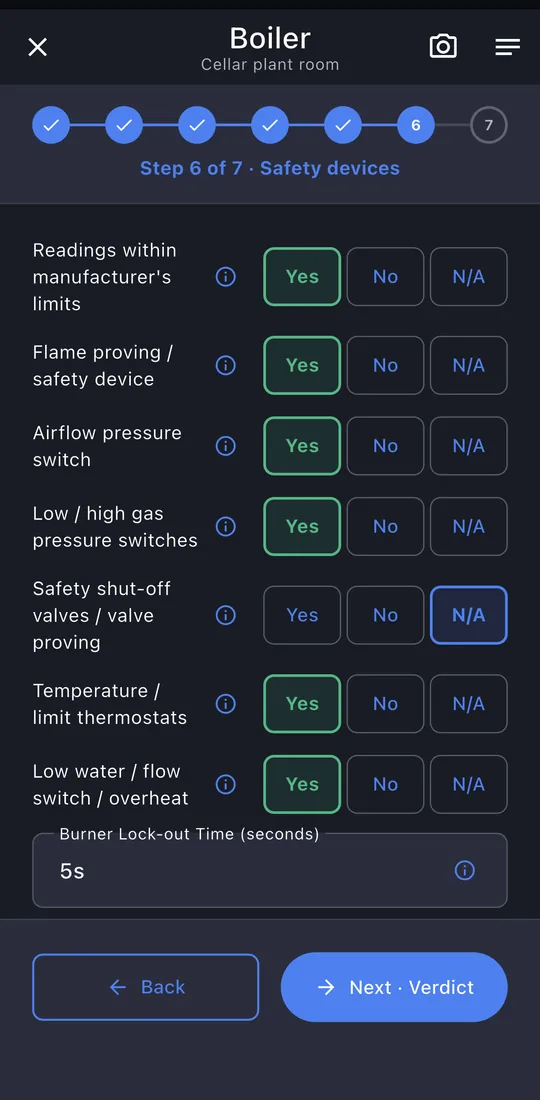
8Controls and verdict
Flame proving, pressure switches, valve proving, thermostats, then serviced, safe and left on.
-
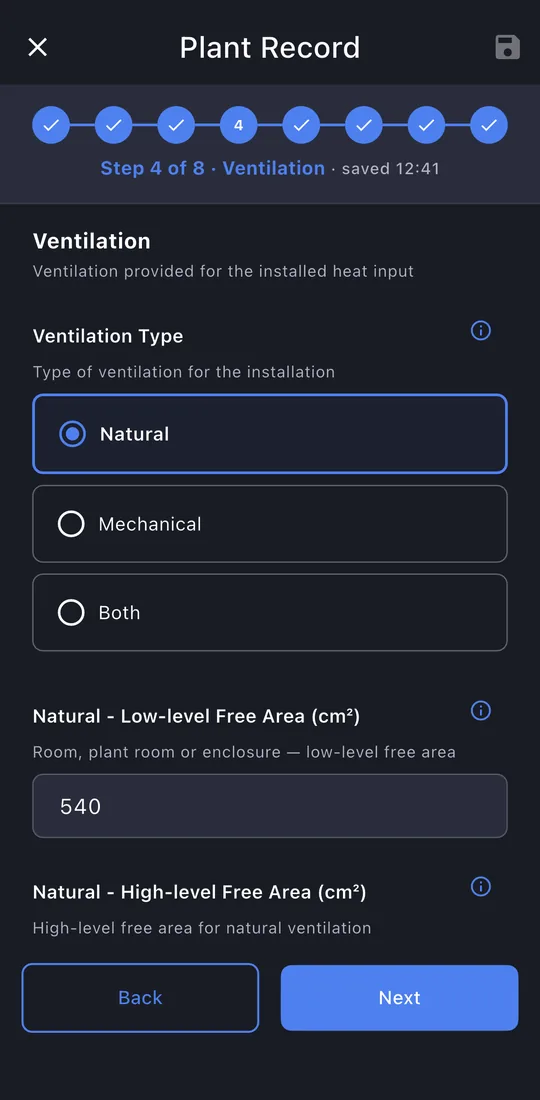
9Ventilation
Natural or mechanical, with the free areas or flow rate.
-
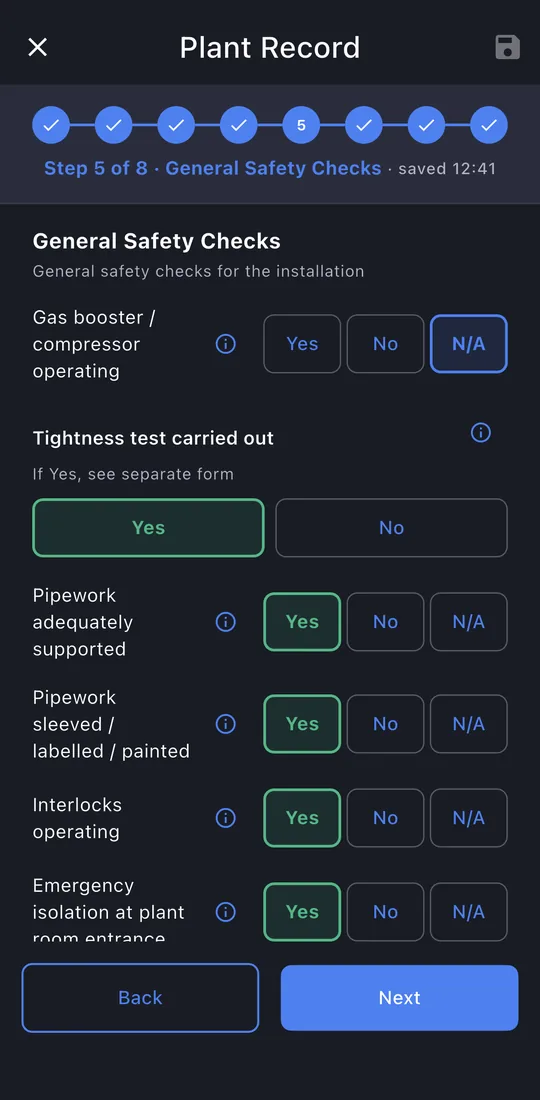
10General safety checks
Booster, tightness test, pipework, interlocks, isolation and notices.
-
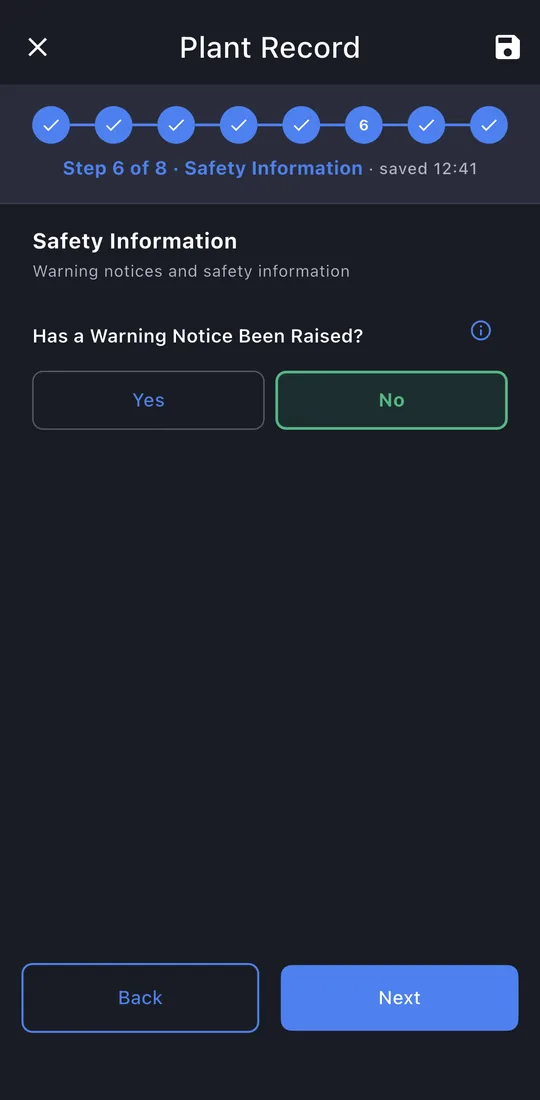
11Safety information
Whether a Warning Notice was raised, and its details if so.
-
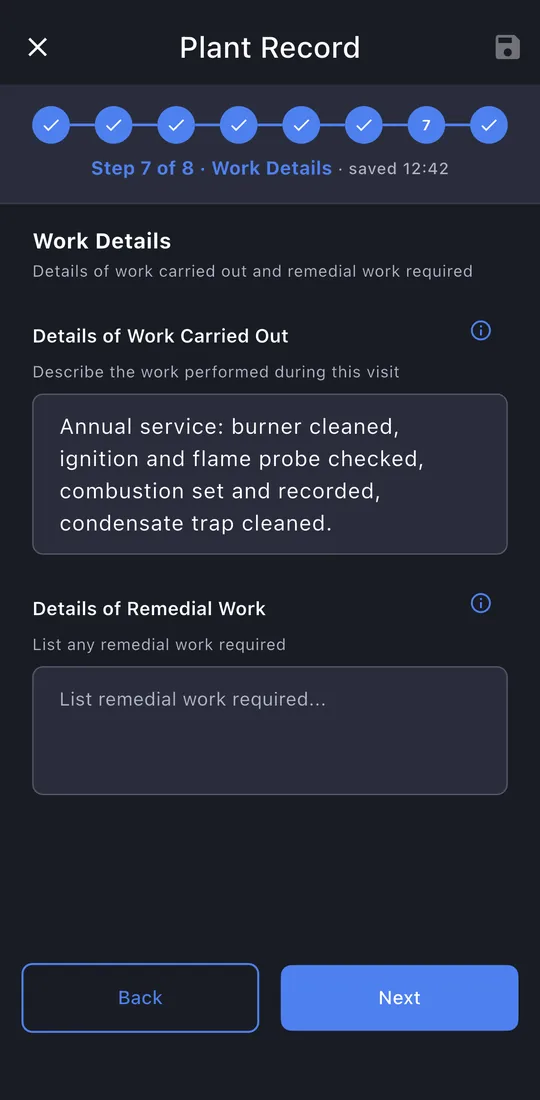
12Work details
What you did, and any remedial work needed.
-
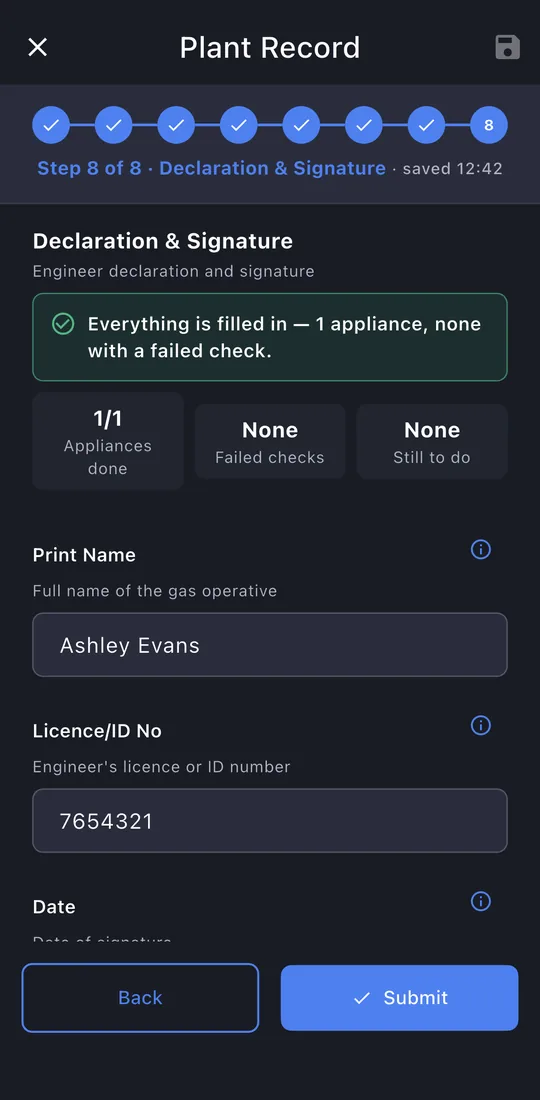
13Declaration
Your signature is filled in. The responsible person signs.
-
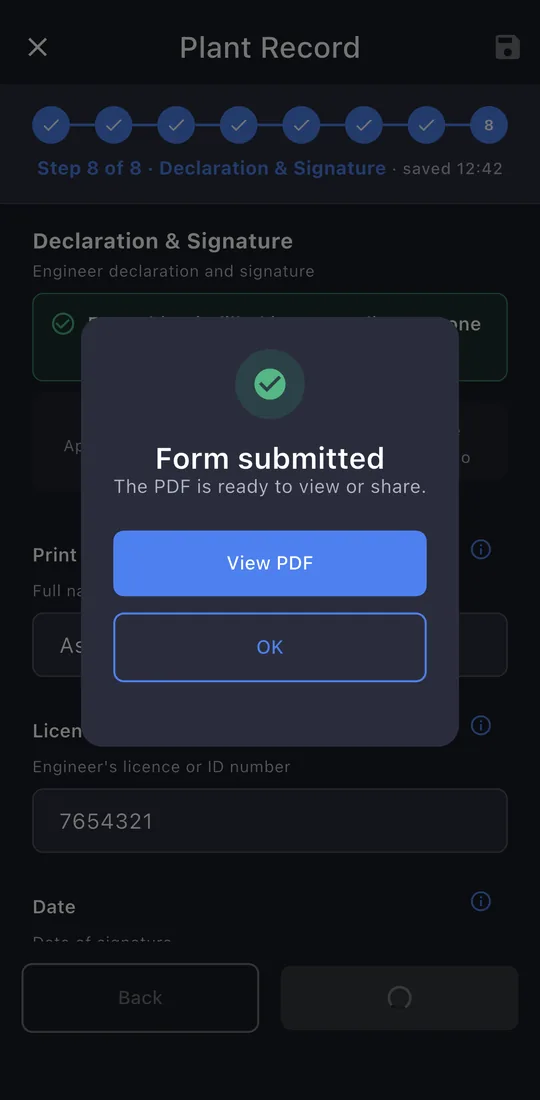
14Submit
The last page shows whether anything is still missing. Tap Submit. The record is locked once it's issued; editing it later makes a new revision, so the one you gave the customer never changes.
-
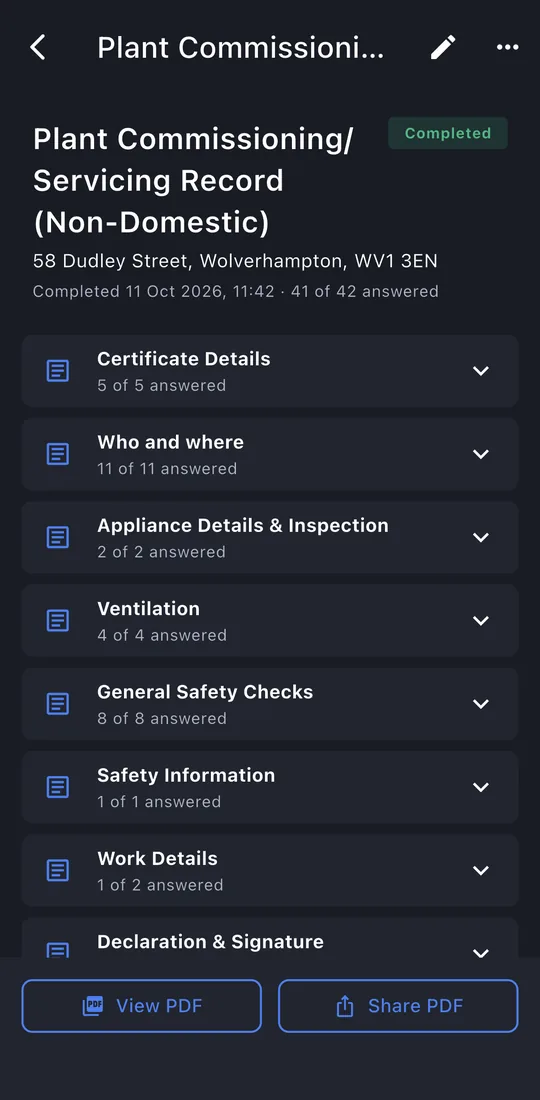
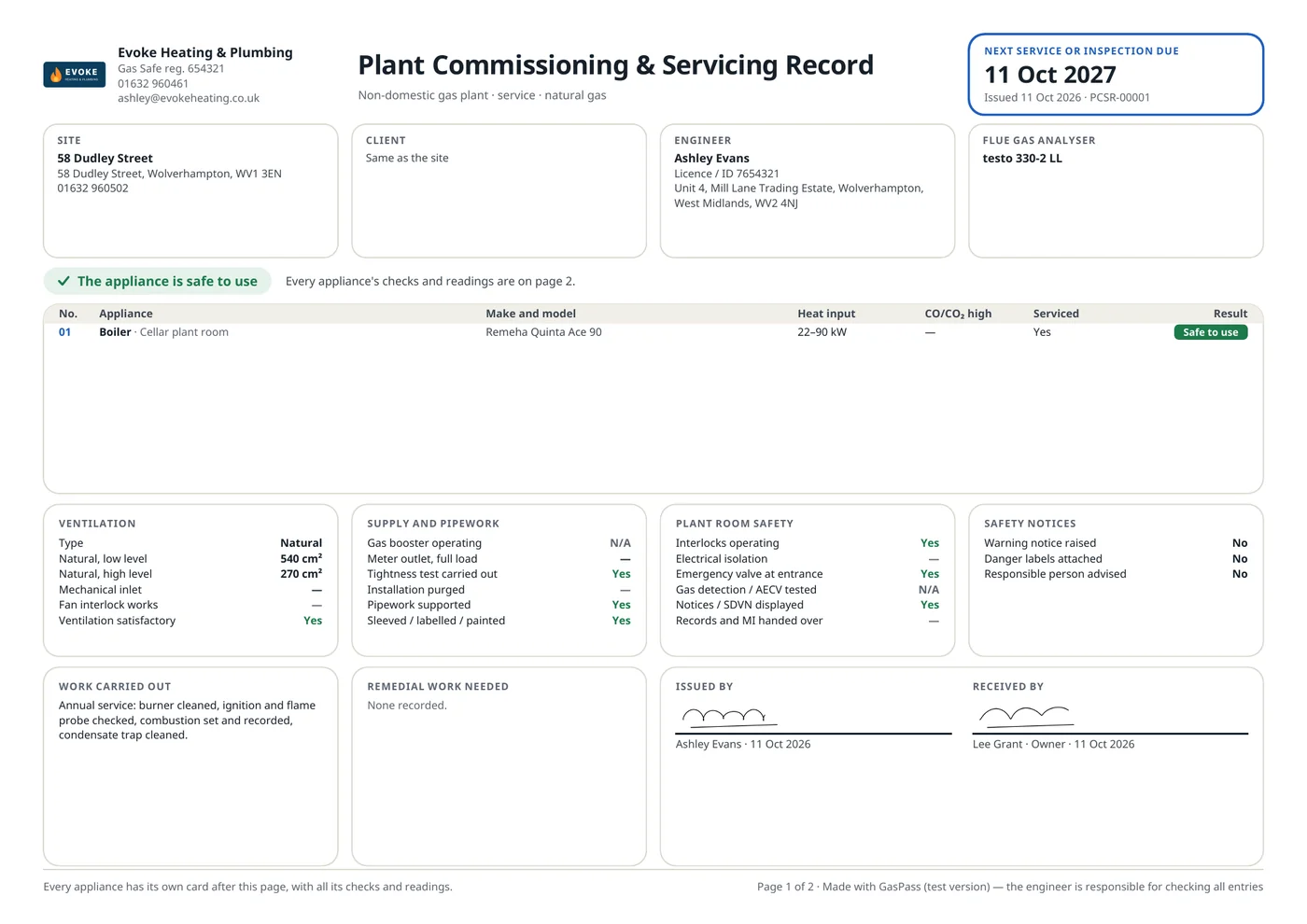
15The record
View PDF or Share PDF: the email is written for you, to the customer, with the PDF attached. The record is kept on the property's Work tab.