 GasPass
 Guides › Forms
12. Warning Notice
When a gas safety record finds something unsafe, the Warning Notice is started for you from it, already filled in.
-
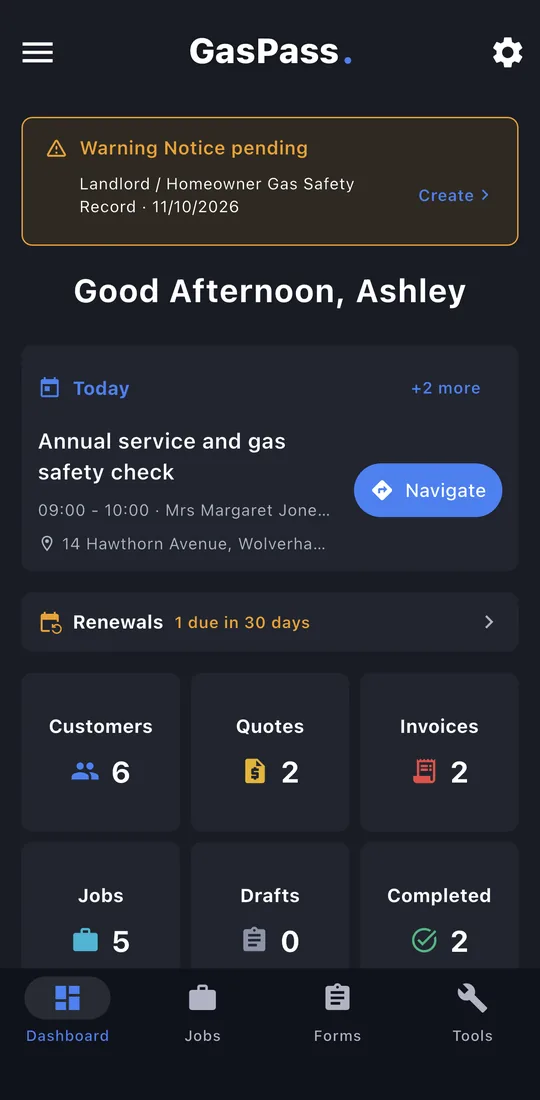
1Warning Notice pending
A gas safety record that said a notice is needed shows on the dashboard until the notice is done. Tap Create. You can also start one from the record or the property's Work tab, or as any other form.
-
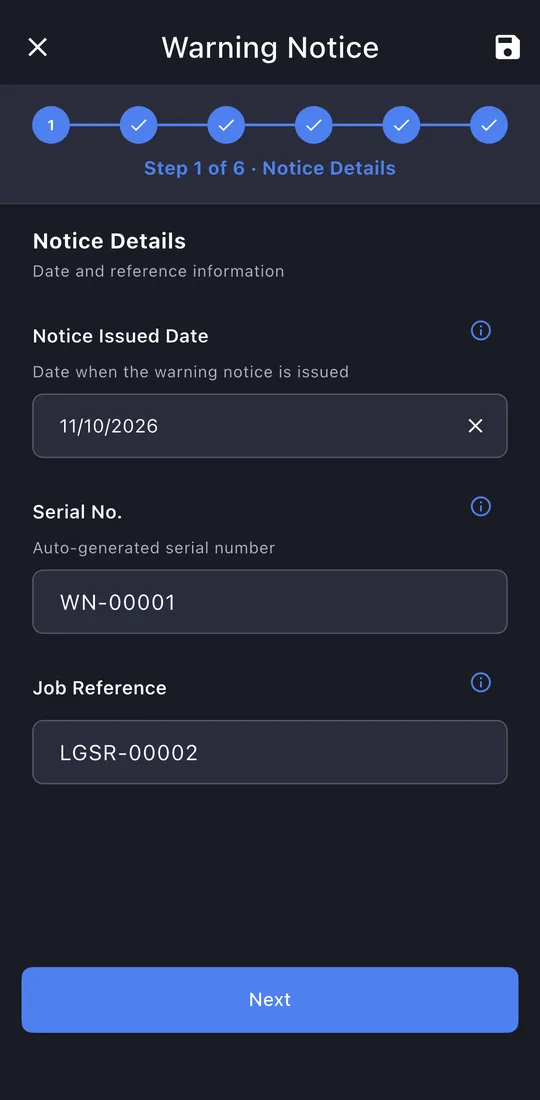
2Notice details
The date and its own WN serial, with the record's job reference.
-
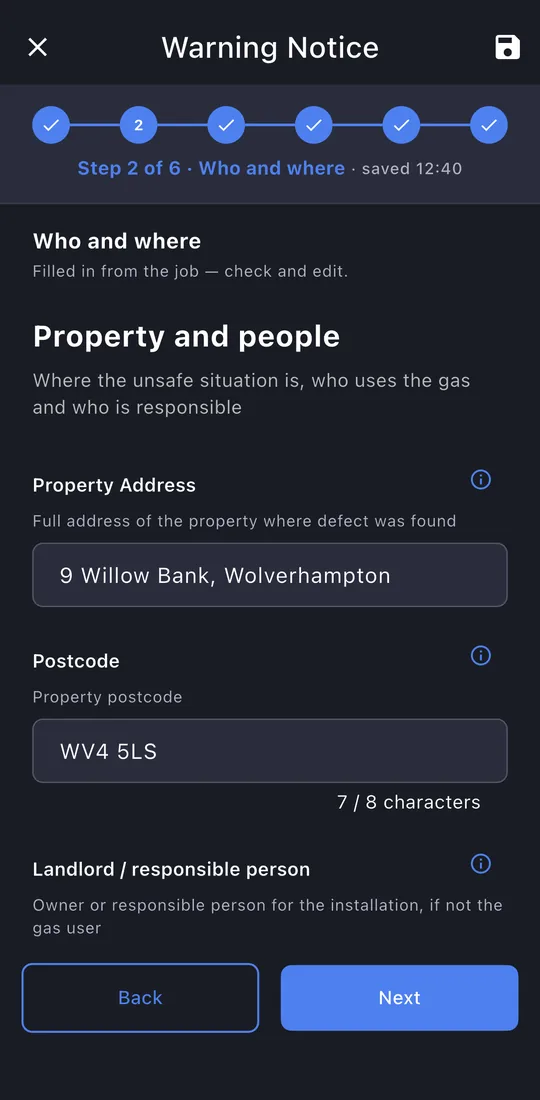
3Who and where
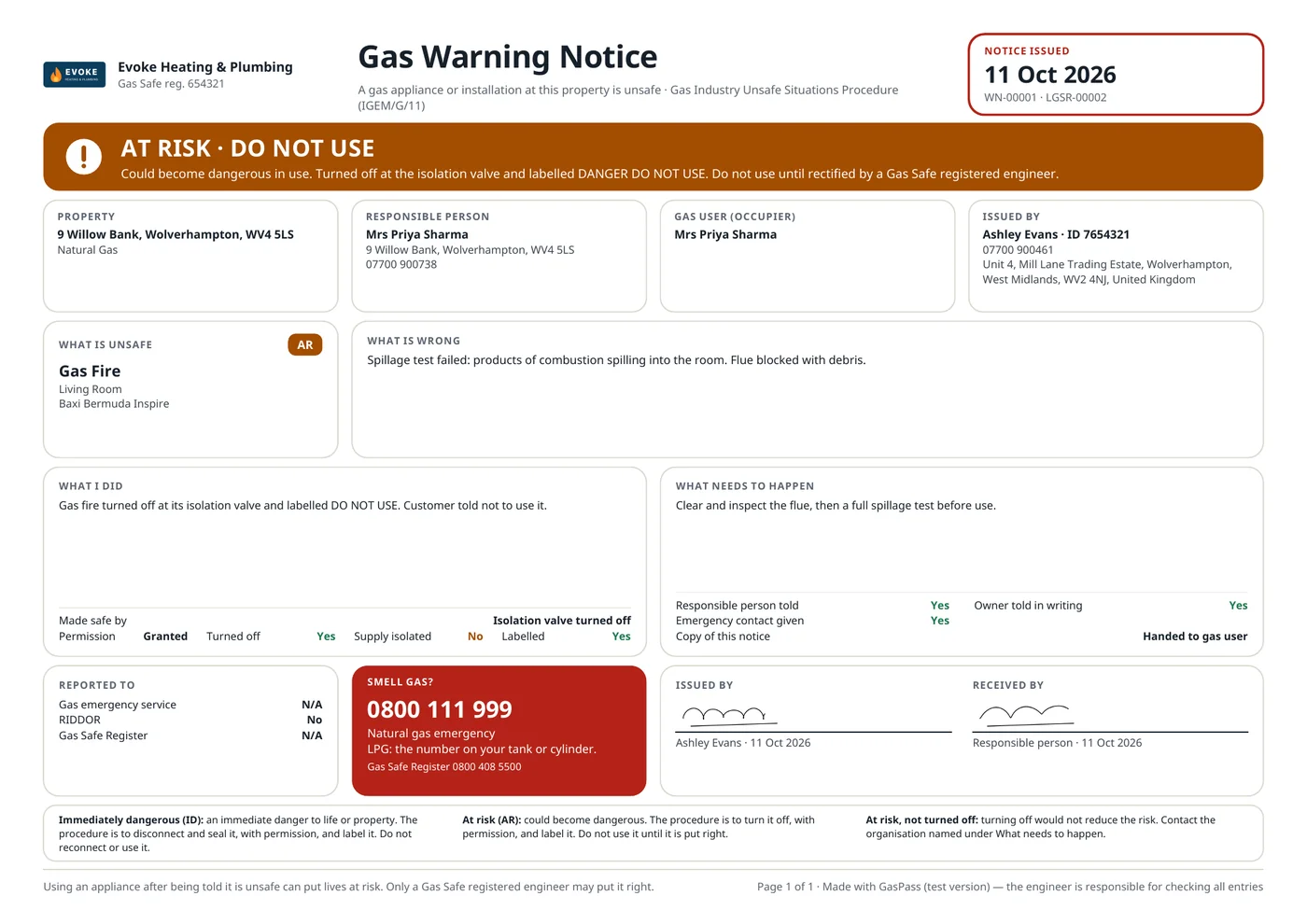
The property, the responsible person and the gas user, and you as the engineer, all filled in from the record.
-
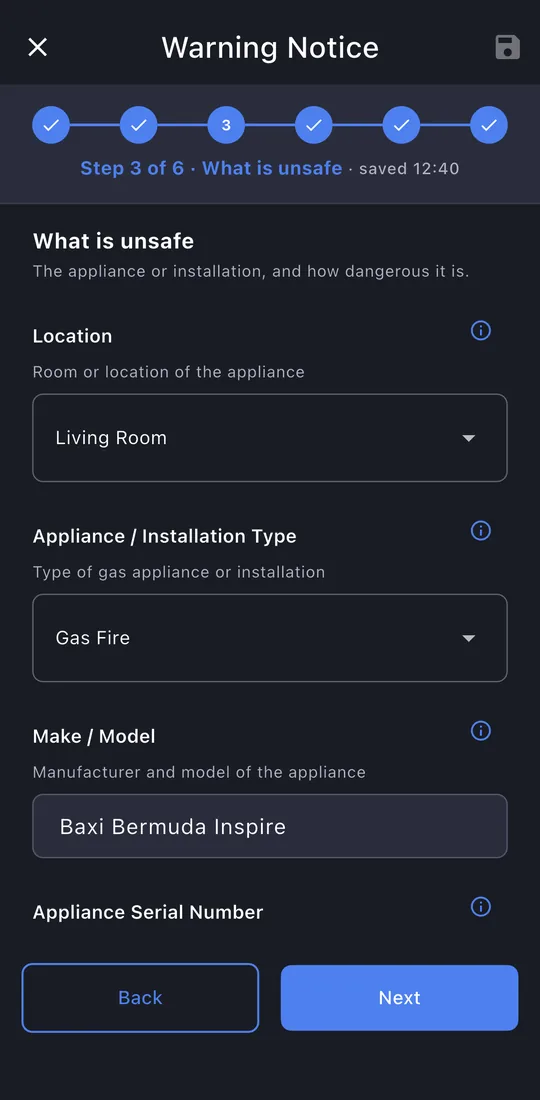
4What is unsafe
The appliance or installation and its classification: Immediately Dangerous, At Risk, or At Risk, not turned off.
-
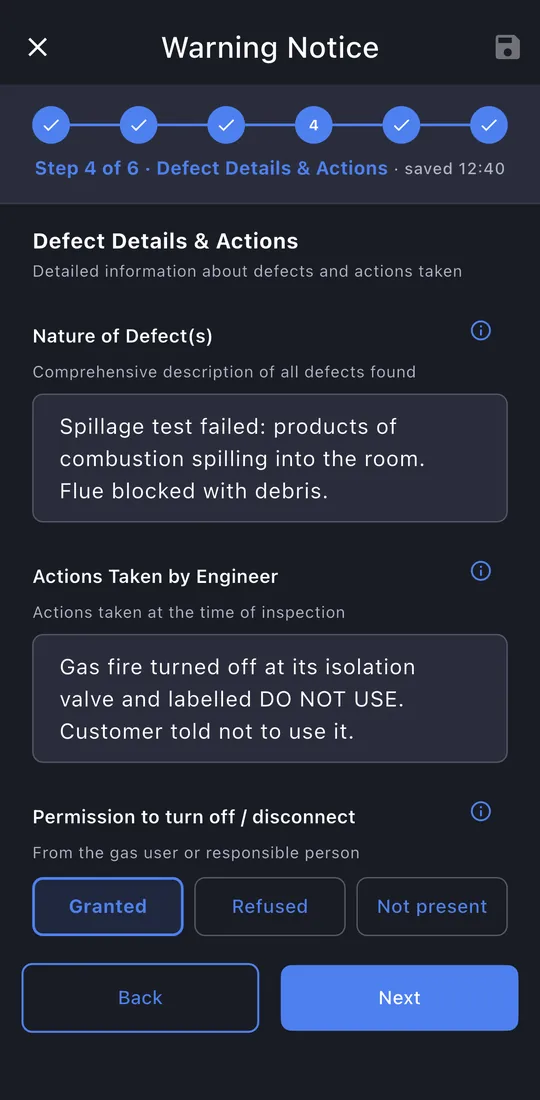
5Defect and actions
What's wrong and what you did: permission, how it was made safe, the label, and who was told (gas emergency service, RIDDOR, Gas Safe Register).
-
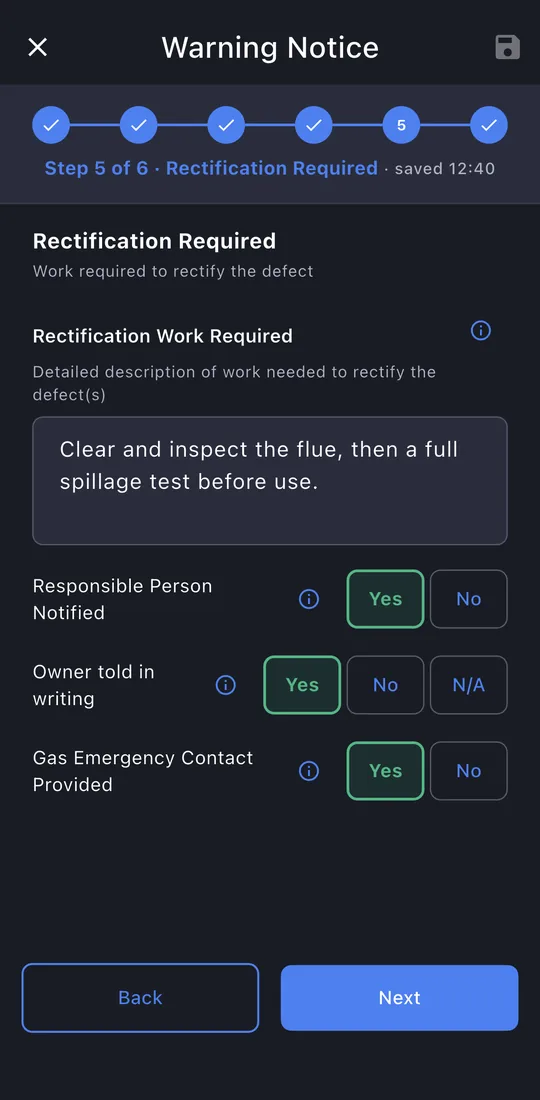
6Rectification
What needs to happen before it can be used, and that the responsible person was told.
-
7Signatures
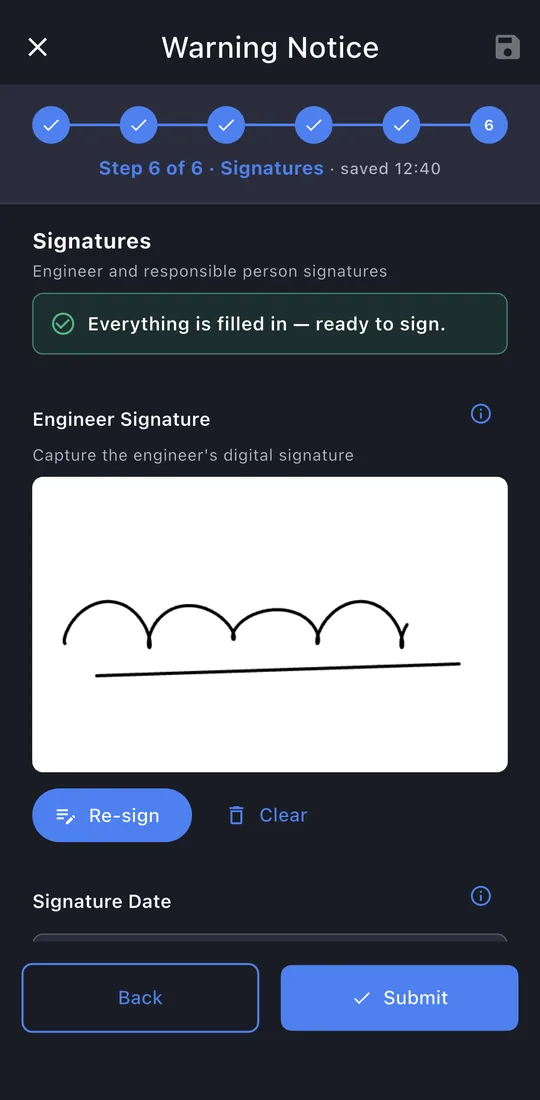
Your signature is filled in. The responsible person signs, and you record how they got their copy.
-
8Submit
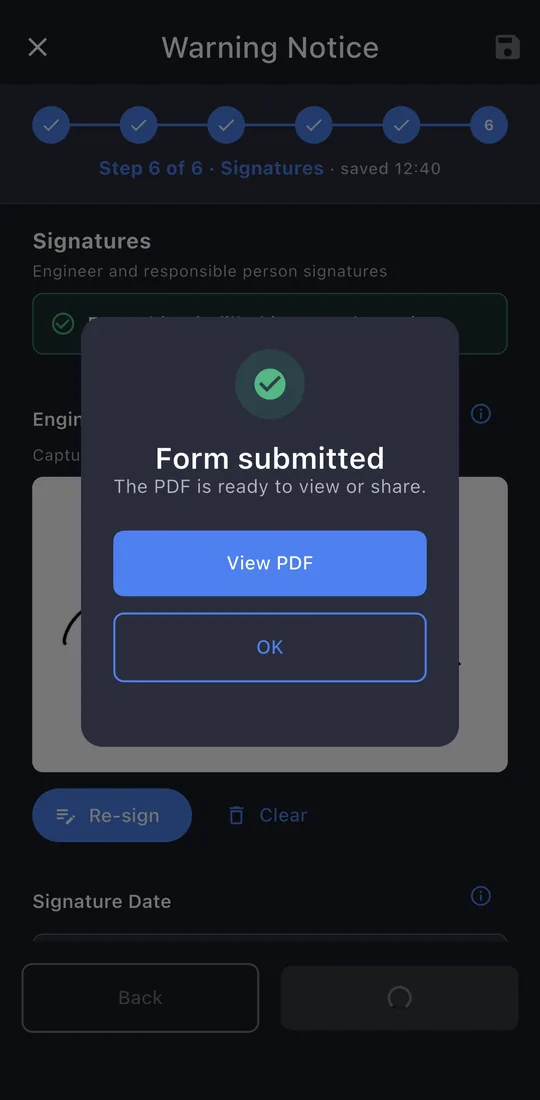
The last page shows whether anything is still missing. Tap Submit. The record is locked once it's issued; editing it later makes a new revision, so the one you gave the customer never changes.
-
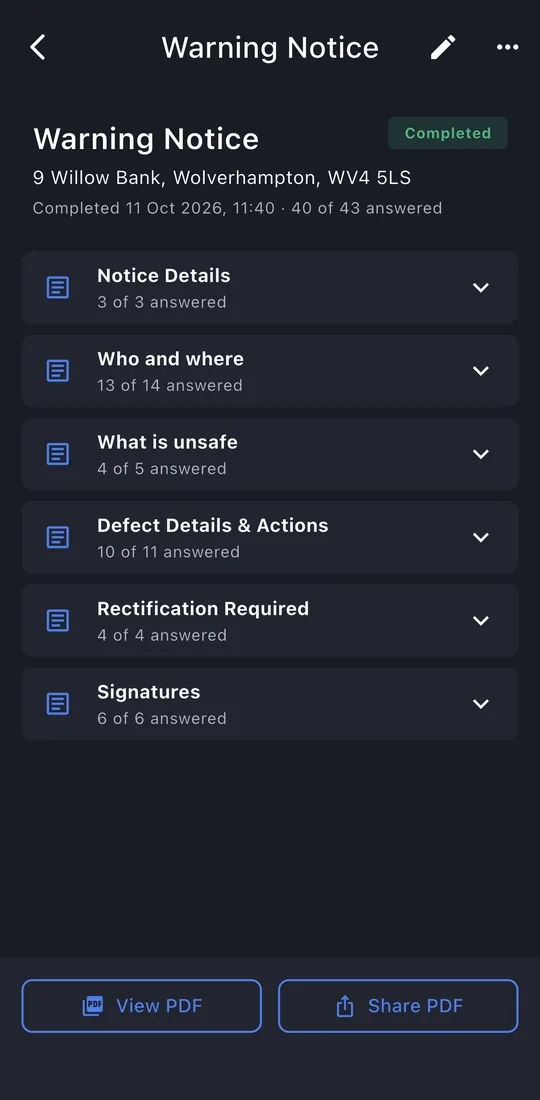
9The record
View PDF or Share PDF: the email is written for you, to the customer, with the PDF attached. The record is kept on the property's Work tab.