 GasPass
 Guides › Your work
4. Properties and appliances
Every customer has one or more properties. Each property keeps its own appliance register, photos, documents, EPC and history of certificates.
-
1A customer's properties
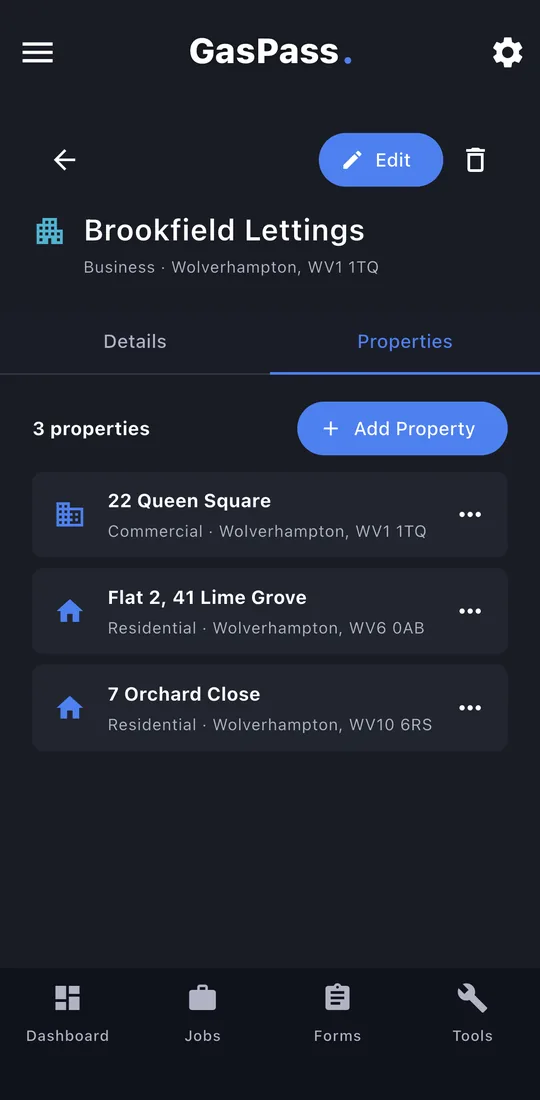
Open a customer and tap the Properties tab. A landlord or letting agent can have as many as you need. Tap Add Property for another.
-
2Name and type
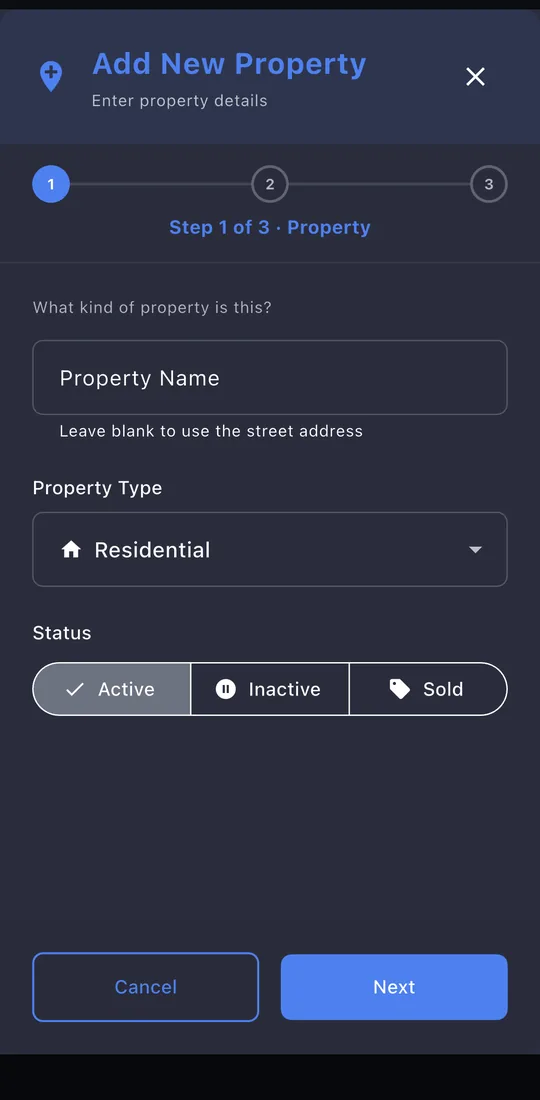
Leave the name blank and the street is used. Choose Residential or Commercial, and whether it's active, inactive or sold.
-
3The address
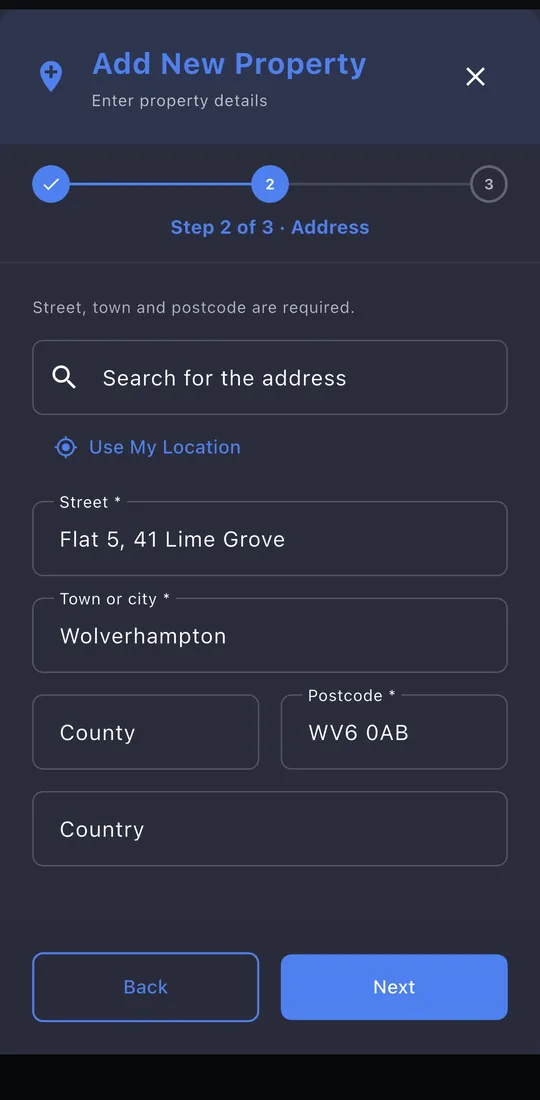
Search for it, tap Use My Location, or type it in. Street, town and postcode are needed.
-
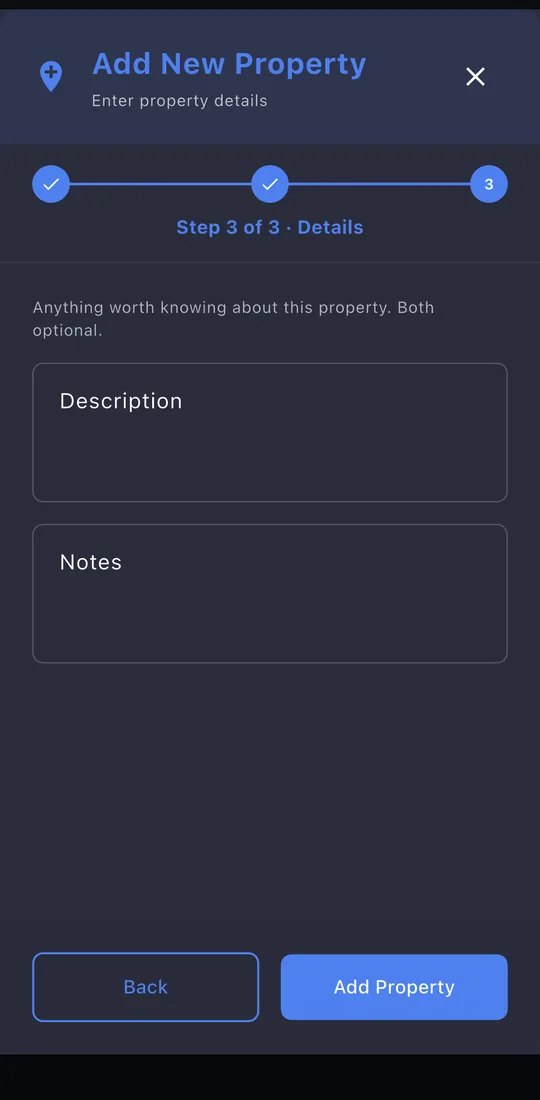
4Details
A description and notes, both optional. Tap Add Property.
-
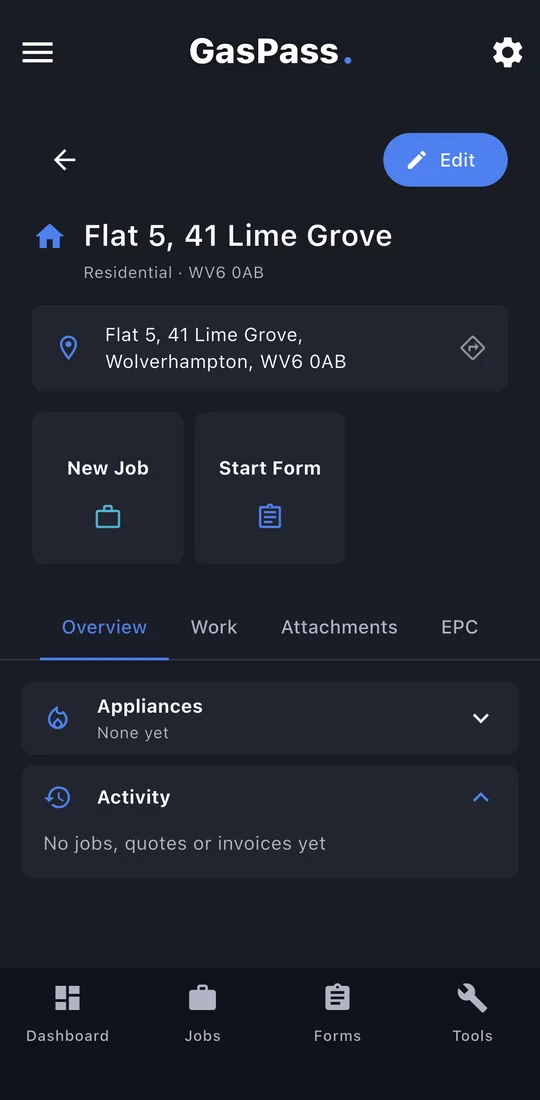
5The property page
Tap a property to open it. From here you can start a New Job or a form, with the customer and property already chosen. Below are four tabs: Overview, Work, Attachments and EPC.
-
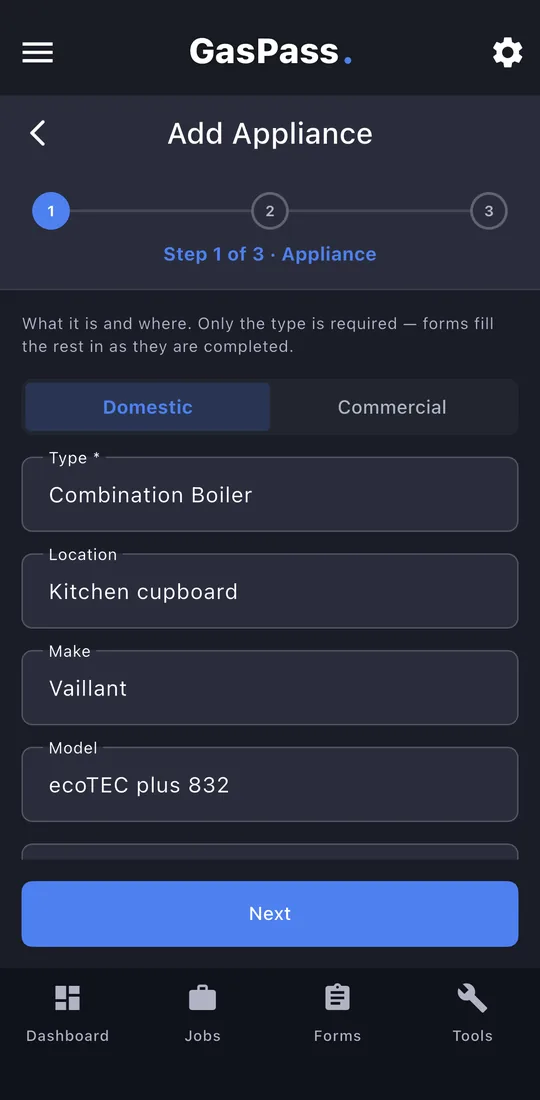
6Add an appliance
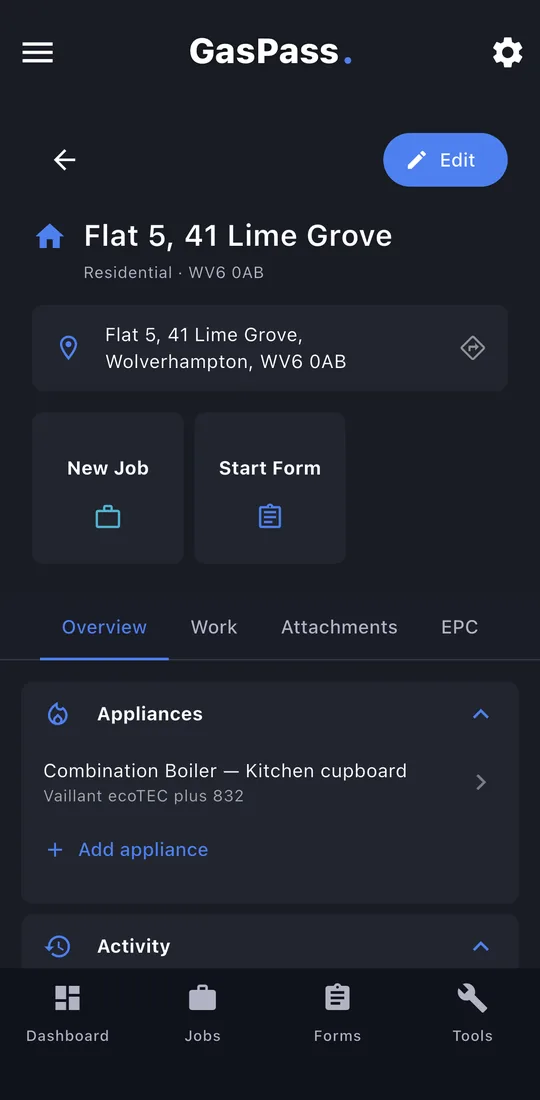
Under Appliances, tap Add appliance. Only the type is required. On an iPhone, the serial and GC number fields can read the data badge with the camera.
-
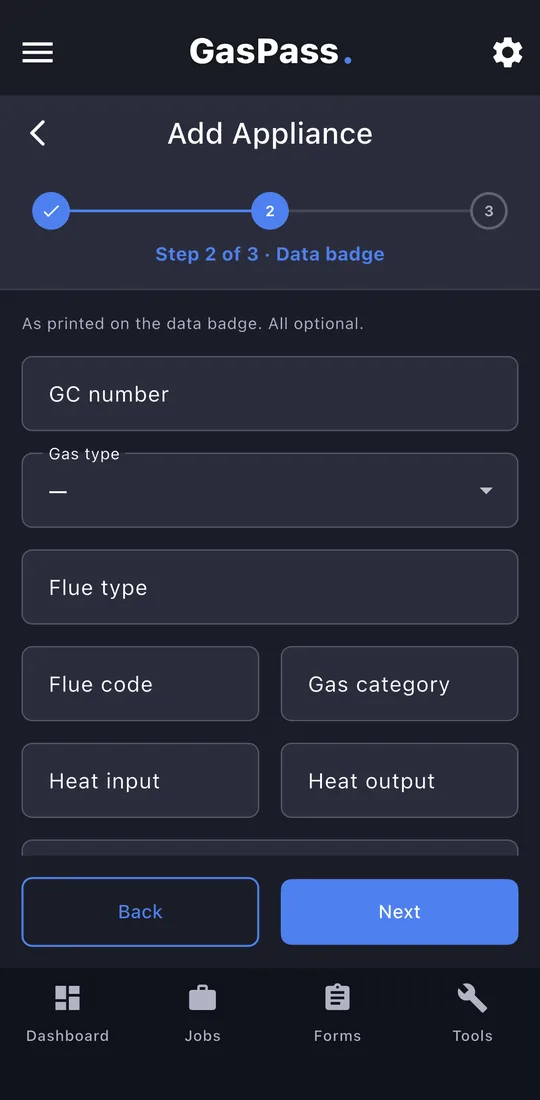
7The data badge
Everything printed on the badge: GC number, gas type, flue, heat input and output. All optional.
-
8The appliance page
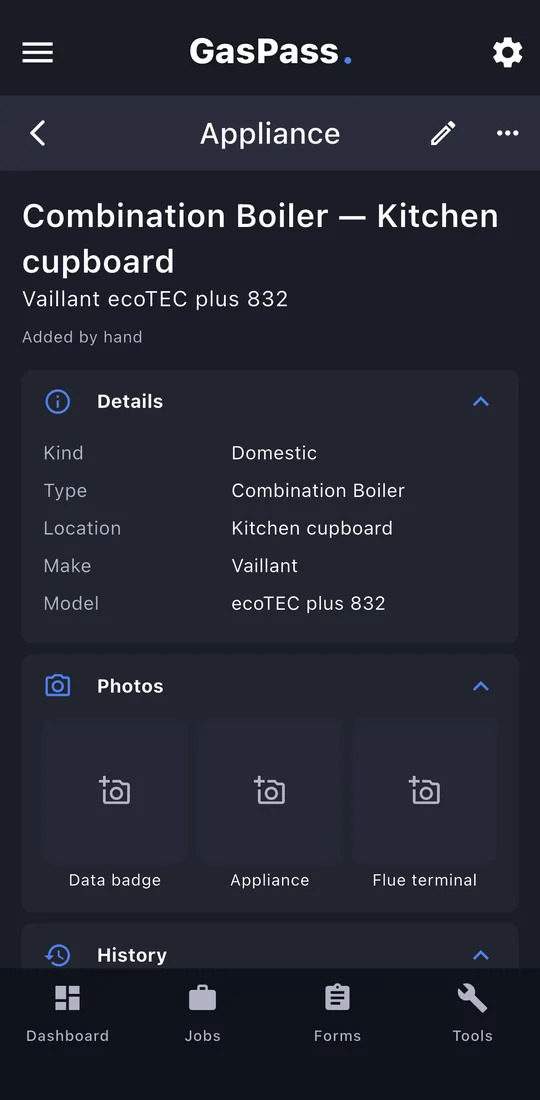
Its details, photos of the data badge, appliance and flue terminal, and its history: every certificate it has been on.
-
9The register
Appliances you add here are offered on the next certificate at this property, so you don't type them in again. Completing a certificate also adds its appliances to the register.
-
10Photos and documents
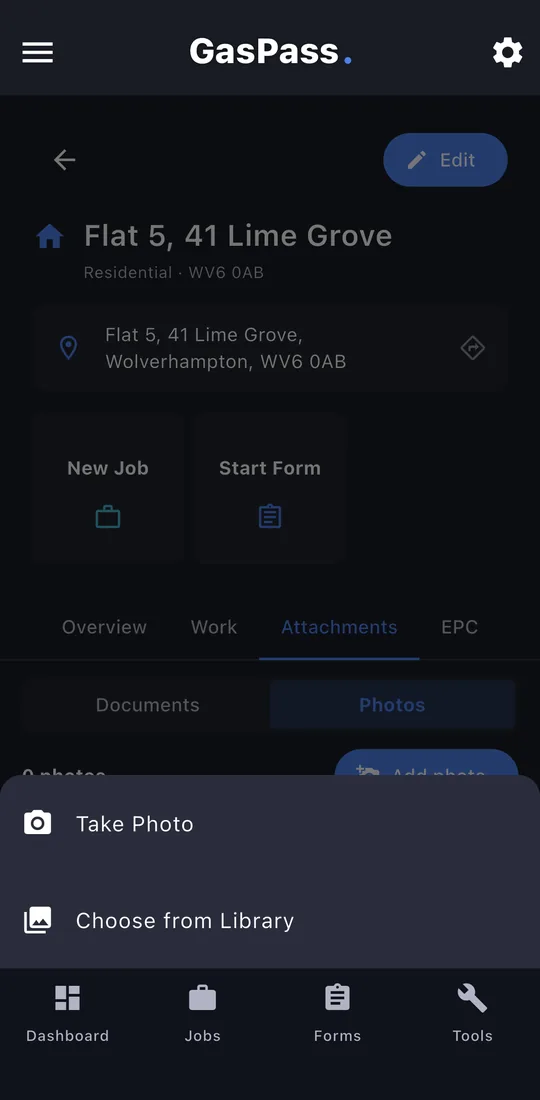
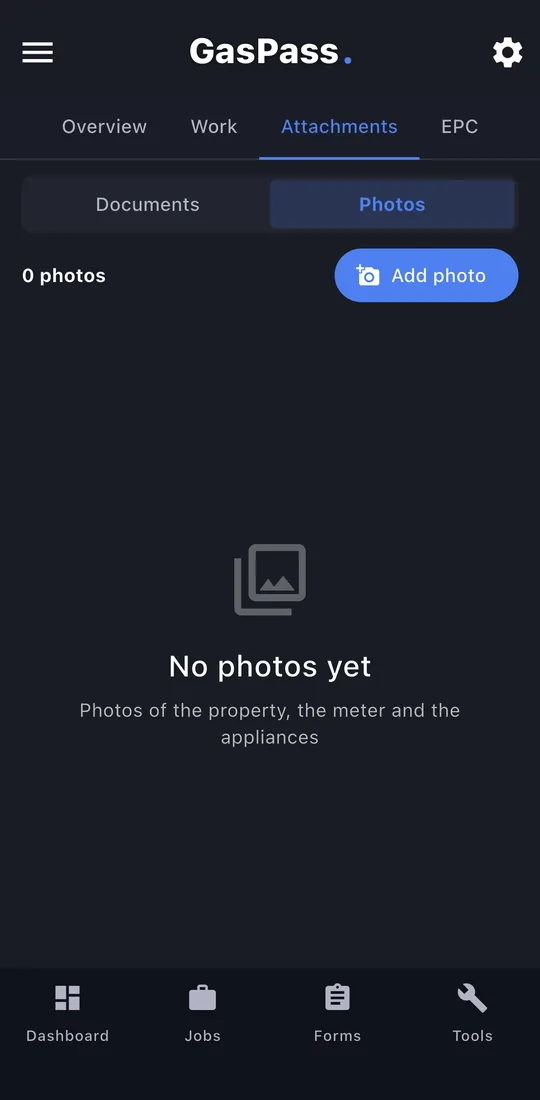
Attachments keeps paperwork (PDF, Word, Excel) and photos for the property. Tap Add photo to take one or choose from your library.
-
11EPC
Look up the property's Energy Performance Certificate from the government register by postcode. It needs a free key from the register, once.
-
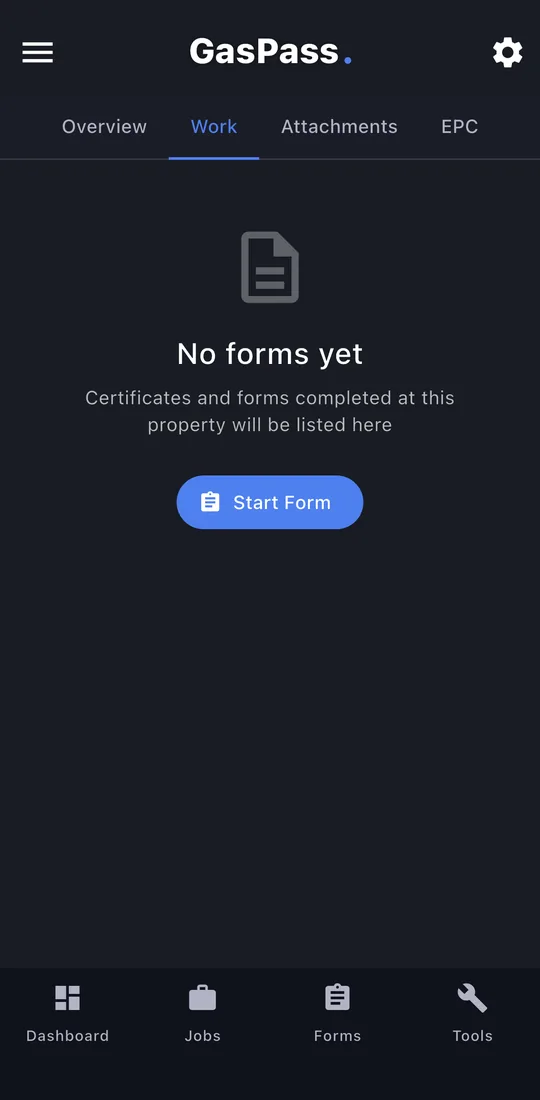
12Work
Every certificate and form done at this property, newest first. Start Form starts a new one here.