 GasPass
Guides › Tools
25. UP1B tightness test
A domestic tightness test to IGEM/UP/1B, one question at a time: the figures before you start, the pass or fail worked out for you, and the result saved to the customer's property.
-
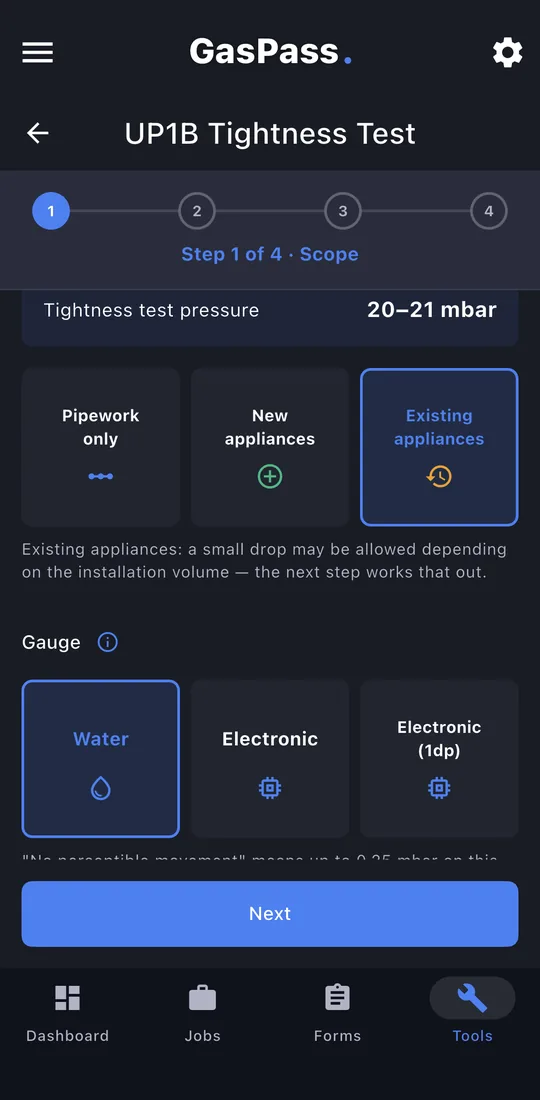
1The test
Gas, existing or new installation, and the gauge. Each answer brings up the next question.
-
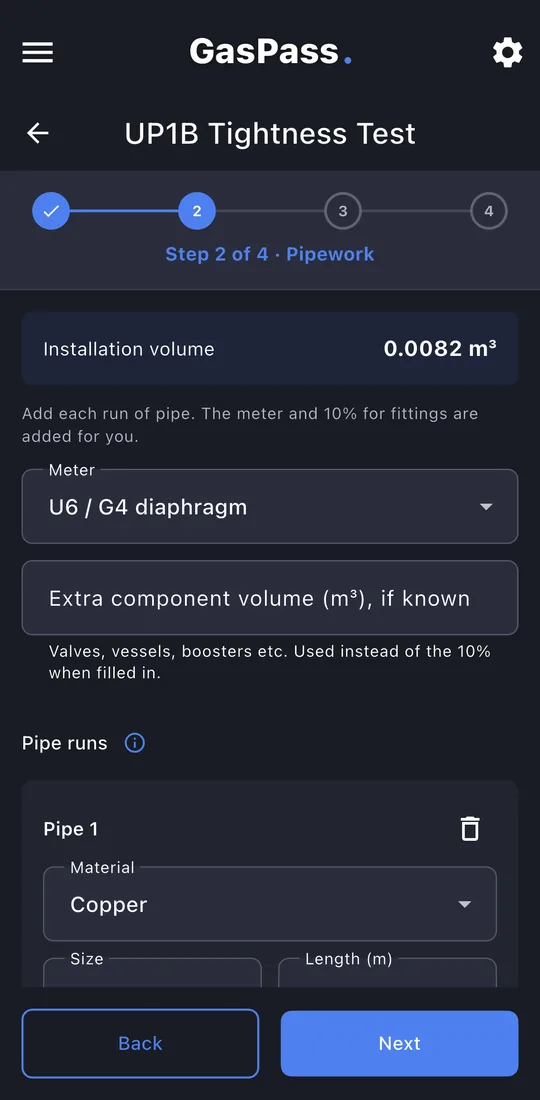
2Pipework
The meter and each run of pipe. The installation volume stays in view at the top, with a bar up to the 0.035 m³ UP/1B limit; go over it and GasPass tells you to test to UP/1A instead.
-
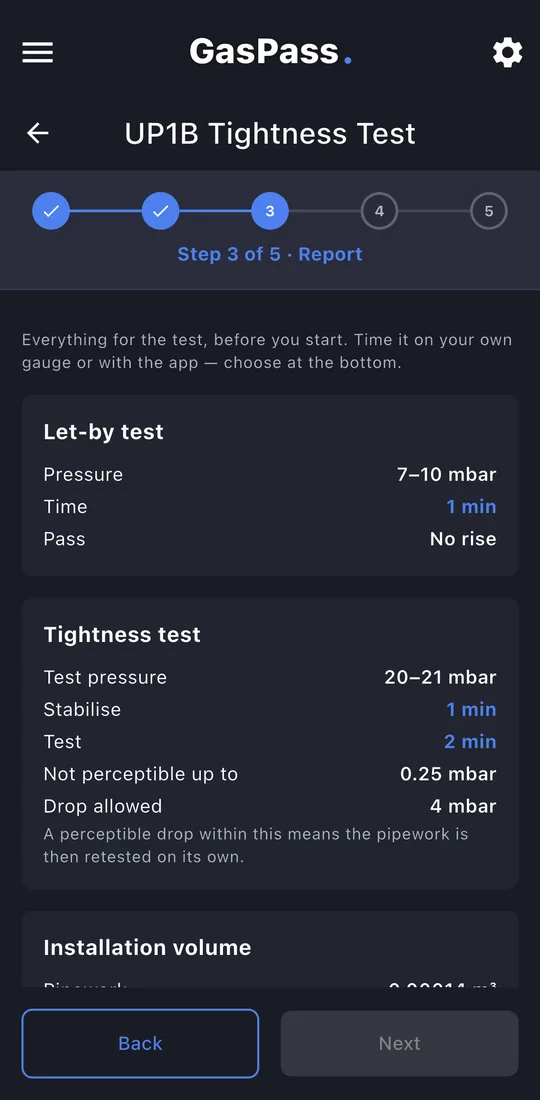
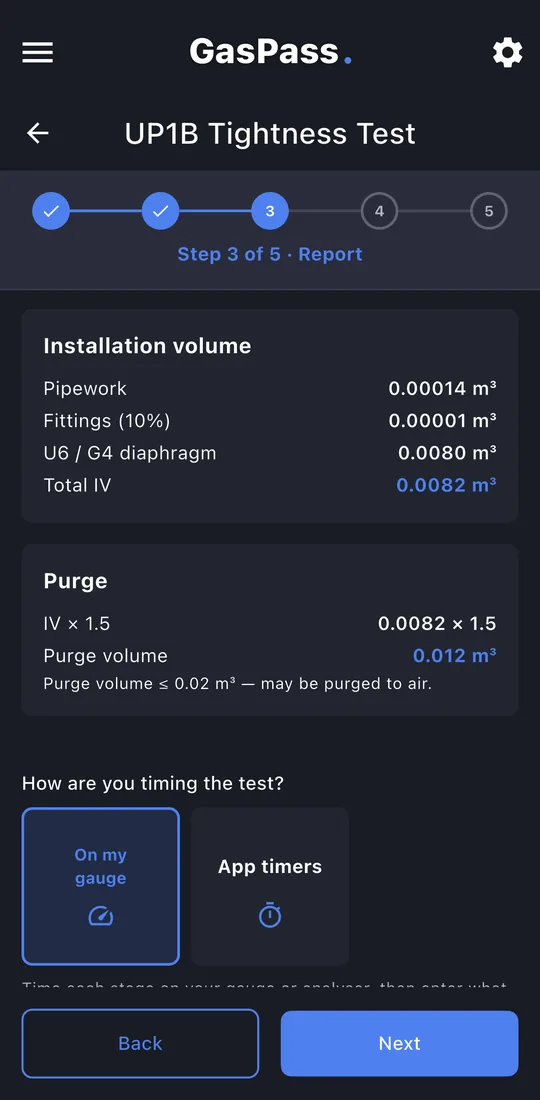
3The report
Everything for the test before you start: let-by and tightness pressures and times, the drop allowed, and the purge volume worked out.
-
4How you time it
On my gauge if your gauge or analyser times the test, or App timers to time each stage in GasPass.
-
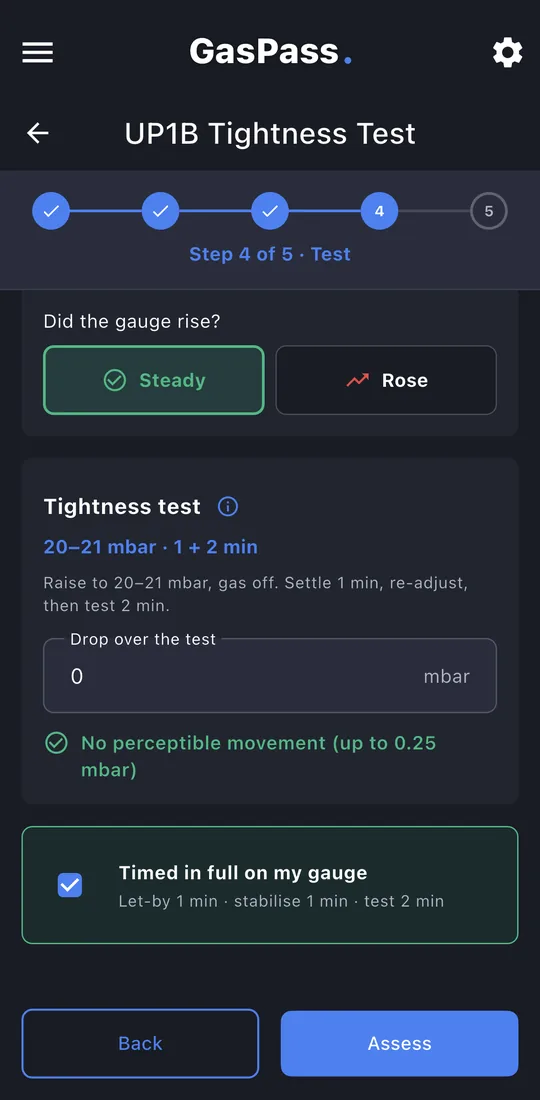
5The test
Did the let-by hold, and the drop over the test: a line under it says straight away whether that passes. On your own gauge, tick that it was timed in full, then Assess.
-
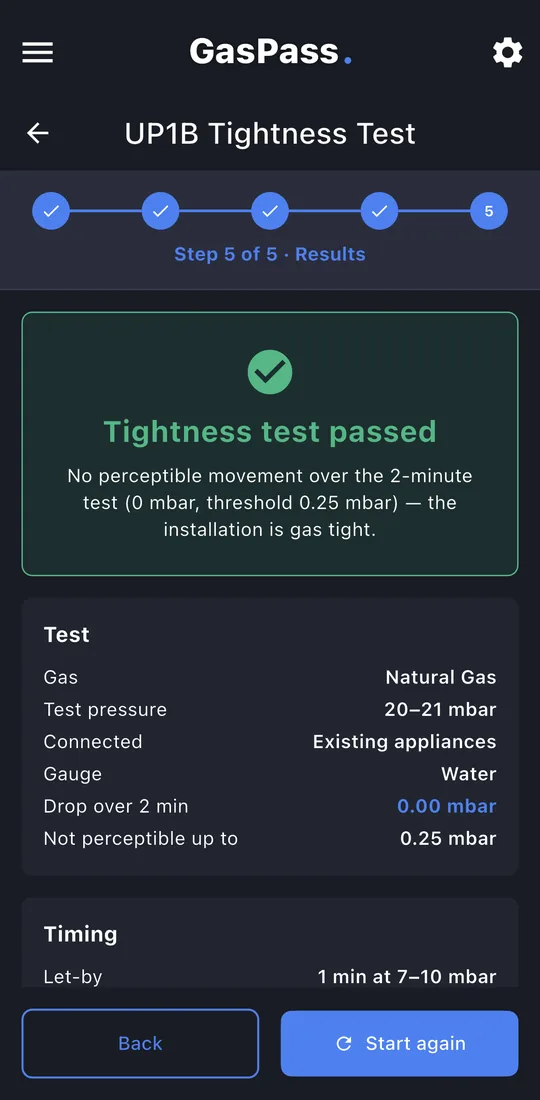
6The result
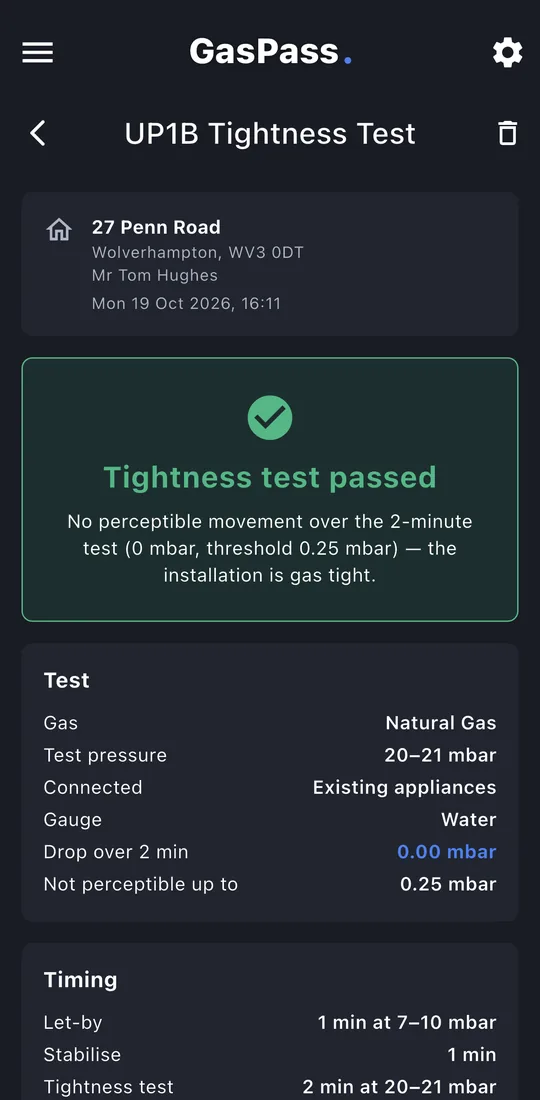
Pass or fail, the timing, the installation volume, the purge and what to do next. Copy or share it.
GasPass shows the standard each answer comes from. Always check results against the current standard and the manufacturer's instructions.
-
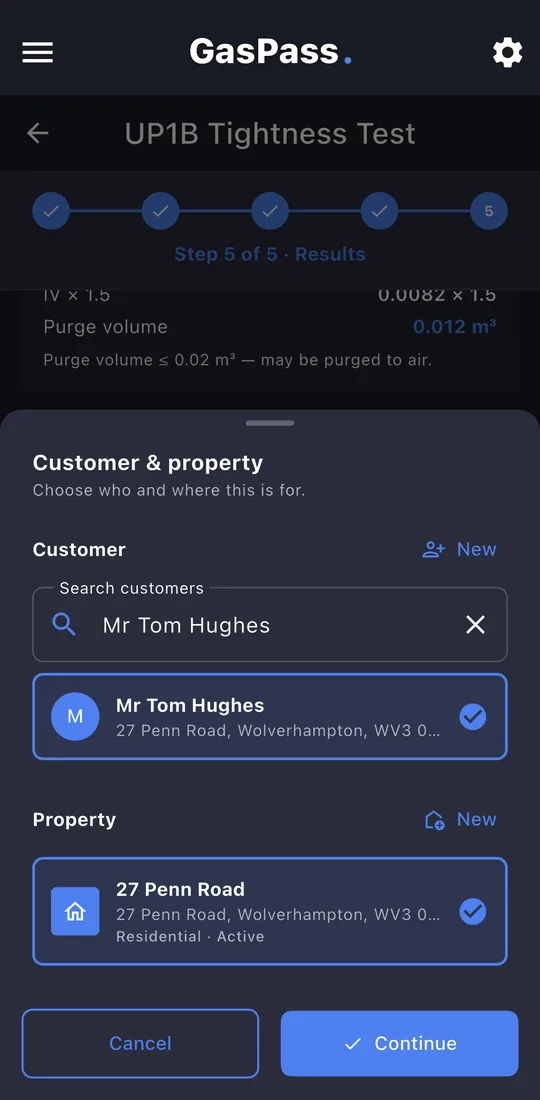
7Save it to the property
Save, then choose the customer and their property. No PDF: the result is kept as it was shown.
-
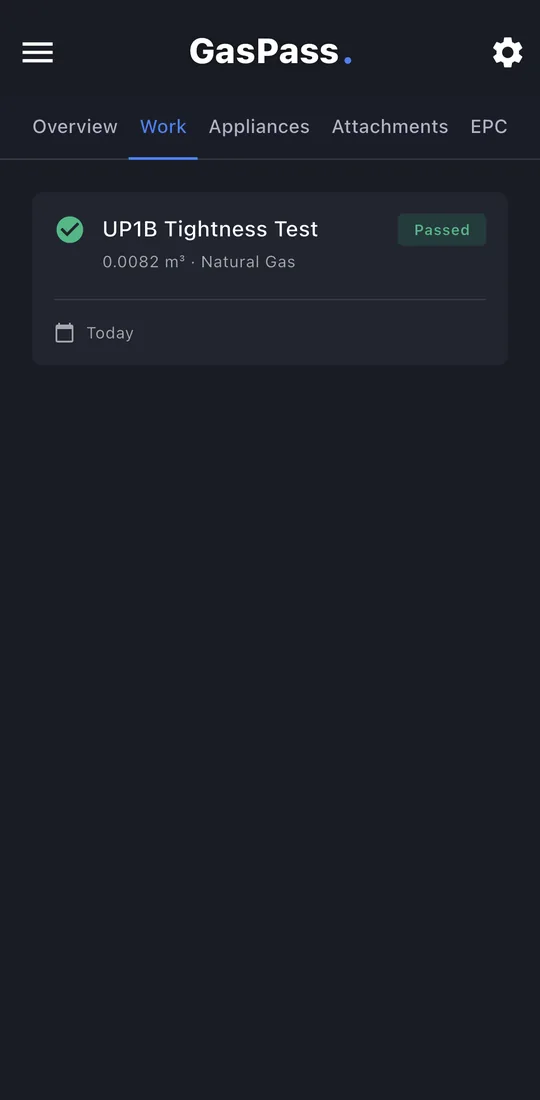
8In the property's Work tab
Saved tests sit with the property's certificates, and under Tests in Completed.
-
9Open it any time
Where and when, and the full result. Copy, share or delete it.